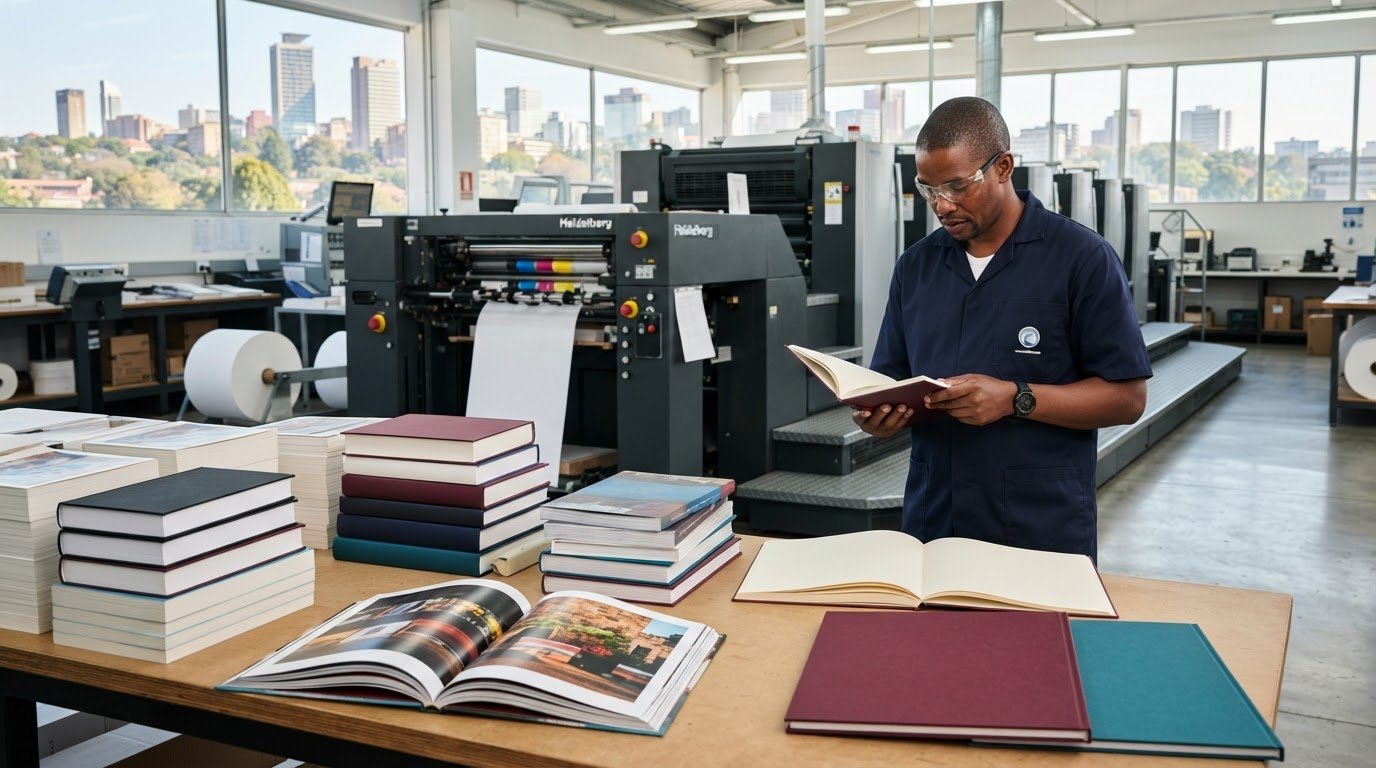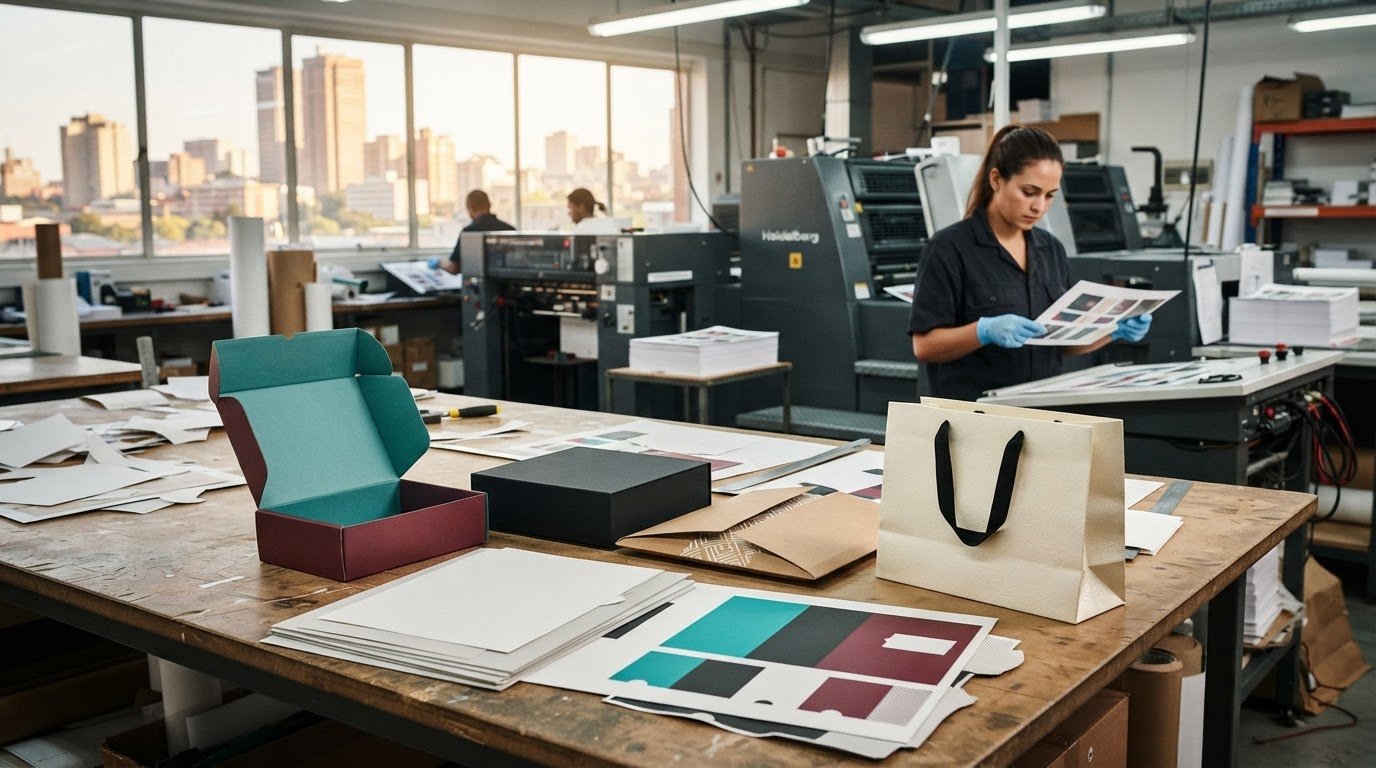
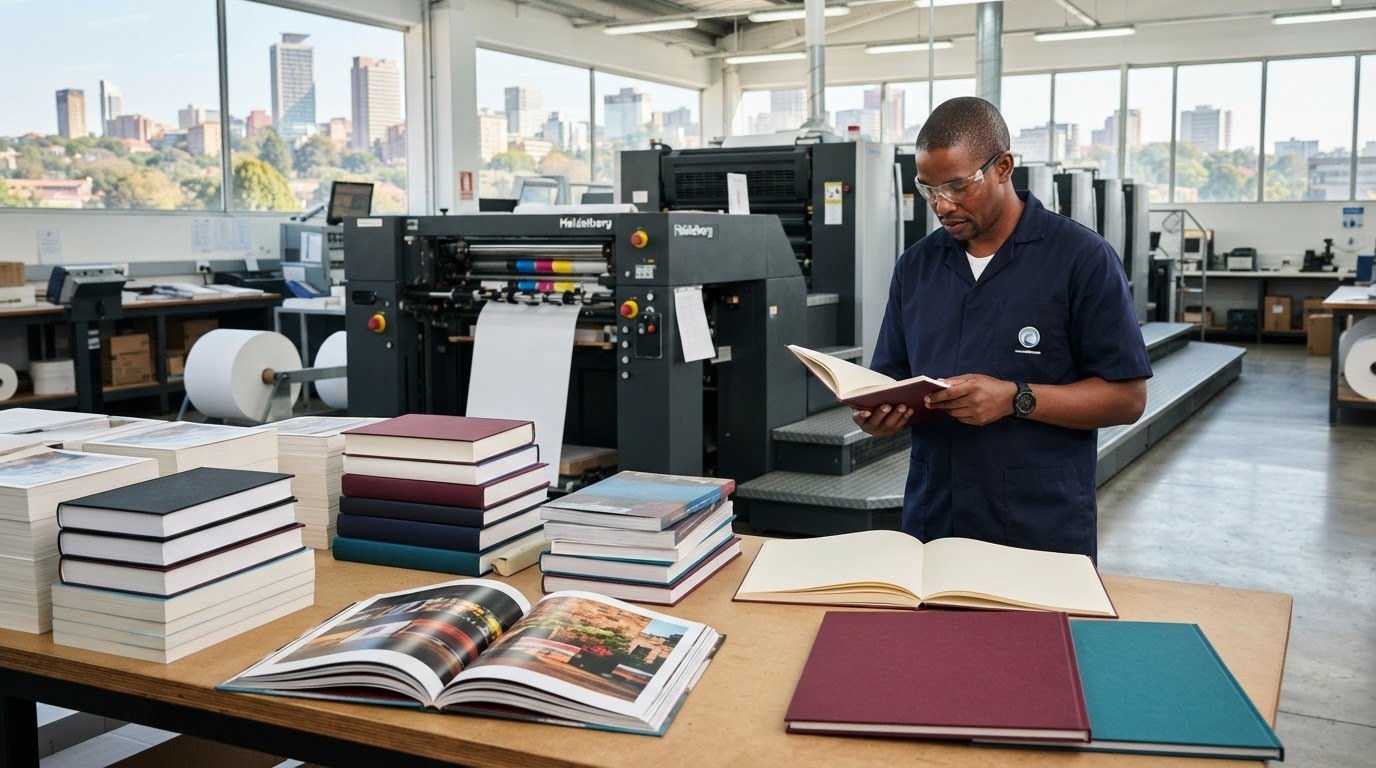
The best choice for printing books in South Africa isn’t automatically the cheapest printer. It’s the one whose print quality, format options and production approach suit your book, whether it’s a novel, a school title or a full-colour photobook. Printers can deliver books throughout the country, so authors and organisations in Johannesburg and Gauteng can compare options beyond their immediate area.
It’s natural to focus on the finished look and budget, but paper, colour and file setup also affect the result. Cream paper is a common fit for fiction, while white paper suits academic and other non-fiction titles. Black-and-white interiors are practical when colour isn’t needed.
This guide explains how to compare South African book printers, choose between colour and black-and-white printing, avoid common production errors, and prepare your cover and interior files. You’ll have a clearer way to assess your project’s needs before moving from manuscript to finished book.
Key Takeaways
- Choose a trim size that suits the book’s purpose and reading experience, then use it consistently in your layout.
- Compare printers by print quality, production options and how well their process fits your project, not by price alone.
- Use black-and-white interiors where colour isn’t essential; reserve colour for content that benefits from it.
- Catch avoidable production issues by reviewing the layout, text and cover details before sending files.
- Prepare separate PDF files for the interior and cover, and make sure they match the selected book format.
1. Who are the best book printers in South Africa?
The best printer is the one that can produce a book in a format suited to its readers and purpose. For Johannesburg authors, compare print quality, binding choices, paper options and production methods. South African printers can deliver books throughout the country, so location alone needn’t determine your shortlist.
Start with trim size, the finished book’s height and width. A compact format can suit a text-led novel, while a larger page gives illustrations, diagrams or photographs more room. Choose a format that suits the content and how readers will use the book. Then design the interior and cover to that finished size, so the pages and artwork fit the intended dimensions.
Print-on-demand produces copies as orders arise, while bulk printing produces a run together. Compare the total cost and schedule for your intended quantity: print-on-demand avoids holding a large batch, while bulk production spreads setup across more copies.
Binding affects durability, appearance and how a book opens. Paperback or softcover binding is a practical option for many novels and everyday titles. Hardcover binding gives a more rigid cover, suited to books intended for display or frequent handling. The best fit depends on the book’s format, use and budget.
South African publishing tasks include ISBN identification, copyright ownership and legal deposit, which serve different purposes. An ISBN identifies a book edition, copyright concerns rights in the work, and legal deposit concerns preserving published material. Plan for each separately.
Book printing services in South Africa include digital and litho printing, paperback and hardcover production, and print-on-demand or bulk runs. The right method depends on the project’s format, quantity and colour requirements.
Several practical factors shape a print quote: page count, trim size, paper choice, colour coverage, binding and quantity. A larger book uses more material, while colour pages and a more involved binding affect production differently. The price depends on the project and is provided after a quote request, with these specifications shaping the cost.
Minimum order quantities vary with the printing method and production setup. Digital production can suit smaller runs, while litho printing is generally designed for larger batches. The right quantity depends on the format and specifications.
Production and delivery time depend on the print method, quantity, finishing and delivery destination. A print-ready file can move into production more directly than one needing layout corrections. Finalise the trim size, page count and cover before scheduling.
2. Choosing a professional book printer
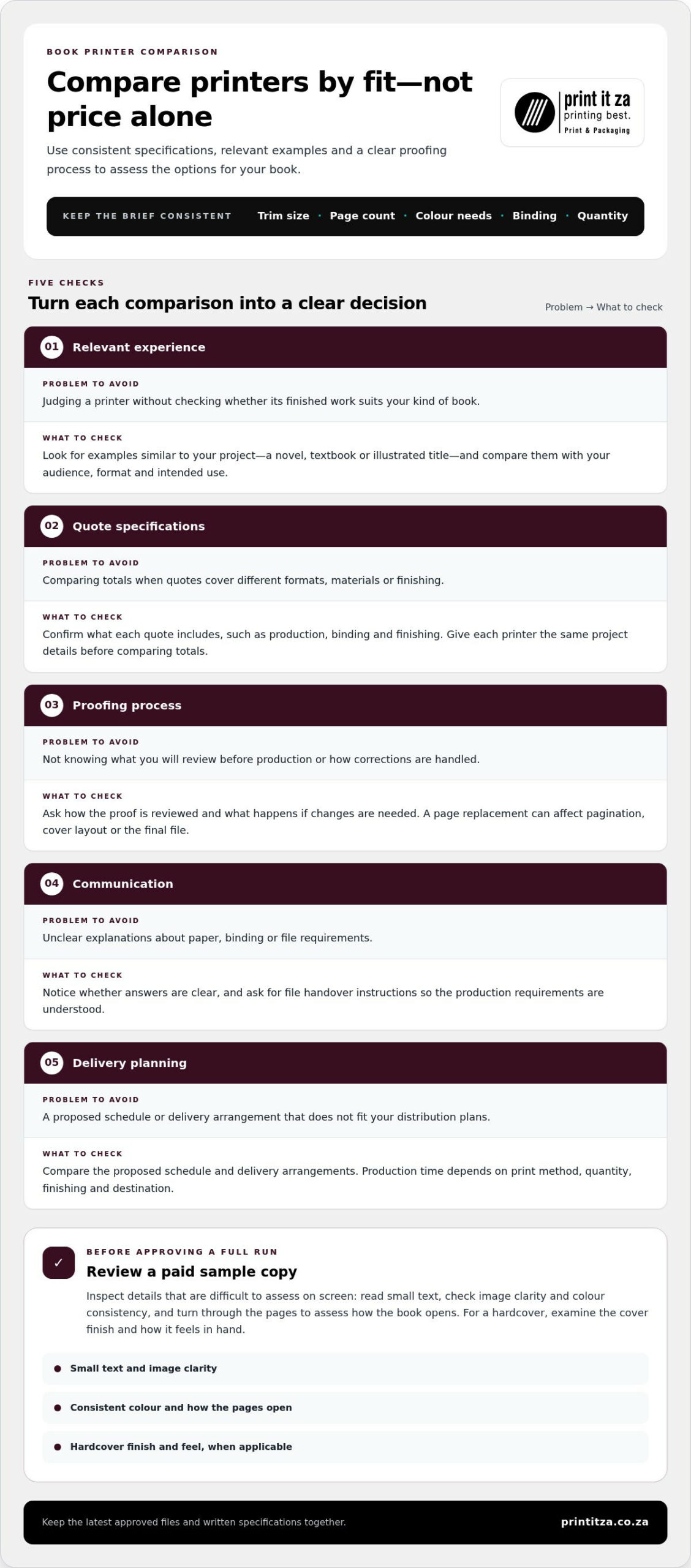
A professional printer should understand the result you want, not just process a file. When printing books, compare each option against your audience, format and intended use. A children’s picture book, for example, needs different handling from a text-led novel. Relevant examples can show whether a printer’s finished work suits your project.
Don’t select a printer solely because it appears cheapest. Compare what each quote includes, such as production, binding and finishing, and make sure the specifications match before comparing totals. A lower quote may reflect different materials or an altered format. Give the printer the same project details each time, including trim size, page count, colour needs, binding and quantity.
Ask for a paid sample copy before approving a full run. Inspect details that are difficult to assess on screen: read small text, check image clarity and look for consistent colour. Turn through the pages to assess how the book opens. For a hardcover title, examine the cover finish and how the book feels in hand. A sample can reveal issues before they affect every copy.
Use a consistent checklist to compare printers:
- Relevant experience: Look for examples similar to your project, such as a novel, textbook or illustrated title.
- Specification clarity: Check that each quote reflects the same format, materials and finishing.
- Proofing process: Understand what you’ll review before production and how corrections are handled.
- Communication: Notice whether explanations about paper, binding and file requirements are clear.
- Delivery planning: Compare the proposed schedule and delivery arrangements with your distribution plans.
Ask how changes work after you approve a proof. Replacing a page, for instance, can affect pagination, cover layout or the final file. Clear file handover instructions also reduce avoidable back-and-forth. Keep the latest approved documents and written specifications together, so the production team works from the right versions.
When comparing approaches to printing books, consider how well the process fits your project, not one attractive feature alone. A relevant sample, clear explanations and agreed specifications give you useful criteria for a decision. Keep your requirements consistent across discussions, then review the options side by side. If you’re planning a book project, explore book printing options as one practical next step.
3. Colour versus black-and-white printing
Choose colour for information that depends on visual detail, such as a children’s picture book, recipe photographs or a map with distinct categories. For text-led novels, black-and-white interiors are often the practical choice. They keep attention on the words and can save money when colour adds little value.
Review each page before deciding. A school workbook may need colour to distinguish diagrams or highlight key labels, while its reading passages remain clear in black and white. A travel guide with destination photography gains more from colour throughout. Let the content guide the choice, rather than a general preference for bright pages.
Black-and-white printing works well for prose, line drawings and simple charts. Check images carefully: a photograph converted to greyscale can lose contrast, making faces, shadows or fine detail harder to read. Preview the converted file on screen, then inspect a printed sample if image quality matters to the book’s purpose.
Colour is most useful when it carries meaning. For example, a science book may use colour to distinguish parts of a diagram, while a cookbook may rely on food photography to show the finished dish. If a colour element is purely decorative, consider whether it improves the reader’s experience enough to justify including it.
For a book combining text with selected colour pages, plan the treatment before layout. Identify which pages need colour, then ask how the printer handles mixed black-and-white and colour interiors. The production method and page arrangement affect file preparation, so agree on the approach before finalising the document.
- Novel: Use black-and-white for the text interior unless colour is essential to the story.
- Children’s picture book: Keep illustrations in colour when their palettes carry characters, mood or visual clues.
- Recipe book: Use colour for finished-dish photographs, but keep instructions readable without decorative colour.
- Workbook: Reserve colour for diagrams or labels that readers must distinguish quickly.
- Photobook: Assess the images as a sequence, since colour consistency affects the overall presentation.
Check accessibility as well as appearance. A chart that relies only on red and green may be difficult for some readers to interpret. Add labels, patterns or clear text alongside colour, so information remains understandable in a black-and-white copy or photocopy.
Before approving production, compare a colour proof with the original artwork and inspect small text, image detail and contrast. For a novel, a black-and-white proof can reveal whether the page feels clean and easy to read. For a picture-heavy title, review the colour pages closely, because those images carry much of the book’s impact.
4. Common book printing mistakes
A small file error can repeat across every copy in a print run. Before submitting a manuscript, review the layout at actual reading size, not only on a zoomed-in screen. A heading that looks clear on a laptop may feel cramped on a printed page. Check each spread for consistency, especially chapter openings and pages with illustrations.
A frequent problem is designing pages at the wrong trim size. If the chosen finished dimensions change after layout, text and images may shift or need adjustment. Set the trim size before finalising the interior. Then confirm the cover matches that format, including the back cover and spine area.
Margins need attention too. Text placed close to the binding can become difficult to read, particularly in a thick book. Keep body copy and page numbers comfortably inside the safe area. Inspect the inner margins in a printed proof, where binding can affect how easily readers see text near the spine.
Image quality can suffer when artwork is enlarged beyond its useful size. A small image copied from a website may look sharp on screen but appear soft in print. Review photographs, diagrams and logos at their intended dimensions. Replace images that look pixelated, and check that captions still sit beside the correct artwork.
- Missing fonts: Check that fonts display consistently when the PDF opens on another device.
- Incorrect page order: Review the contents page against chapter starts and the final sequence.
- Unintended blank pages: Check every page break, especially before new chapters.
- Cover mismatch: Compare the title, author name and artwork across the front, spine and back.
- Unreviewed colour: Inspect charts and photographs for contrast, especially where labels carry meaning.
Proofreading only the manuscript misses layout mistakes. Read the designed pages for repeated words, missing lines, inconsistent headings and misplaced page numbers. For example, check that a chapter title doesn’t appear alone at the bottom of a page. Ask a second reader to review names, captions and contents references, since familiarity can hide errors.
Another avoidable mistake is approving a proof without checking the cover and interior together. Confirm that the title and author details match, the cover artwork is correctly positioned, and the page sequence follows the manuscript. If you make a correction after approval, review the updated file again. A revised sentence can change pagination and affect later pages.
Finally, label files clearly before handover. Use a filename that identifies the book and version, then remove outdated drafts from the submission folder. Keeping one approved interior PDF and one approved cover PDF reduces confusion. A careful final review helps catch mistakes while they’re still easy to correct.
5. Interior and cover file preparation
Prepare the interior and cover as separate PDF files before approaching a printer. Separate files make it easier to review the pages and cover artwork independently. Start by setting the interior page size to the agreed trim size. A mismatch can shift text, images or page numbers when the layout is adjusted.
Check the interior from the first page to the last. Confirm chapter order, page numbering, headings and contents references. For example, if chapter three begins on a new page, verify that its heading hasn’t been pushed onto the previous page. Review tables and illustrations at their final size, too. Small labels that look clear on screen may be difficult to read in print.
Before exporting the interior PDF, confirm that fonts display consistently and that no text or images have moved. Open the exported file on another device and inspect the pages there. A PDF that looks different from the working document may reveal a font or layout issue. Keep one clearly labelled, approved version for handover.
The cover PDF needs to match the book’s format and binding. Include the front cover, spine and back cover in the layout where required. Check that the title and author name appear correctly, and keep important text away from edges and folds. Spine width depends on the finished book’s specifications, so build the cover after confirming those details.
Choose a cover finish to suit the artwork and how readers will handle the book. Matte has a subdued, non-glossy appearance that can complement restrained designs. Glossy creates a reflective finish that can make photographs and vivid colours more pronounced. Compare the effect with your cover design, especially for a photobook or illustrated title. A sample can help you judge the finish in person.
- Interior PDF: Check page size, sequence, text flow, images and page numbers.
- Cover PDF: Match the trim and binding specifications, then review front, spine and back.
- Final review: Open both PDFs, compare them with the approved design and remove superseded drafts.
Keep filenames clear, such as “BookTitle_Interior_Final” and “BookTitle_Cover_Final”. Avoid sending several files labelled “latest”, since that can make the approved version unclear. If a correction changes the page count, revisit the cover layout because the spine may need adjustment. Review the revised PDFs again before production.
Get your book files ready for production with book printing support.
Print It ZA print and packaging: Books
Print It ZA prints books for authors, organisations and others who need a finished title. If you’re moving from approved files to production, it’s a natural next step after settling your format, interior and cover choices.
Bring your project details together, including the book’s purpose, format and print requirements. This gives the production conversation a clear starting point. If your project also needs related printed materials, Print It ZA prints catalogues, brochures and retail packaging.
For a book project ready to progress, contact Print It ZA print and packaging or visit printitza.co.za.
Turn your manuscript into a finished book
A printed book gives your writing a form readers can hold, share and return to. Before moving ahead, decide what you want the finished copy to achieve: launch a story, support learning, preserve photographs or present expertise. That purpose can guide your final production choices and keep the project focused.
Set a practical next step. Gather your approved manuscript, cover artwork and key specifications, then discuss how they can come together as a finished title. Clear decisions now help you move from a completed file to a book ready for its intended readers. If you’re ready to progress with printing books, contact Print It ZA print and packaging to discuss your project.
Your idea has already taken shape on the page. With a clear production plan, you can take the next step towards sharing it with confidence.
Frequently Asked Questions
Who are the best book printers in South Africa?
There isn’t one best printer for every book; the right choice depends on your project’s needs. Compare relevant examples, production methods and how clearly the printer explains its process. For instance, an author producing a photographic title may prioritise colour reproduction, while a school ordering workbooks may value consistent repeat production. Print It ZA prints books for South African projects, including those based in Johannesburg and Gauteng.
What book file formats and specifications do South African printers require?
Prepare the interior and cover as separate PDFs, then align both with the agreed book format. Before exporting, review page order, text placement, images and cover details. For example, confirm that a back-cover blurb hasn’t shifted and that the title matches across the cover and interior. Use the printer’s production specifications for details such as page dimensions and cover layout.
What are the steps to prepare a manuscript and cover for printing?
Start with a final, proofread manuscript, then lay it out at the intended finished page size. Check chapter order, contents references and page numbering. Next, prepare the cover to match the book’s format and binding, including the front, spine and back where needed. Export separate PDFs, open each to review its appearance, and label the approved files clearly before submitting them.
What are the risks of self-publishing and printing a book, and how can print quality be checked?
Self-publishing means you manage decisions such as editing, design, production and distribution, so missed details can affect the finished book. One practical risk is ordering a quantity that doesn’t match likely demand, leaving too few copies or excess stock. Review a printed proof for readable text, page sequence, image clarity and binding. Have someone unfamiliar with the manuscript check it too, since fresh eyes can catch overlooked errors.
Which South African book printers offer online quotes and delivery?
Print It ZA print and packaging accepts online quote requests for books and provides delivery across South Africa. Its website states that delivery is free for orders up to 90 kg. To prepare a useful quote request, gather the finished format, page count, colour needs, binding preference and quantity. These project details help define the specifications for the quote and the production request.
What are the minimum order quantities for book printing in South Africa?
Minimum order quantities vary by printing method and production setup. Digital production can suit smaller runs, while litho printing is generally designed for larger batches. The suitable quantity depends on the book’s format and specifications.
How long does book printing and delivery take in South Africa?
Production and delivery time depend on the printing method, quantity, finishing and delivery destination. A print-ready file can move into production more directly than one needing layout corrections.