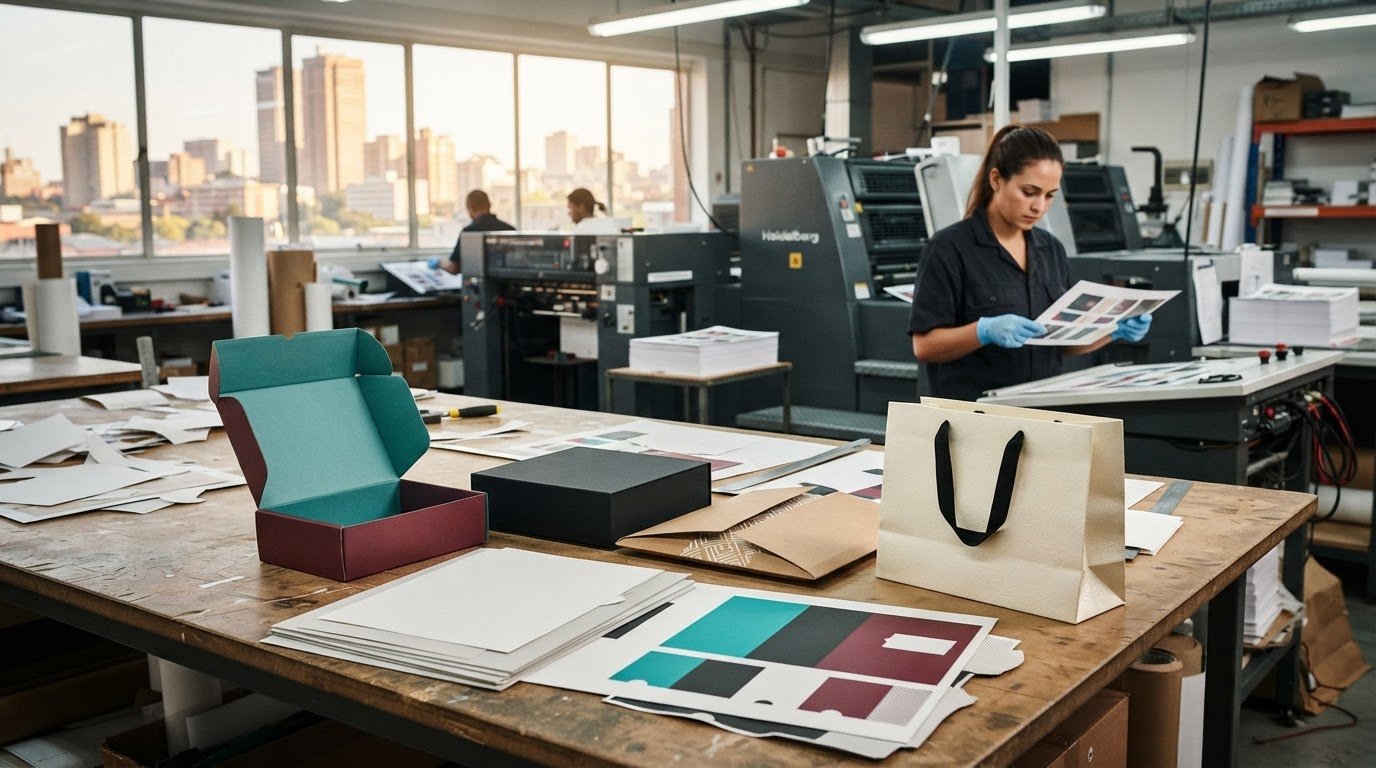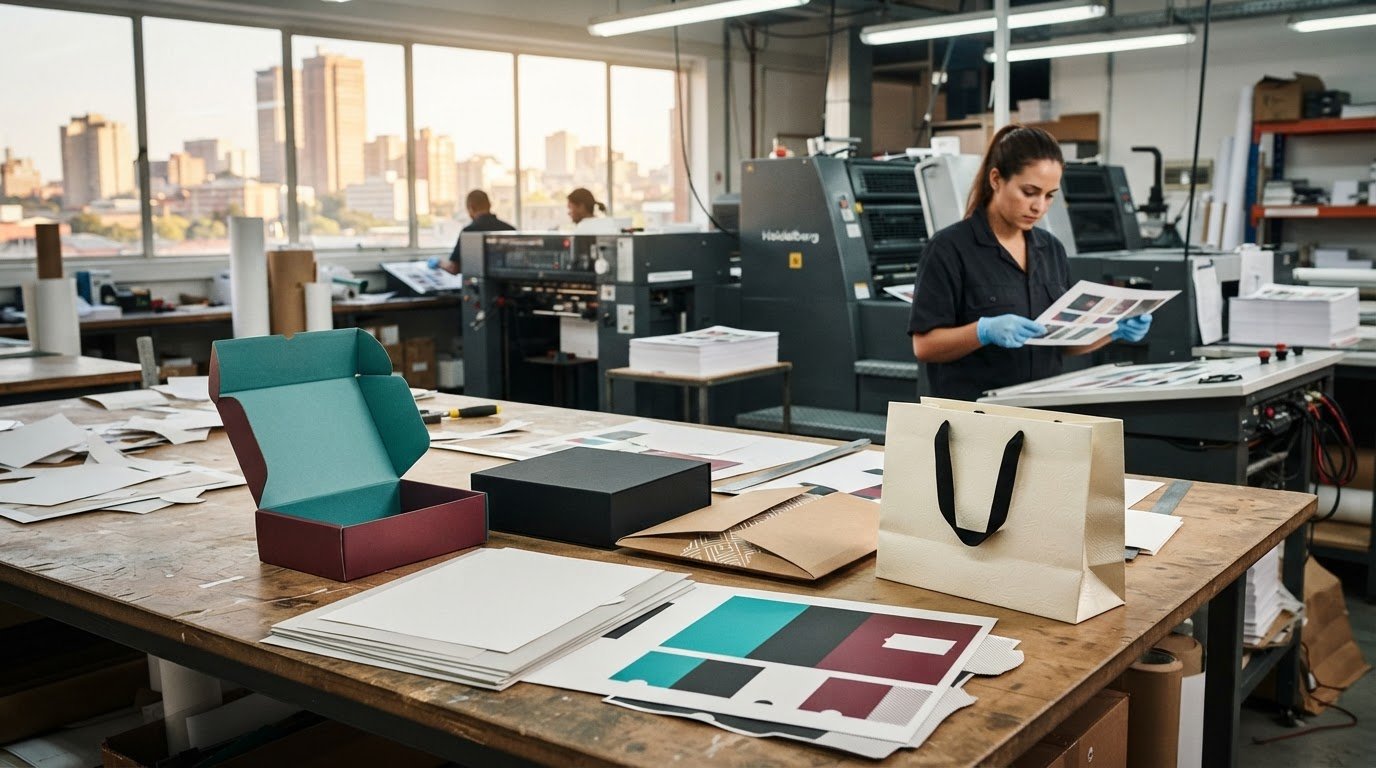

The fastest print option isn’t always the best fit. Choosing the right print type with Print It ZA printers means balancing quantity, finish and deadline. Digital printing can suit shorter runs, while litho printing may be practical for larger quantities. Turnaround also depends on finishing requirements and how ready your artwork is.
You want a professional result without losing time to a print method that doesn’t suit the job. This article explains how digital and litho printing differ, what affects production speed, and how to match a method to your project in Johannesburg.
Paper, colour, finishing and artwork preparation can all influence the final result and schedule. Whether you’re planning brochures, books, catalogues or packaging, understanding these factors helps you set a clear brief and move from idea to finished print with confidence.
Key Takeaways
- Match monochrome printing to text-led pages, colour printing to graphics, and photo printing to image-focused work.
- Use pages-per-minute figures as a guide, not the whole schedule: print method, job complexity and finishing affect turnaround.
- Networked, workgroup or shared printers typically print at speeds from 45 to around 100 pages per minute.
- Recognise the difference between commercial print methods and specialist devices such as dot matrix printers, which can handle continuous-form work.
- Consider paper format alongside printer type: the illustrated wide-carriage dot matrix printer uses 8.5-by-14-inch legal paper.
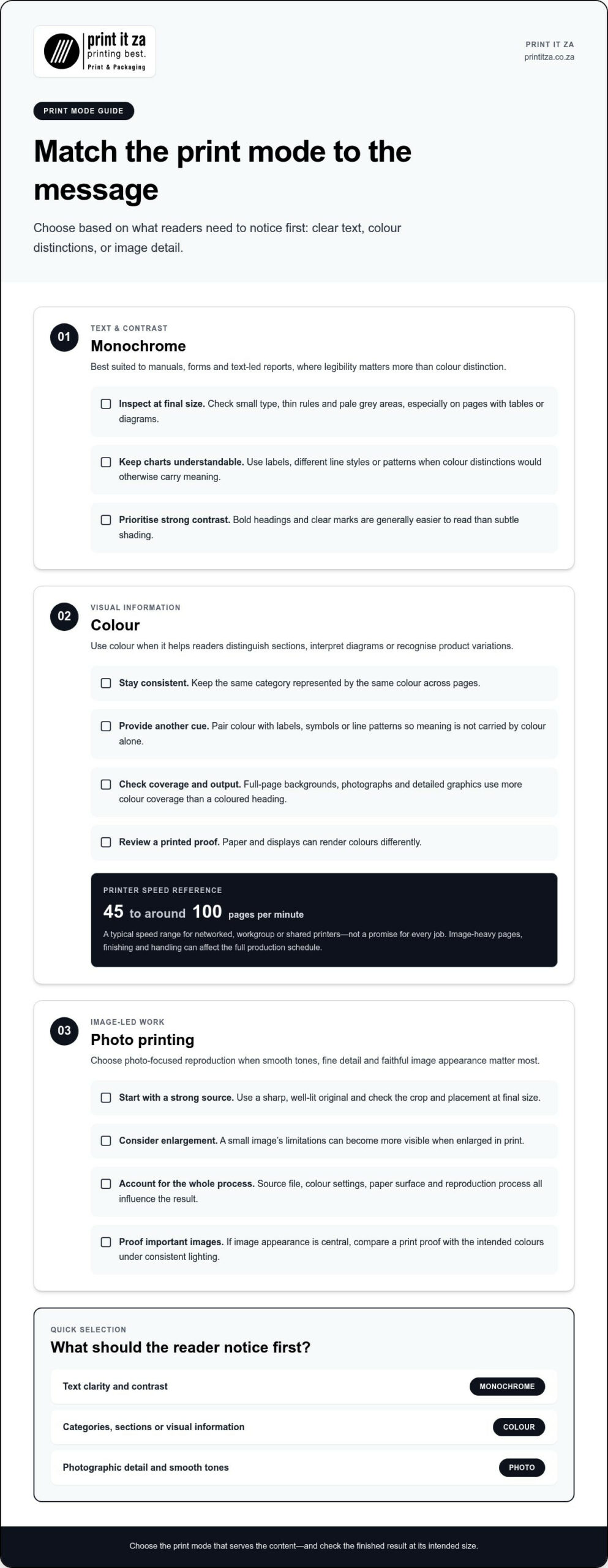
Monochrome, colour and photo printing
Choose monochrome for clear, text-heavy pages, colour for visual information, and photo printing for image-led work. A black-and-white instruction sheet, a colour brochure and a photographic catalogue place different demands on the printed result. The right choice depends on what readers need to notice first. Matching the print mode to the content helps avoid spending colour on pages where it adds little value.
Monochrome for text and contrast
Monochrome printing uses black marks on a light surface to reproduce text, lines and simple graphics. It suits manuals, forms and text-led reports, where legibility matters more than colour distinction. A chart that relies on several colours, however, may lose meaning in black and white. Use labels, different line styles or patterns to keep the information understandable without colour.
Before printing, inspect a sample page at its intended size. Small type, thin rules and pale grey areas can become difficult to read when reduced or copied. Bold headings and strong contrast usually remain clearer than subtle shading. For a long document, review pages with tables or diagrams separately, since these reveal whether monochrome reproduction preserves the details readers need.
Colour for meaning and emphasis
Colour helps readers distinguish sections, highlight calls to action and interpret diagrams. A retail catalogue can use colour to show product variations, while a brochure can guide attention through headings and images. Apply colour consistently: if the same category changes colour across pages, readers may assume its meaning has changed. Check the design on screen and in a printed proof, since paper and displays can render colours differently.
Colour printing can involve more complex pages than plain text. Full-page backgrounds, photographs and detailed graphics use more colour coverage than a page with a coloured heading. Networked, workgroup or shared printers typically print at speeds from 45 to around 100 pages per minute, but that range describes printer speed, not a promise for every job. Image-heavy pages, finishing and handling can affect the complete production schedule.
Colour should remain functional, too. A chart shouldn’t communicate categories through colour alone; labels, symbols or line patterns provide another cue. For example, a training manual can use coloured section tabs while retaining clear headings and page numbers. That helps readers follow the content if the manual is viewed on a monochrome screen or reproduced without colour.
Photo printing and image quality
Photo printing focuses on smooth tones, fine detail and faithful image reproduction. A product photograph in a catalogue needs to show texture and colour clearly, while a small image beside a paragraph may need less prominence. Start with a sharp, well-lit original, then check the crop and placement at final size. Enlarging a small image can make its limitations more visible in print.
Image quality depends on more than the printer. The source file, colour settings, paper surface and reproduction process all influence the result. A photograph intended for a glossy product page may look different on an uncoated sheet. Review a proof when image appearance is central to the project, and compare the print with the intended colours under consistent lighting.
Printing history shows how varied marking methods have become. Charles Babbage designed a mechanically driven printer for his difference engine in the 19th century, and the design was built in 2000. The first patented printing mechanism for applying a marking medium to a recording medium was patented in 1962. These examples sit far from today’s digital and litho workflows, but illustrate that printers serve different purposes.
Different devices also suit distinct output. The most common 3D printing process is fused deposition modeling, which creates physical objects rather than flat pages. A cheque’s machine-readable lower portion must use MICR toner or ink. Neither example is a substitute for choosing monochrome, colour or photo reproduction for brochures, books or catalogues; each task calls for a matching process.
Speed figures and consumable yields measure different things. ISO/IEC 19752 is used by many laser printer manufacturers to measure toner cartridge yield. ISO/IEC 19752, 19798, and 24711 are used by many printer and multifunction-product manufacturers for page yields. Those standards concern estimated output from supplies, not the time needed to print a particular colour or photo job. Separate the measures when comparing specifications.
Printer history also includes wide-carriage dot matrix machines. The wide-carriage dot matrix printer shown was designed for paper 14 inches wide. Wide-carriage dot matrix printers were often used to print accounting records on 11-by-14-inch tractor-feed paper, and were also called 132-column printers. Their impact-based output differs from contemporary photo printing, yet the example reinforces a practical point: choose equipment and print mode according to the document’s content and format.
What is Print It ZA and where are its branches in South Africa?
For this article, the local focus is Johannesburg, Gauteng, within the South African market. This geographic context helps frame a print project, but a market location and a branch address are different things. A branch is a physical business site; a service area describes where work may be delivered or supported. Don’t treat one as proof of the other.
That distinction matters when planning a job in Johannesburg. A business may need a local meeting point, a production facility or delivery to its office. These are separate needs. Knowing the project’s destination helps you describe what matters, while a branch location concerns where the business operates in person. Keep the two questions separate when assessing local relevance.
South Africa’s geography also shapes practical print planning. A project for a Johannesburg office has a different destination from one for clients in Cape Town or Durban. The artwork and print requirements may be similar, but packing, distribution and delivery arrangements can change with the destination. Include the delivery location and any distribution points in your brief so logistics are considered alongside the printed item.
What a local branch can mean
“Branch” can refer to different kinds of physical site, such as an office for client meetings, a production facility or a collection point. These functions are not interchangeable. A production site may handle machinery and finishing, while a customer-facing office may focus on project discussions. For a Johannesburg project, identify which function you need before treating an address as useful.
A team preparing a catalogue for a Gauteng launch, for example, may value production coordination and delivery to its event venue. A self-publishing author may instead need to discuss a book’s specifications. In both cases, “local” describes a useful connection to the project, but it doesn’t automatically mean the same service happens at a nearby branch. Defining the interaction you need makes the location question more practical.
How to assess location for a print job
Start with the finished item’s destination. Is it going to one Johannesburg office, several Gauteng sites or customers in different provinces? Then note whether the project needs an in-person discussion, collection or distribution. These details distinguish a physical-location requirement from a delivery requirement and give the production team a clearer picture of the job’s route after printing.
- Destination: Name the Johannesburg venue, office or distribution point.
- Interaction: Decide whether you need an in-person meeting or remote coordination.
- Handling: Describe any packing, sorting or delivery needs for separate sites.
- Timing: Explain when the printed materials must be ready for use.
These points apply whether you’re preparing a brochure for a Gauteng event or printed material for a national audience. One destination can simplify coordination; several destinations need clearer distribution details. Neither situation establishes where a company has branches. Keep the brief focused on the actual job rather than assuming a Johannesburg project requires a physical Johannesburg branch.
It also helps to distinguish a South African business base from a list of branch locations. The first describes the country context; the second names individual operating sites. For local readers, Johannesburg, Gauteng is the relevant focus. Use that location to frame the project’s audience and delivery needs, not to infer a branch count or addresses across South Africa.
When location affects a print decision, lead with the practical requirements: where the finished work needs to go, how it will be used, and whether face-to-face coordination matters. A Johannesburg launch may need materials delivered to one venue, while a national campaign may involve several destinations. Clear details help align production and distribution with the project.
For a project centred on Johannesburg, describe its destination and handling needs in a concise brief. That gives the discussion a useful local starting point without confusing service reach with physical branches. You can also explore Johannesburg print planning as you shape the requirements for your project.
These printers
Printer names can describe different things: the technology, the paper format, or the job a machine handles. A wide-carriage dot matrix printer, for example, is identified by its impact-printing method and wider paper path. That description helps distinguish it from machines designed for standard office sheets or image-focused output.
The illustrated wide-carriage dot matrix printer uses 8.5-by-14-inch legal paper. That format gives the device a different working width from a compact printer built for everyday office documents. Paper size matters because it affects the layout, the feed path and the kind of records a printer can produce. Before choosing a device, match its supported format to the finished document.
How dot matrix printing works
A dot matrix printer forms characters and images with a print head that strikes an inked ribbon against paper. The marks appear as a pattern of dots rather than a continuous layer of toner or ink. This mechanism can suit documents that need continuous-form paper or repeated copies. It is less suited to polished photographs, where smooth tones and fine image detail matter.
Imagine a business producing a multi-part record on continuous paper. The paper feed and impact mechanism may suit that task better than a printer designed for loose sheets. A full-colour product image, by contrast, needs a different reproduction approach. The useful question isn’t simply which printer is newest, but whether its mechanism fits the document and its use.
Wide-carriage models are a specialised category, not a general answer for every print job. A sheet-fed office printer is designed for separate sheets and common documents. A dot matrix machine handles a different combination of paper movement and marking. Comparing these functions helps avoid choosing equipment based only on a familiar label or a single specification.
Printer makers and market context
Printer manufacturers also cover multiple technologies and machine types. The worldwide printer vendor ranking for 2020-2021 placed Hewlett-Packard first, followed by Canon, Brother, Seiko Epson and Kyocera. That ranking gives market context, but it does not identify the best device for a particular document. The task, paper format and required output still guide the decision.
A brand name alone can’t tell you whether a machine handles legal-size sheets, continuous forms or detailed photographs. Read the device description for its printing method and supported media, then compare those details with the job. A printer intended for office correspondence, for example, may not suit a wide-format accounting record, even if both machines carry a familiar manufacturer name.
Use a simple comparison to keep the choice focused:
- Document: Identify whether you are producing text, records, diagrams or photographs.
- Paper: Match the sheet or feed format to the printer’s intended media.
- Marking method: Consider whether impact printing, toner or ink fits the task.
- Finish: Decide whether the output needs image detail, plain legibility or continuous forms.
These criteria are useful when comparing desktop devices and commercial production methods. Digital printing transfers a prepared image directly through a digital workflow, while litho printing uses plates to transfer ink. Each method has a different production process; the right option depends on the project’s format, content and quantity. Let the document’s purpose guide the choice, not the machine’s label alone.
For a wide-carriage dot matrix printer, the paper path is a defining feature. For a photo-led page, image reproduction matters more. For a text-only record, clear characters may be the priority. These examples show why “printer” covers devices built for distinct outputs. Describe the finished document first, then use its format and appearance to narrow down the equipment.
Use these distinctions to shape a clear print brief, including the document type, paper format and expected finish. Discuss your print requirements in relation to the output you need.
Print It ZA print and packaging: Books
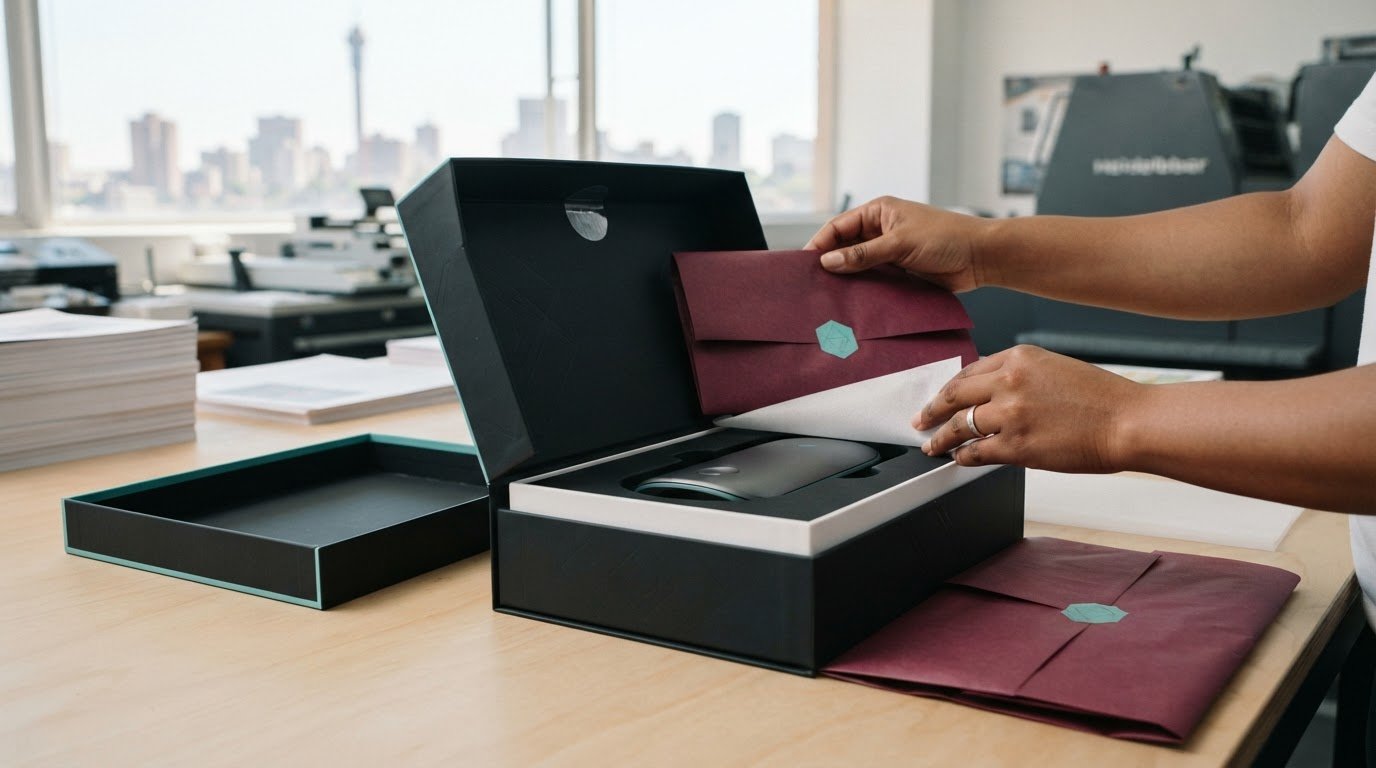
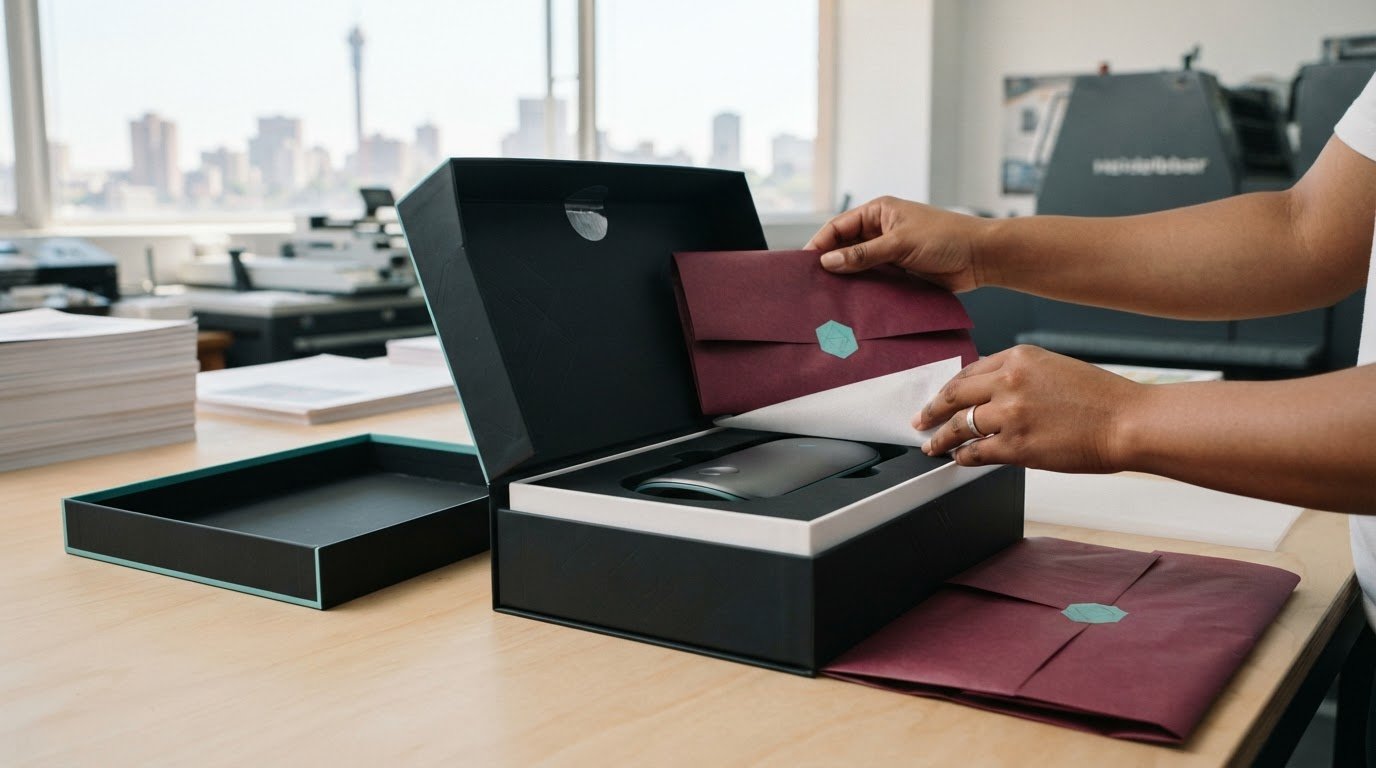
Print It ZA’s printing and packaging services can support books, catalogues, brochures and retail packaging designed around your project’s purpose. For a book project with Print It ZA printers, consider how readers will use it and how the pages should present the content. A clear brief about format, artwork and intended audience gives the project a practical starting point.
Catalogues need an organised layout that makes products easy to browse, while brochures should guide readers through key information. Retail packaging carries the design into the product’s presentation. When planning with Print It ZA printers, describe the item you need and the result you want it to achieve.
For a considered next step, contact Print It ZA print and packaging to discuss your print requirements.
Shape Your Next Print Project
Turn your print decision into a clear project brief. Note the purpose of the finished piece, who will use it, where it needs to go and the look you want it to create. These details connect print choices to the practical needs of your Johannesburg project.
With Print It ZA printers, you can discuss a project involving books, catalogues or brochures and explain the result you’re aiming for. A strong brief gives the conversation a useful starting point, whether you’re preparing a publication, presenting products or sharing information with customers. Have your artwork and key requirements ready so the discussion can focus on the right fit for your project.
For a considered next step, contact Print It ZA print and packaging to discuss your print requirements. Bring your idea, audience and intended use to the conversation, then shape them into a practical plan. Your next project can start with a clear brief and a confident direction.