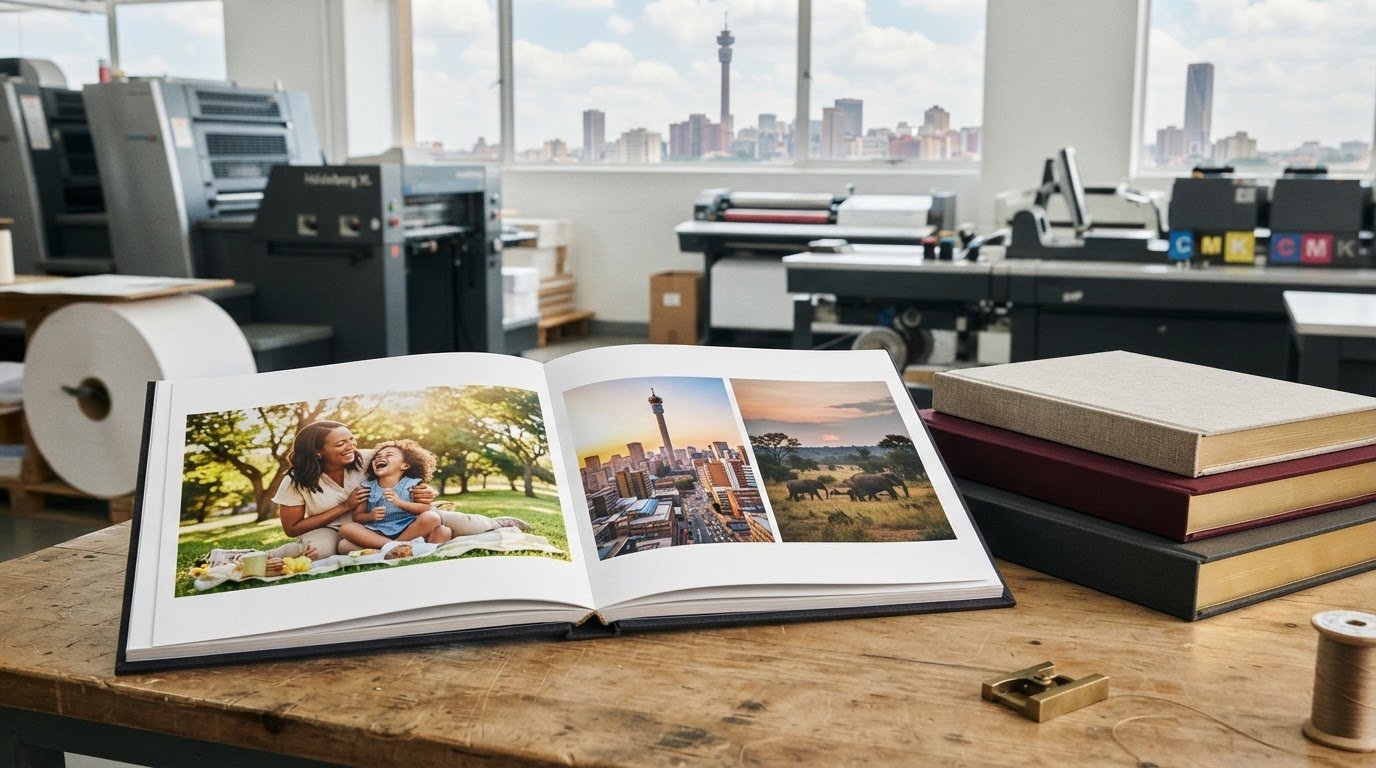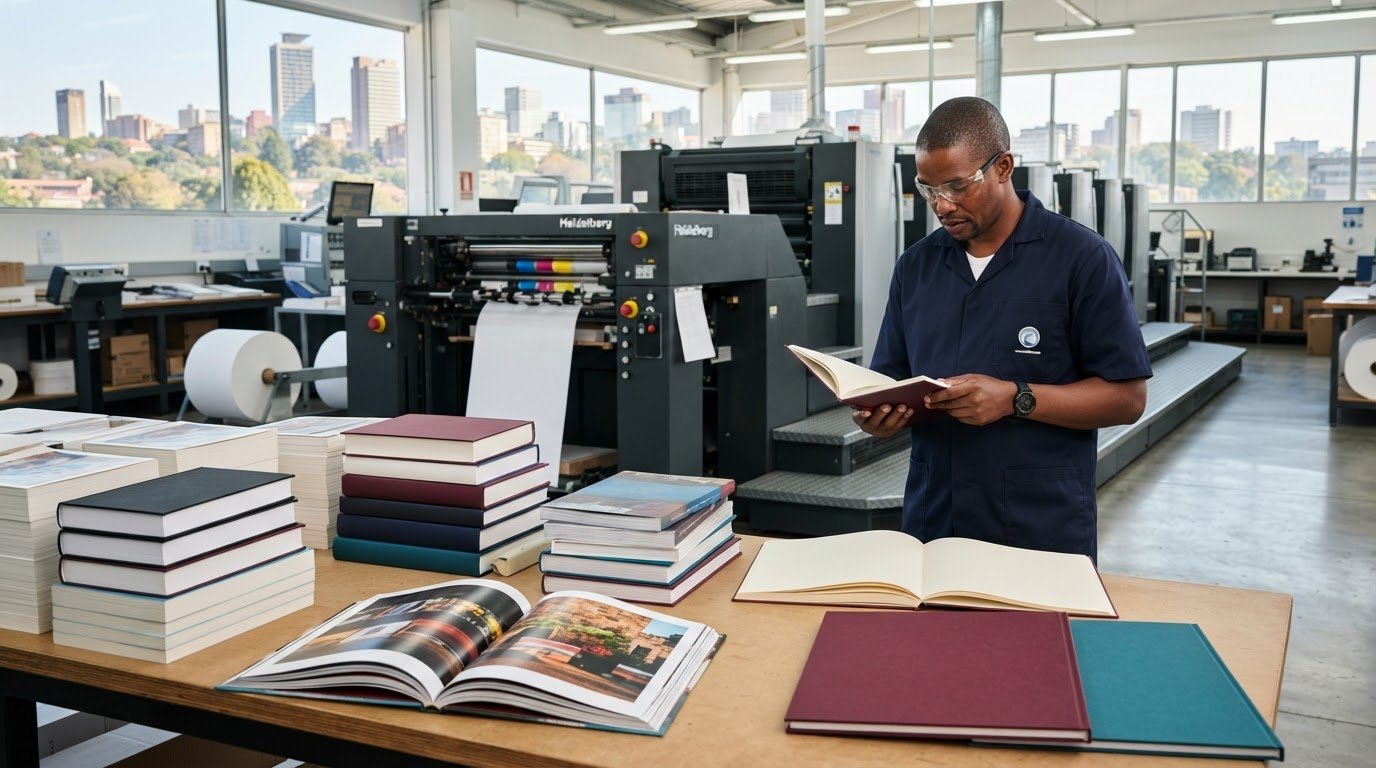
A photobook comes together in a few clear steps: organise your images, arrange them into pages, add captions, then choose the cover, page options and binding. To print photobooks in Johannesburg, plan your photos and page layout before preparing the artwork so the finished book reflects your story and is ready for production.
It’s natural to want every image to look its best and every page to feel considered. This guide explains how to select and arrange photos, personalise your layout with captions, prepare your files and compare the choices that shape the finished book. You’ll also learn what to consider when planning a photobook as a gift, family keepsake or creative project, helping you move from digital photos to a printed book with confidence.
Key Takeaways
- Choose a hardcover when you want a sturdy, keepsake-style finish, and consider how the cover suits the photos and occasion.
- Sort and review your images before uploading, then arrange them into a clear visual sequence that gives each page room to breathe.
- Use short captions and notes to add names, dates or context without distracting from the photographs.
- Compare cover finishes, page choices and binding together, since each affects the look and feel of the finished book.
- Plan the layout around how the photobook will be used, whether it’s a personal keepsake, a gift or a collection to share.
Hardcover photobooks
A hardcover gives a photobook a firm outer cover around its printed pages. It suits a wedding album, family history or portfolio that will be handled and revisited. The cover creates a first impression, so choose an image or title that reflects the book’s subject. A landscape photograph can set a quiet tone, while a short title helps identify a travel collection at a glance.
The best photobook printing service is one that can produce your chosen format, guide you through the artwork requirements, and show you a proof to review. Compare the clarity of its specifications, the available cover and binding choices, and how it handles production and delivery. For a hardcover, ask how the cover design should account for the front, spine and back as one complete layout.
Start your cover design with the finished book’s dimensions and spine width. Spine width depends on the page block, including the number and thickness of its pages. Keep important text away from the outer edges, where trimming or folding can affect its position. If the spine is too narrow for a legible title, place the title on the front cover instead.
Before sending files, prepare these elements separately:
- Front cover: Choose a strong image, title or simple design that suits the contents.
- Spine: Use concise text only when the available space allows it to read clearly.
- Back cover: Leave room around any blurb, date or closing image.
- Cover artwork: Follow the printer’s supplied dimensions and keep essential details within its safe area.
Photobook printing and delivery time in South Africa depends on the production schedule, order quantity, finishing choices, proof approval and delivery distance. Approving the design promptly and submitting correctly prepared files helps avoid delays caused by revisions or artwork corrections.
Printers set their own delivery arrangements, which can include delivery, collection or store pickup. The available option depends on the printer’s fulfilment process and the destination for the finished book. Include the delivery destination in your planning, especially if the photobook is a gift with a specific handover date.
Review the proof as a complete book, not just as a cover image. Check that the title reads correctly, the page order makes sense and photographs sit within the intended crop. Look closely at faces near page edges, captions crossing the centre fold, and images that appear unexpectedly dark or soft. Confirm spelling, dates and names before approving production.
For example, in a family album, check that each person’s name matches the photograph and that the cover title is centred. A careful final review catches layout and text errors before the approved artwork moves into production.
Online photobook design and photo uploads
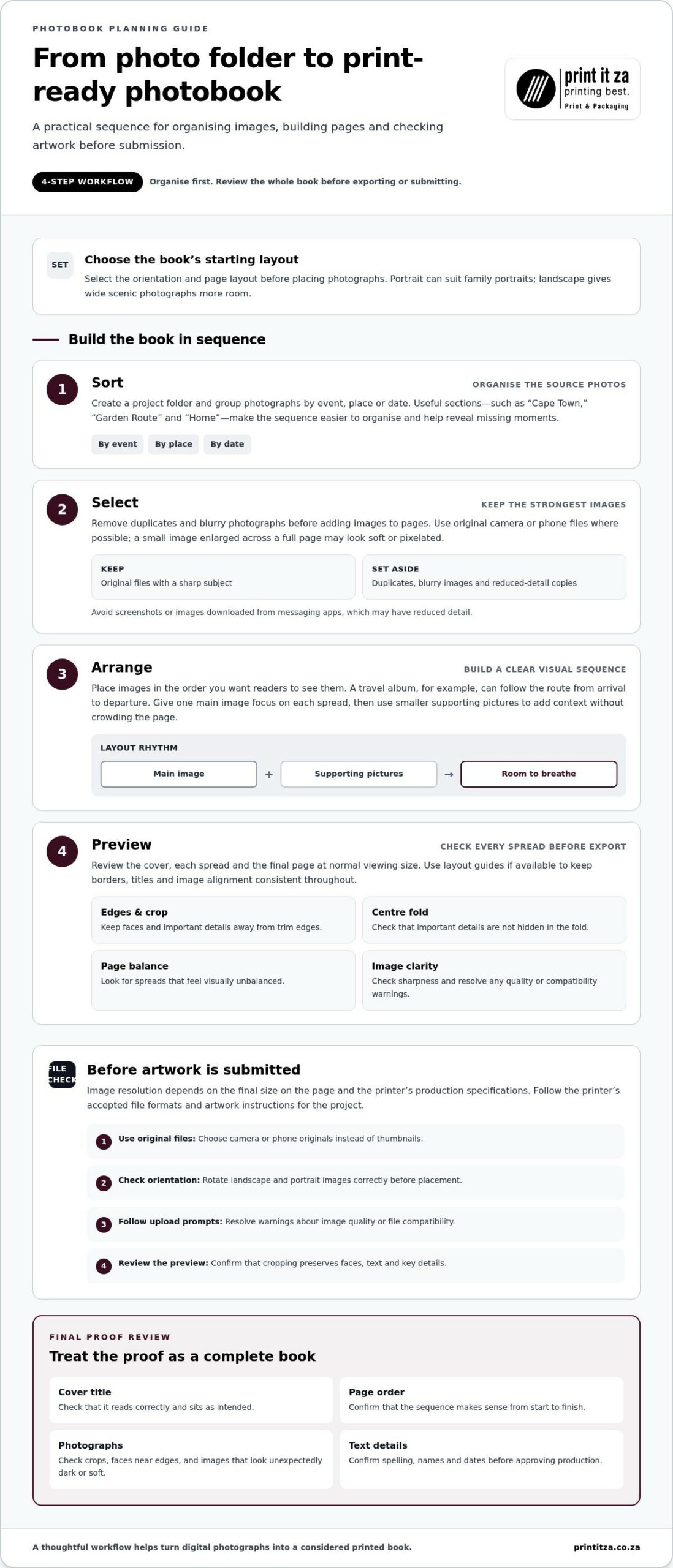
Build the book in a clear sequence: choose a layout, place images, review every spread, then prepare the artwork for printing. A travel album, for example, can follow the trip’s route from arrival to departure.
Online Photobook Design
An online design tool lets you arrange photographs across individual pages and spreads. Begin by selecting the book’s orientation and page layout, then add images in the order you want readers to see them. A portrait format can suit family portraits, while a landscape layout gives wide scenic photographs more room.
Before placing images, group them into useful sections, such as “Cape Town,” “Garden Route” and “Home.” This makes the sequence easier to organise and helps you spot missing moments. Give one main image focus on each spread, then use smaller supporting pictures to add context without crowding the page.
As you design, check the preview at normal viewing size. Look for faces close to the trim edge, important details hidden in the centre fold and pages that feel visually unbalanced. If the design tool offers layout guides, use them to keep borders, titles and image alignment consistent throughout.
Use this workflow to reduce avoidable layout changes:
- Sort: Create a folder for the project and group photos by event, place or date.
- Select: Remove duplicates and blurry images before adding photographs to pages.
- Arrange: Place images in sequence, then vary layouts to give busy spreads space.
- Preview: Review the cover, each spread and the final page before exporting or submitting.
Photo Upload Requirements
Photo resolution is the image detail available for the printed area. The required resolution depends on the image’s final size on the page and the printer’s production specifications. Use the original camera or phone file where possible: a small image enlarged across a full page may appear soft or pixelated.
For photobook printing, follow the printer’s accepted file formats and artwork instructions. Formats and resolution requirements can differ between workflows, so use the specifications for your project rather than converting every image to the same format. Avoid screenshots or images downloaded from messaging apps, which may have reduced detail.
Check each image before uploading. Open it at a larger size, confirm the subject is sharp and make sure the crop leaves room for trimming. For example, keep a person’s face away from the outer edge when placing a portrait near the page boundary.
- Use original files: Choose camera or phone originals instead of thumbnails.
- Check orientation: Rotate landscape and portrait images correctly before placement.
- Follow upload prompts: Resolve warnings about image quality or file compatibility.
- Review the preview: Confirm that cropping preserves faces, text and key details.
Personalisation with captions and notes
Captions turn a sequence of photographs into a story with names, places and context. For a family album, “Sunday lunch at Auntie Nomsa’s” says more than a generic date. A short note can explain why a moment matters, identify people or record a detail future readers might not know. Choose words that add information without competing with the photograph.
Start by deciding what each caption needs to do. A label such as “Durban, winter holiday” locates a photograph, while “Thabo’s first time seeing the sea” adds a personal memory. Use consistent details across related pages. If one caption gives a place and date, follow the same pattern for other travel photographs, such as “Clarens, autumn weekend.”
Keep captions easy to scan. Place them near the image they describe, and make the connection clear when a page contains several photographs. A row of family portraits, for example, may need names beneath each image. A full-page landscape might need only a discreet location note. Keep essential words away from the centre fold and page edge.
Use this simple editing pass before approving your text:
- Identify: Check spellings of names, places and family relationships.
- Clarify: Add a date or location where readers might otherwise be unsure.
- Trim: Remove repeated details that the photograph already makes obvious.
- Place: Keep each note beside the image or group it describes.
- Proofread: Read every caption in page order, from opening spread to final page.
Notes can also preserve a voice or memory. A recipe photobook might include a handwritten family tip in typed form, such as “Stir until the sauce coats the spoon.” A school yearbook could pair a group photograph with a brief note about the event. Put longer stories on dedicated pages rather than shrinking the text until it becomes difficult to read.
Build a consistent visual style by using the same caption placement and tone throughout. For example, use brief present-tense descriptions for a children’s book or reflective first-person notes for a personal travel journal. A change in style can mark a new chapter, such as moving from childhood photographs to adult milestones.
Before final approval, compare each note with its photograph and check the page at normal viewing size. Confirm that names match the people shown, punctuation is consistent and no caption has been clipped by the layout. Reading the text aloud can reveal awkward wording. A careful final review helps every note support the image and its story.
Why Choose a Photo Book?
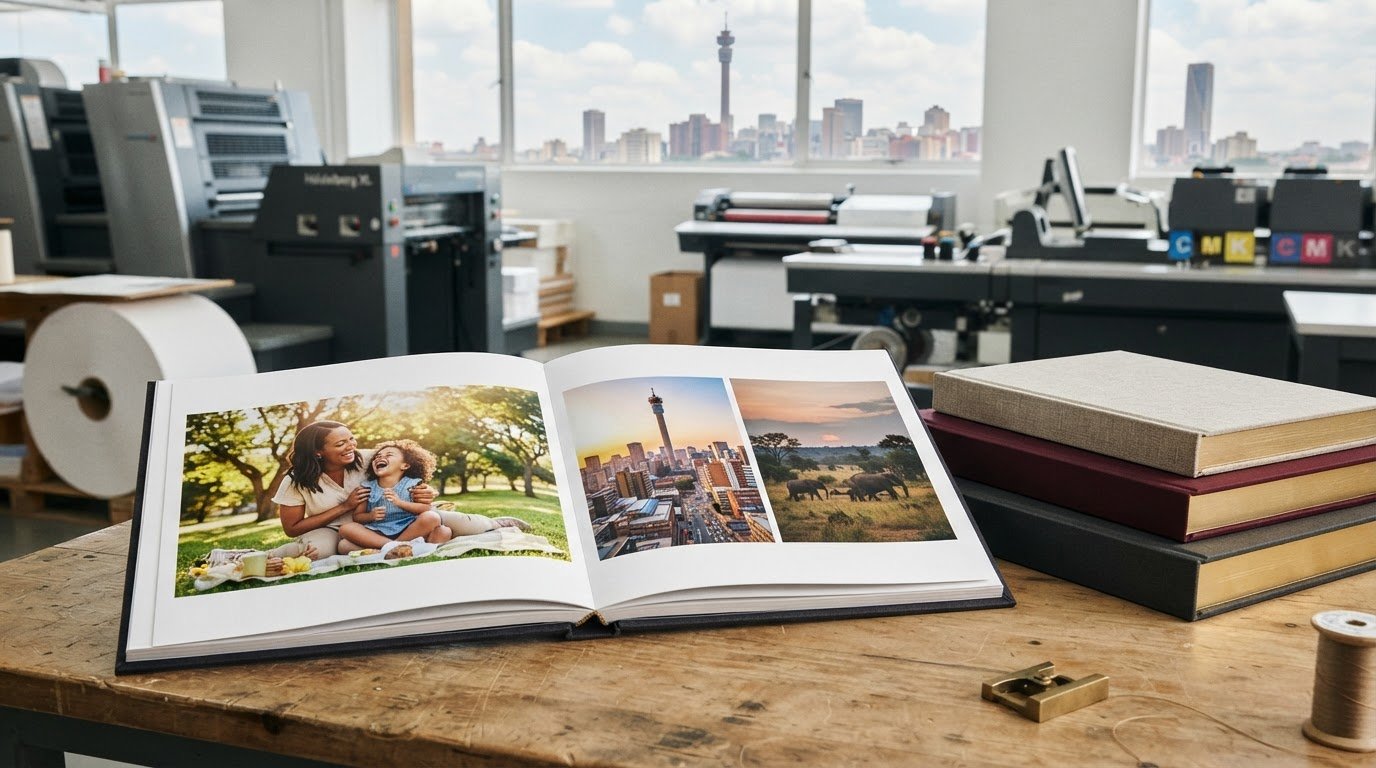
A photobook gives your images a planned sequence, printed pages and a cover chosen for their purpose. A Johannesburg family might bring holiday photographs together in one keepsake, while a photographer could use a carefully edited book to present a portfolio. You control the order, captions and visual rhythm instead of relying on a screen’s changing display.
The cover finish shapes the book’s first impression before anyone turns a page. A matte appearance can support a soft, understated design, while a gloss appearance can make colours look more prominent under light. These are visual considerations, not guarantees of how every image will reproduce. The result also depends on the artwork, printed colours and production process.
Match the cover treatment to the images and the book’s intended use. For a black-and-white family archive, a restrained finish can keep attention on the photographs. A colourful travel collection may suit a more vivid cover. If the cover includes a portrait, consider whether reflected light could make the subject harder to see from common viewing angles.
Use this comparison before settling on a finish:
- Overall mood: Choose a subtle look for a heritage album or a brighter look for a lively holiday story.
- Image detail: Keep important faces and lettering clear against the cover background.
- Handling: Consider whether the book will be displayed, gifted or passed around regularly.
- Design consistency: Align the cover’s appearance with the colours and style inside.
Finishes can also affect how design details appear. A pale title on a busy photograph may lack contrast, so place it over a quieter area or add a solid background panel. For example, a family name on a scenic Drakensberg image may read more clearly across open sky than over detailed trees.
A photobook works especially well when the collection has a story worth following. Group images by event or place, then choose a clear opening image and a considered closing page. A recipe collection might begin with a table setting and finish with a handwritten family favourite reproduced as text. That structure gives the book a purpose beyond storing separate photographs.
Before finalising the cover, review it alongside the opening spread. Check the title, colour balance and placement of key details at their intended print size. A wedding album, for instance, may use a simple title and one defining photograph, while a travel book could feature a place name and landscape. Choose a finish that supports the design rather than competing with it.
Photobook page and binding options
Page choices and binding work together: they affect how images flow across the book and how it opens. Before laying out a landscape panorama, decide whether its key details should sit on one page or span the centre fold.
Start with the story’s structure. A travel album may need generous space for maps, full-page scenery and short location notes. A family celebration could use a mix of portraits and smaller group photographs. The page format determines how much room each image and caption has, so create a rough sequence before finalising the design.
Page count shapes the rhythm, too. A short collection can focus on the strongest images, while a longer one can give separate events their own sections. Avoid adding pages just to include every similar photograph. For example, select one clear image from a series of near-identical birthday pictures, then use the saved space for a cake-cutting moment or group portrait.
Binding affects how the finished book opens and how its pages meet at the centre. Paperback-style binding gathers pages at the spine, so keep faces, lettering and other essential details clear of the fold. Lay-flat construction is designed to open more fully across a spread, which can suit a wide landscape or panoramic image. The right option depends on the design and production format.
Use these checks to match page design with binding:
- Full-spread images: Keep important subjects away from the centre unless the binding suits a continuous image.
- Portrait layouts: Check that faces and captions have clear space beside the spine.
- Text-heavy pages: Leave enough room around paragraphs so the fold doesn’t interrupt reading.
- Frequent handling: Consider how the book will be opened, shared and stored.
Paper and image placement also influence the feel of each spread. A photograph with fine detail needs enough page area to remain legible, while a collage may need clear spacing between images. If a recipe book includes a photograph beside ingredients, keep the image and text balanced rather than shrinking either to fit.
Before confirming your layout, review the book at its intended reading size. Check page order, centre folds, margins and whether each spread turns naturally to the next. Make final adjustments before artwork approval, since changing the binding or page structure later can require layout revisions. For a photobook project, plan your page and binding choices around the images, text and way readers will use the finished book.
Print It ZA print and packaging: Books
Print It ZA print and packaging can help turn your completed photobook design into a professionally produced book. Bring your image sequence, captions and preferred cover, page and binding choices together in a clear project brief. This is a natural next step when your layout is ready for print or when you need guidance on producing a book that suits its purpose.
For a broader print project, Print It ZA also produces catalogues, brochures and retail packaging. Share the intended format and how readers will use the finished piece so the production approach can suit your needs.
Contact Print It ZA print and packaging to discuss your book project.
Give Your Photobook a Clear Next Step
Before moving from design to production, define what you want the finished book to do. Is it a gift for one person, a shared family record or a portfolio representing your creative work? That purpose can guide decisions about the format, visual tone and time set aside for final review. A short project brief keeps your priorities clear as the work moves ahead.
Gather the essentials in one place: the working file, selected images, final text and production preferences. Note which decisions are settled and which still need attention, so your next conversation can focus on the choices that matter. If you’re ready to print photobooks, this preparation makes it easier to explain your vision and plan the next steps.
For support with your book project, contact Print It ZA print and packaging. A considered plan is a strong starting point, and your photographs can become a keepsake shaped around the story you want to share.
Frequently Asked Questions
How Does It Work?
Photobook production moves from a defined project brief to a finished printed book. Set your intended format, quantity and delivery destination, then request an online quote. After approving the quote, upload the print-ready files for processing. For example, a family preparing a reunion album can organise its images and captions before submitting artwork, making the production handoff clear and focused.
Where can I print photobooks in South Africa?
You can print photobooks through a South African printer that produces books and accepts photobook projects. Print It ZA print and packaging serves Johannesburg and Gauteng, with delivery across South Africa. If your project is based in Gauteng, prepare your finished artwork and project details for an online quote. That gives the production team a clear picture of the book you want made and where it needs to go.
What photobook sizes, formats and page counts are available?
Choose size, orientation and page count to suit the project rather than treating them as a fixed combination. A square layout can suit a balanced mix of portraits and landscapes, while a portrait format may work better for individual profiles. Let the number of images and the story’s structure guide the page plan. The final format should also suit the book’s intended use, such as gifting or display.
How do I design and order a photobook online?
Prepare your images and text, arrange them into a complete layout, then upload the finished files after approving your quote. Keep a separate, clearly named copy of the final artwork so you can identify the approved version. For a school or community project, settle who will approve names and captions before submission. Once the files are uploaded, the order can move into processing.
How do South African photobook printers compare on paper quality and binding?
Compare printers using the same sample image and page design, then consider paper appearance, image detail and how the book opens. Print It ZA print and packaging offers litho and digital printing, so the production method can be considered alongside the project’s quantity and artwork. Review how text and photographs sit near the spine, especially in a landscape spread. These checks help you judge whether the paper and binding suit the book’s purpose.
How long does photobook printing and delivery take in South Africa?
Timing depends on the production schedule, book quantity, finishing choices, proof approval and delivery distance. Prompt approval and correctly prepared files can help avoid delays.
What are the best photobook printing services in South Africa?
Choose a service that can produce your chosen format, clearly explains artwork requirements, and provides a proof to review. Compare its specifications, cover and binding choices, and production and delivery arrangements.