Whether you’re a self-publishing author holding your manuscript for the first time or a business producing a branded publication, staff handbook, or product catalogue, the printing decisions you make, format, paper, binding, cover finish, have a bigger impact on the final result than most people expect. This guide walks you through everything worth knowing before sending your project to a book printer in Johannesburg, so you can make informed choices and avoid the missteps that lead to costly reprints.
Softcover vs. Hardcover: Which Format Is Right for Your Book?
The format you choose affects not just the look and feel of your book, but also its price point, target audience, and shelf life. Neither option is universally better, it depends on what you’re publishing and who you’re publishing it for.
Softcover (perfect bound) is the most common format for novels, poetry collections, memoirs, and non-fiction trade books. The cover is made from a heavier card stock, and the pages are glued to the spine. Softcover books are lighter, easier to produce in smaller quantities, and more affordable for readers, which makes them a practical first choice for self-publishing authors testing the market.
Hardcover (case bound) uses a rigid board cover wrapped in cloth, paper, or a printed laminate. The pages are sewn or glued in sections before being attached to the cover, making hardcover books significantly more durable. They’re the standard for coffee table books, children’s illustrated books, commemorative editions, and any project where the physical object is part of the value. Hardcover books carry a higher perceived quality, which can justify a higher retail price, but they also cost more to produce per unit.
A good rule of thumb: if your book is meant to be read once and passed on, softcover is usually the right call. If it’s meant to be kept, displayed, or given as a gift, hardcover is worth the investment.
Understanding Paper, Binding, and Finish Options
Once you’ve chosen your format, you’ll face a second set of decisions that have a surprisingly large impact on the final result.
Paper weight and coating affect how your pages look and feel. Uncoated paper has a natural, slightly textured feel that works well for text-heavy books, it’s easier on the eyes for long reading sessions and gives books a classic, literary quality. Coated paper (gloss or silk) is smoother and makes images and colours pop, which is why it’s preferred for photography books, cookbooks, and illustrated children’s books. For most novels and non-fiction works, an uncoated or lightly coated stock in the 80–100gsm range is standard.
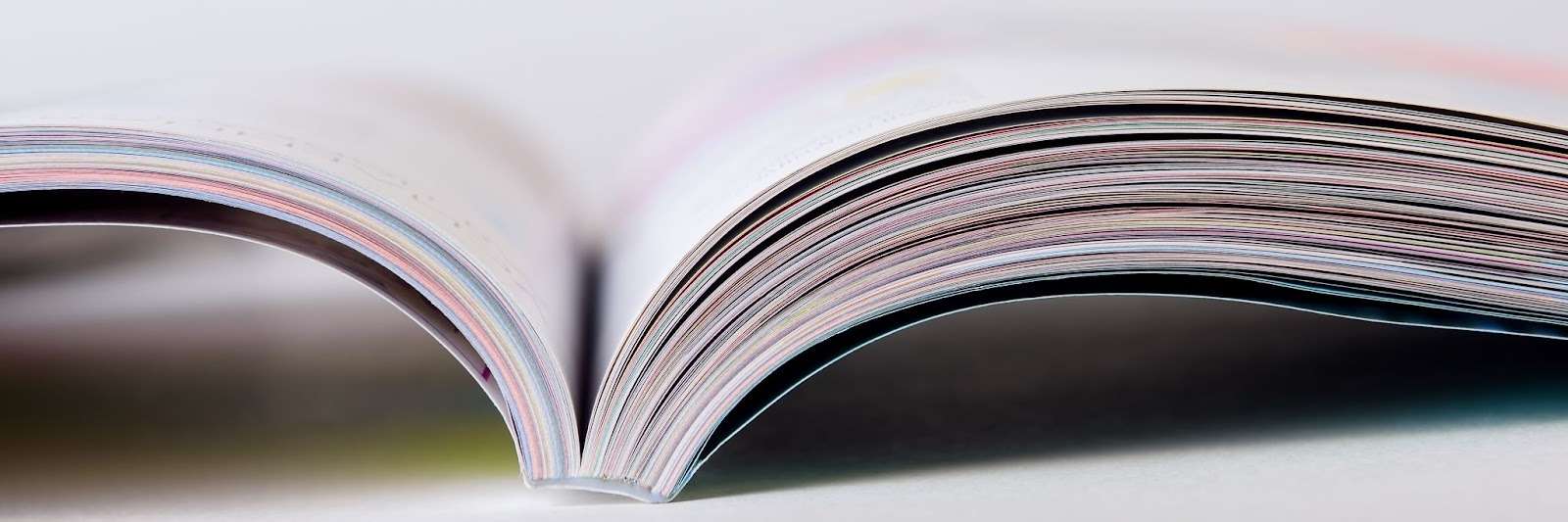
Binding is what holds your book together, literally. Perfect binding (gluing the pages to a square spine) is the most common and cost-effective method for softcover books above 60 pages. Saddle stitching (stapling through a folded spine) suits thinner booklets and magazines. Case binding, used for hardcovers, involves sewing sections of pages together before attaching them to the cover board, it’s the most durable option and the one that allows a book to lie flat when open.
Cover finishes are where many authors make a lasting impression without realising it. A matte laminate gives a soft, premium feel that photographs well. Gloss laminate is brighter and more vivid but shows fingerprints more easily. Spot UV applies a glossy coating to specific areas of the cover, a title, an image, a logo, creating a contrast between matte and shine that draws the eye. Foil stamping and embossing add texture and metallic detail, which work particularly well on hardcovers and special editions.
How to Prepare Your Book File for Print
This is the step that trips up most first-time self-publishers, and getting it wrong can mean costly reprints or a book that looks noticeably different from what you intended. Here’s what to check before submitting your files:
Resolution. All images in your book should be at least 300 DPI (dots per inch) at the size they’ll be printed. Images pulled from the web are typically 72 DPI, they may look fine on screen but will print blurry. If you’re printing a text-only book, this is less of a concern, but cover artwork always needs to be high resolution.
Colour mode. Screens display colour in RGB. Printers use CMYK. If your cover or interior images are in RGB and you don’t convert them before printing, the colours can shift noticeably, particularly reds and purples. Ask your printer what colour profile they work with and convert your files accordingly.
Bleed and margins. Bleed refers to the area of your design that extends beyond the trim edge of the page, typically 3mm on all sides. Without bleed, any background colour or image that runs to the edge of a page risks leaving a thin white strip after trimming. Equally, keep all critical text and content at least 5mm inside the trim edge to avoid anything being cut off.
File format. Most professional printers require print-ready PDFs with fonts embedded. Export from your design software (InDesign, Affinity Publisher, or even Word, with care) using a PDF/X standard where possible. If you’re unsure, ask your printer for their preferred file specifications before you design, it’s much easier to set up correctly from the start than to rework a finished file.
Spine width. If you’re designing a wraparound cover (front, spine, and back as a single file), the spine width depends on your page count and paper thickness. Your printer should be able to give you the exact spine width once you’ve confirmed your final page count and paper stock.
What to Look for in a Book Printing Service
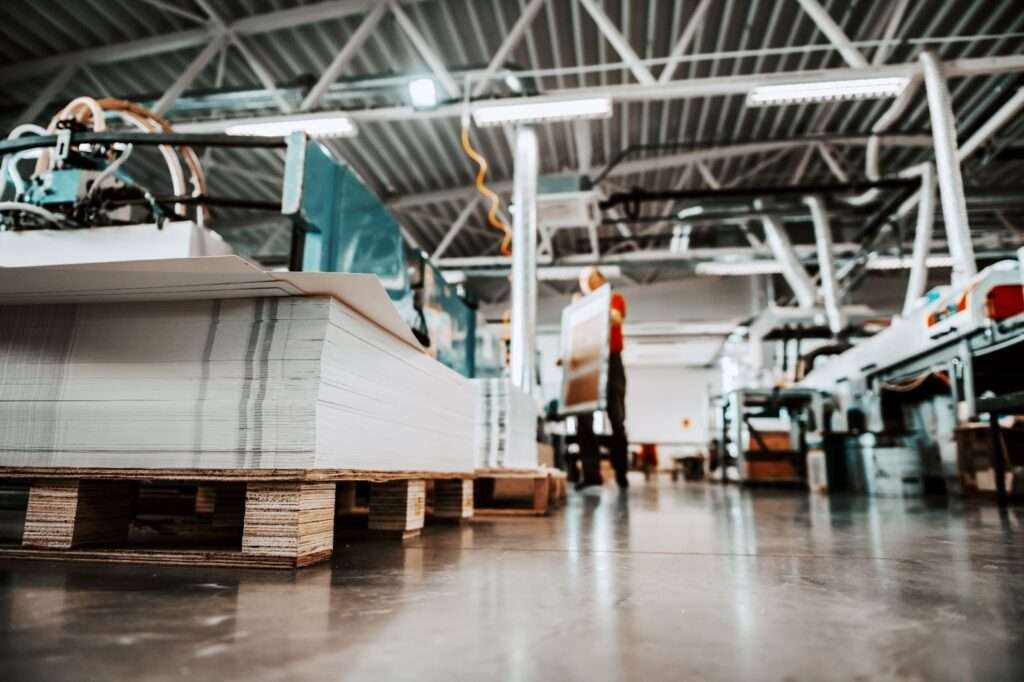
Not all printers are the same, and whether you’re an author or a business, a print project represents a real investment of time and money. Here are the questions worth asking before you commit:
Do they specialise in book printing? A general commercial printer can produce books, but a printer with specific book printing experience will have the right equipment, the right paper stocks, and staff who understand what authors actually need. They’ll also be better placed to flag potential issues in your files before they go to press.
Can you see samples? Before placing a large order, ask to see physical samples of similar work, ideally in the same format, paper, and finish you’re considering. Colours and textures look different on screen than they do in your hands.
What’s the minimum order quantity? If you’re self-publishing and unsure how many copies you’ll sell, look for a printer who can produce short runs economically. Digital printing has made short runs far more affordable than they once were, and some printers offer print-on-demand options.
How do they handle proofs? A reputable printer will offer you a physical or digital proof to approve before full production begins. Always review a proof carefully, check the colour, the margins, the spine, and a few pages at random. It’s your last chance to catch anything before the full run is printed.
What’s the turnaround time, and is it realistic? Publishing timelines have a habit of slipping. Ask for a realistic production timeline and factor in time for proof review, any corrections, and delivery. A printer who promises unusually fast turnaround without asking about your file specifications is a red flag.
Print It ZA offers book printing services in Johannesburg across softcover, hardcover, and custom formats, with a range of paper, binding, and finish options. If you’d like to discuss your project, request a free quote here — the team typically responds within 24 hours.
A Pre-Press Checklist Before You Go to Print
Before submitting your files to any printer, work through this checklist:
- All images are 300 DPI or higher at print size
- Colour mode is CMYK (not RGB)
- Bleed is set to 3mm on all sides
- All text and key content sits at least 5mm inside the trim edge
- Fonts are embedded in the PDF
- Spine width has been confirmed with the printer based on final page count
- A proof has been requested and reviewed before approving full production
- The final page count is divisible by 4 (for case-bound books) or 2 (for saddle-stitched)
- You have a backup copy of all source files
Getting your book printed is one of the most tangible milestones in any publishing project, the moment your content becomes a physical object you can put in someone’s hands. Taking the time to understand your options and prepare your files correctly makes a real difference to the final result. If you have questions about any of the options covered here, the Print It ZA team is happy to walk you through them before you commit to anything.
Contact Print It ZA today for a Free Quote and Speedy Service.
Print It ZA, we deliver Printing Best!