
Getting a Book to print should be straightforward — this checklist walks South African schools, publishers and small businesses through file setup, bleeds, spines, proofs and delivery so your project prints correctly the first time.
1. What does ‘ready to print’ mean for my book to print?
‘Ready to print’ means your digital files meet the printer’s technical and production requirements so the job runs smoothly on press. For a book to print that runs in bulk (for example bulk educational printing for schools or school textbook printing), readiness covers image resolution, colour spaces, page imposition, embedded fonts, correct bleeds and a final PDF/X export. A ready-to-print file prevents costly delays and reprints and is especially important when you’re working with fast turnaround printing and cost-effective print solutions across South Africa.
Typical readiness checks include: confirming final trim size, verifying bleeds (usually 3mm–5mm), ensuring 300 dpi images for litho and digital printing, converting RGB to CMYK for commercial printing, and outlining or embedding fonts. For school textbook printing and educational printing projects, a preflight check helps ensure legibility and correct pagination before binding.
2. Book to print: What file formats and settings should I use?
For a reliable book to print, submit high-quality PDFs using the PDF/X-1a or PDF/X-4 standard when possible. These standards embed fonts, flatten transparencies (PDF/X-1a) and maintain colour consistency. If you supply native files (InDesign, Illustrator), also include packaged files and fonts. Your printer may accept TIFFs or high-res JPEGs for single images but PDFs are preferred for multi-page documents and proofs.
Key technical settings:
- Colour: CMYK for print; spot colours for Pantone inks (when specified).
- Resolution: 300 dpi for print images; 600 dpi for line art or fine detail.
- Bleed: 3mm minimum; 5mm recommended for heavy trimming or cover wraps.
- Bleed, trim and safety: keep text at least 5mm inside the trim edge.
Using these standards makes your booklet printing, brochure printing, or catalogue printing compatible with both digital and litho production lines and avoids surprises on press.
3. How do I set up bleeds, margins and spine for book printing?
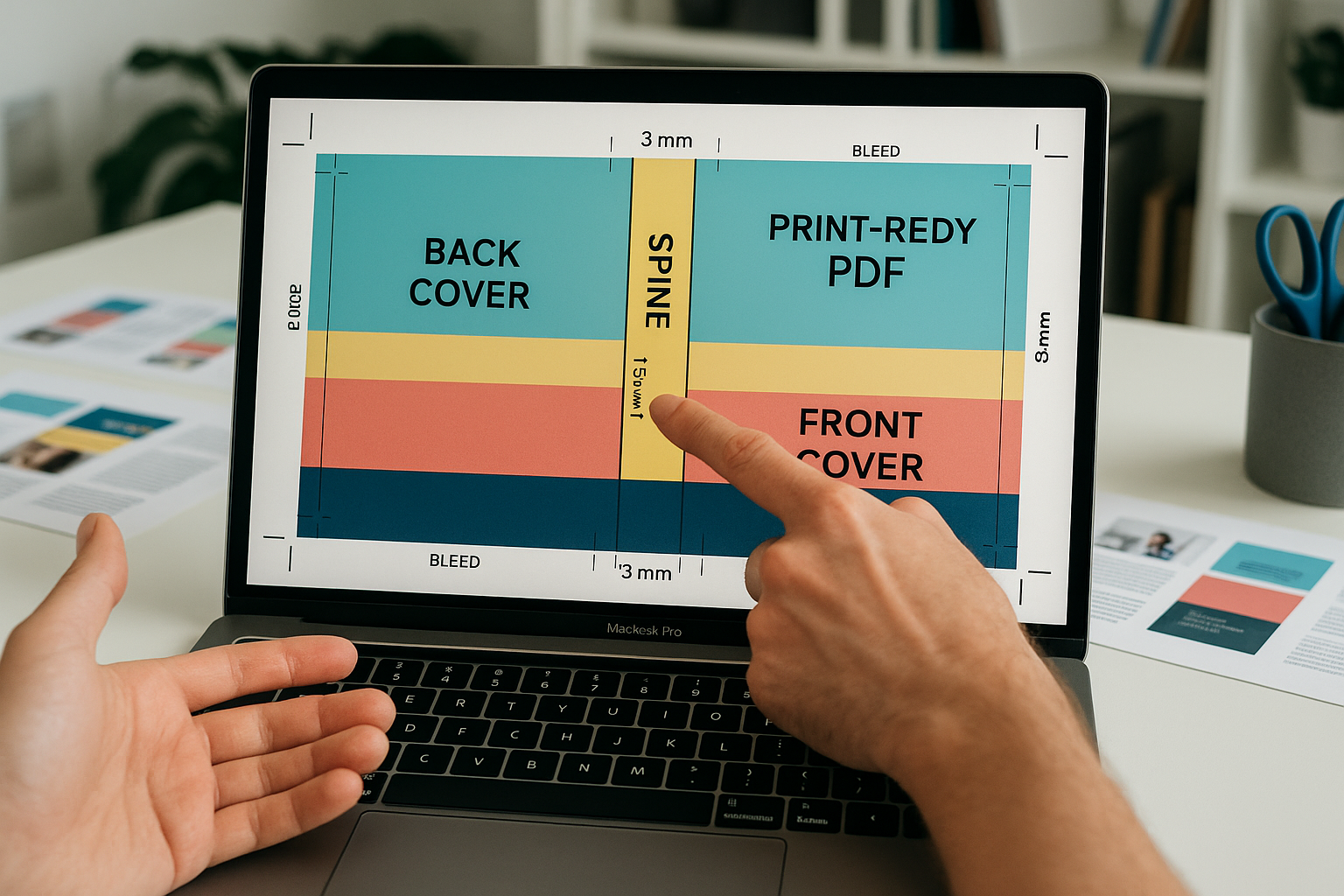
Bleeds, margins and spine calculations are critical for a book to print. Bleed is the extra image area that extends beyond the trim; margins (or safety areas) keep important text and images away from the edge. The spine width depends on page count and paper thickness (gsm) and must be exact for perfect binding and casing.
Use this quick reference table when preparing a book to print:
| Element | Typical Value | Notes |
|---|---|---|
| Bleed | 3–5 mm | More for heavy trim tolerance |
| Safety Margin | 5–10 mm | Keep text inside |
| Spine Width | Calculated: pages × paper thickness | Ask printer for exact formula |
| Resolution | 300 dpi | 600 dpi for halftone/line art |
For school textbooks and training manuals where many pages and robust binding are required, request the printer’s spine calculator or supply paper GSM so they can compute the exact spine measurement. This is essential for cover layout and barcode placement.
4. What are common file setup mistakes when preparing a book to print?
Common mistakes include missing bleeds, fonts not embedded, low-resolution images, incorrect colour space (RGB instead of CMYK), and incorrect page order or imposition. These issues are typical across commercial printing and custom publishing, and they become costlier in large runs like bulk educational printing for schools.
To avoid mistakes, run a preflight check in Adobe Acrobat or your layout app and address flagged items. Also provide a print-ready PDF with crop marks and bleeds, and include a separate cover file when necessary. Many printers offer a prepress review and will flag problems before your job goes to press — use that service, especially when producing textbooks, catalogues, or booklets for school term preparation or events and promotions.
5. How should I handle images, colour, and fonts for my book to print?
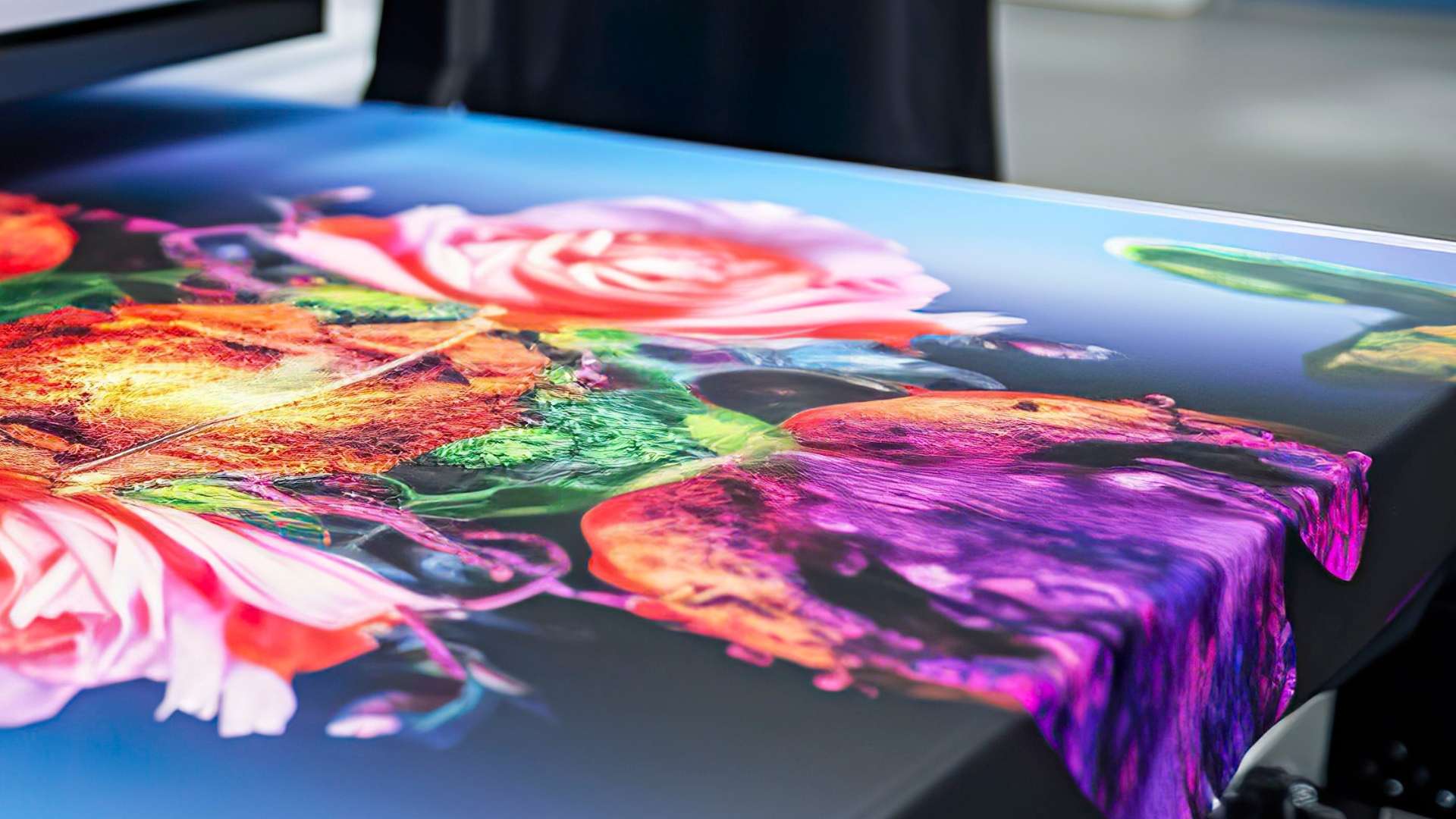
Images should be supplied at native resolution or higher (300 dpi recommended). For colour consistency across litho and digital printing options, convert images to CMYK and proof colours with the printer. When spot colours or metallics are used (for packaging printing or premium catalogue covers), provide Pantone specifications.
Fonts must be embedded in PDFs or converted to outlines for vector elements. Keep a list of proprietary fonts included with packaged files if you supply native files. This ensures accurate reproduction across different presses and avoids font substitution, which can alter spacing and layout significantly in textbooks or marketing materials.
6. What binding and finishing options should I choose for my book to print?
Binding choice depends on the book’s purpose: perfect binding is common for trade books and textbooks; saddle-stitch is economical for booklets and small catalogues; case binding (hardcover) is for premium editions. For school textbook printing and training manuals, consider durable binding and reinforced spines for extended use.
Finishes add perceived value — matte or soft-touch laminates protect covers while gloss or aqueous varnish enhances colour. Custom print finishes, such as foil stamping or spot UV, are useful for promotional books and limited-run work. Choose finishes with consideration for eco-friendly printing options if sustainability is a priority.
7. How do I proof a book to print to avoid costly errors?
Proofing is the most important risk-reduction step. A hard-copy (press) proof or a high-quality digital proof will reveal colour shifts, margins, pagination errors and typographic issues that aren’t obvious on-screen. Request a contract proof for critical colour work or high-volume educational printing runs.
Proof checklist:
- Check all pages for typos, image quality and correct pagination.
- Verify margins, bleeds, and the spine width on a dummy or mock-up.
- Inspect colour proofs under standard lighting for accurate assessment.
According to Statista, print quality and proof approval processes directly affect waste and returns in the printing supply chain, highlighting why proofing saves time and money in production. For high-volume textbook printing and school term preparation, schedule proofs early to keep fast turnaround printing timelines on track.
8. What are realistic lead times and costs for a book to print in South Africa?
Lead times depend on format, run size, and finishing. Small digital runs can be completed in days; litho runs and hardcover books often need 2–4 weeks for setup, printing and binding. Bulk educational printing for schools and catalogue printing with custom finishes will typically require longer lead times and production planning. Printers offering fast turnaround printing may have premium fees for rush jobs.
Cost drivers include paper grade (gsm), page count, colour coverage, binding type and any specialty finishes. For schools and non-profits, many commercial printers in South Africa offer cost-effective print solutions and discounts for repeat or large-volume orders. Ask for a detailed quote that breaks down costs per unit so you can compare options for booklet printing, brochure printing, or books printing.
9. How does environmental impact factor into choosing a book to print?
Eco-friendly printing options are increasingly important. Choose FSC-certified papers, eco inks, and waterless or low-VOC processes where possible. Recycled stocks and efficient imposition to reduce paper waste are practical ways to lower environmental impact, particularly for recurring print runs like school textbook printing across South Africa.
Many printers now offer carbon-offset programs and sustainable finishing alternatives. If your institution values sustainability, ask for an environmental policy and certification details from your chosen printer. According to UNESCO and other education advocates, sustainable procurement of textbooks supports long-term learning outcomes while reducing supply-chain environmental costs.
10. How do I manage distribution and delivery for a book to print across South Africa?
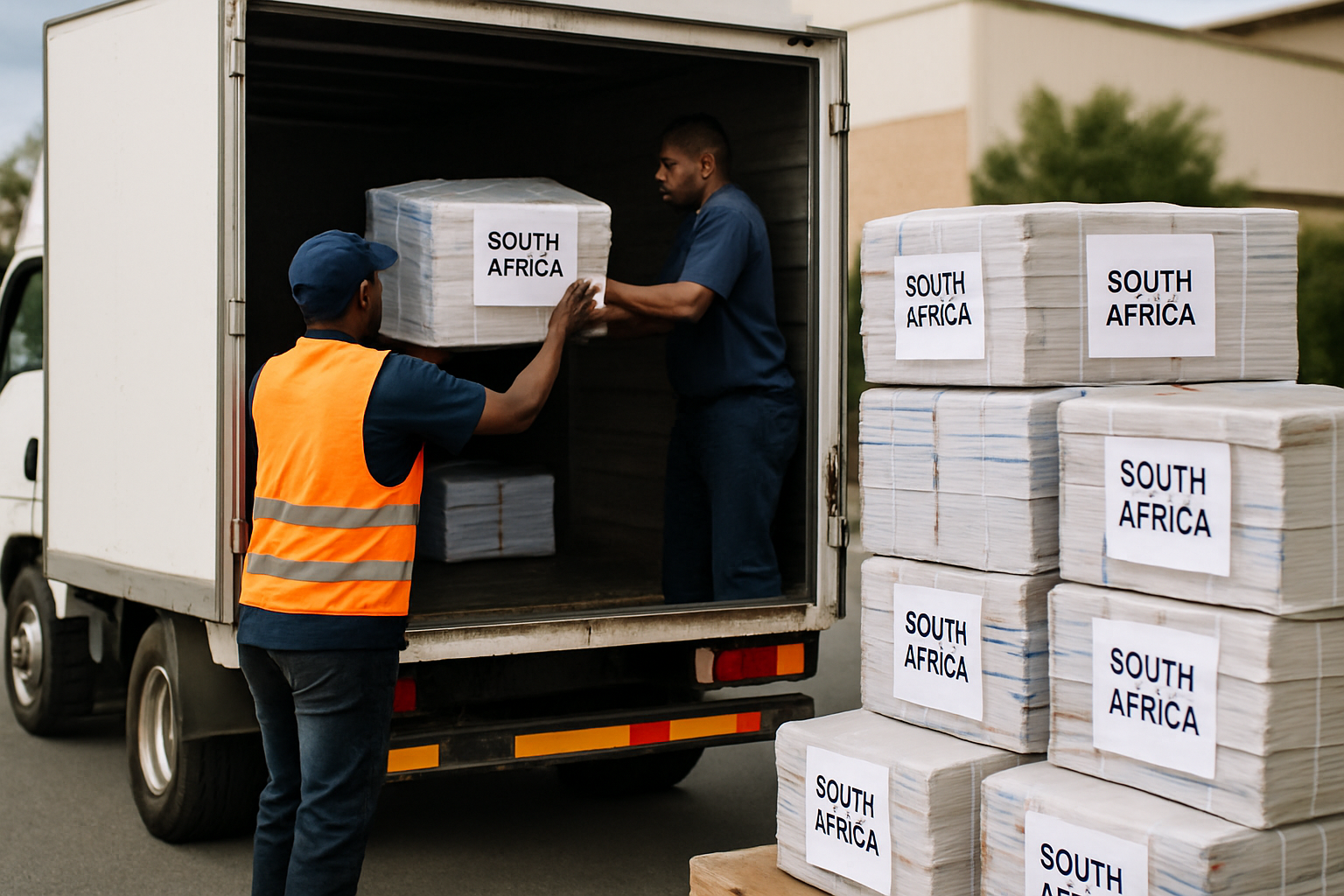
Distribution logistics should be part of the print plan. Printers that offer print delivery across South Africa can manage warehousing, batching and staged deliveries aligned with school term preparation or events. When printing for multiple schools or retail outlets, coordinate addresses, packaging requirements and delivery windows upfront to avoid last-minute complications.
Consider drop-shipping smaller runs to regional depots to reduce transport costs. For urgent orders or promotional materials, choose a printer experienced in fast turnaround printing and local logistics — they can often use regional partners for reliable last-mile delivery.
11. Who should I ask for help when preparing my book to print?
Work with a printer that offers prepress support, dedicated project managers and clear proofing steps. For educational printing, coordinate with curriculum planners; for catalogues and marketing materials, involve designers early to ensure final files meet production specifications. Printers with experience in commercial printing, educational printing, and custom publishing can advise on paper selection, finishes and binding choices.
Use in-house checklist steps and share print-ready PDFs. If you need templates and hands-on guidance, many print providers supply templates for common sizes and binding types. For specific services, consult linked resources below that match your project type:
- Textbook printing — for large runs and education-focused finishes
- Books printing — for trade, offset and short-run books
- Booklet printing — for saddle-stitched guides and programs
- Brochure printing — for marketing and small promo pieces
- Catalogue printing — for product catalogues and sales sheets
According to Wikipedia, the development of the printing press revolutionised mass communication and remains the foundation of modern book production: understanding print fundamentals helps you communicate better with printers and avoid common pitfalls.
12. Final checklist: What do I need to submit to go from file to finished book to print?
Use this concise pre-submission checklist to ensure your book to print is production-ready:
- Final PDF/X export with crop marks and bleeds
- Embedded fonts or outlined text where required
- Images at 300 dpi, converted to CMYK
- Cover file with exact spine width and bleed
- Proof approval (digital or press proof) confirmed
- Clear delivery instructions and packaging requirements
- Purchase order, BOM (paper, binding, finishes) and delivery schedule
Completing these steps ensures your print job — whether a school textbook, catalogue, newsletter or a promotional brochure — gets produced on time and on budget. If you need technical templates, prepress checks or help scheduling bulk educational printing for schools with tight term timelines, consult your printer early and send test files for review.
Need help? Reach out to a commercial printer experienced in educational printing, school textbook printing and short-run print-on-demand to review your files before you commit to a large run. Proper setup upfront is the difference between a smooth delivery across South Africa and unexpected reprint costs.
Contact Print It ZA today, for a Free Quote and Speedy Service.
Print It ZA, we deliver Printing Best!