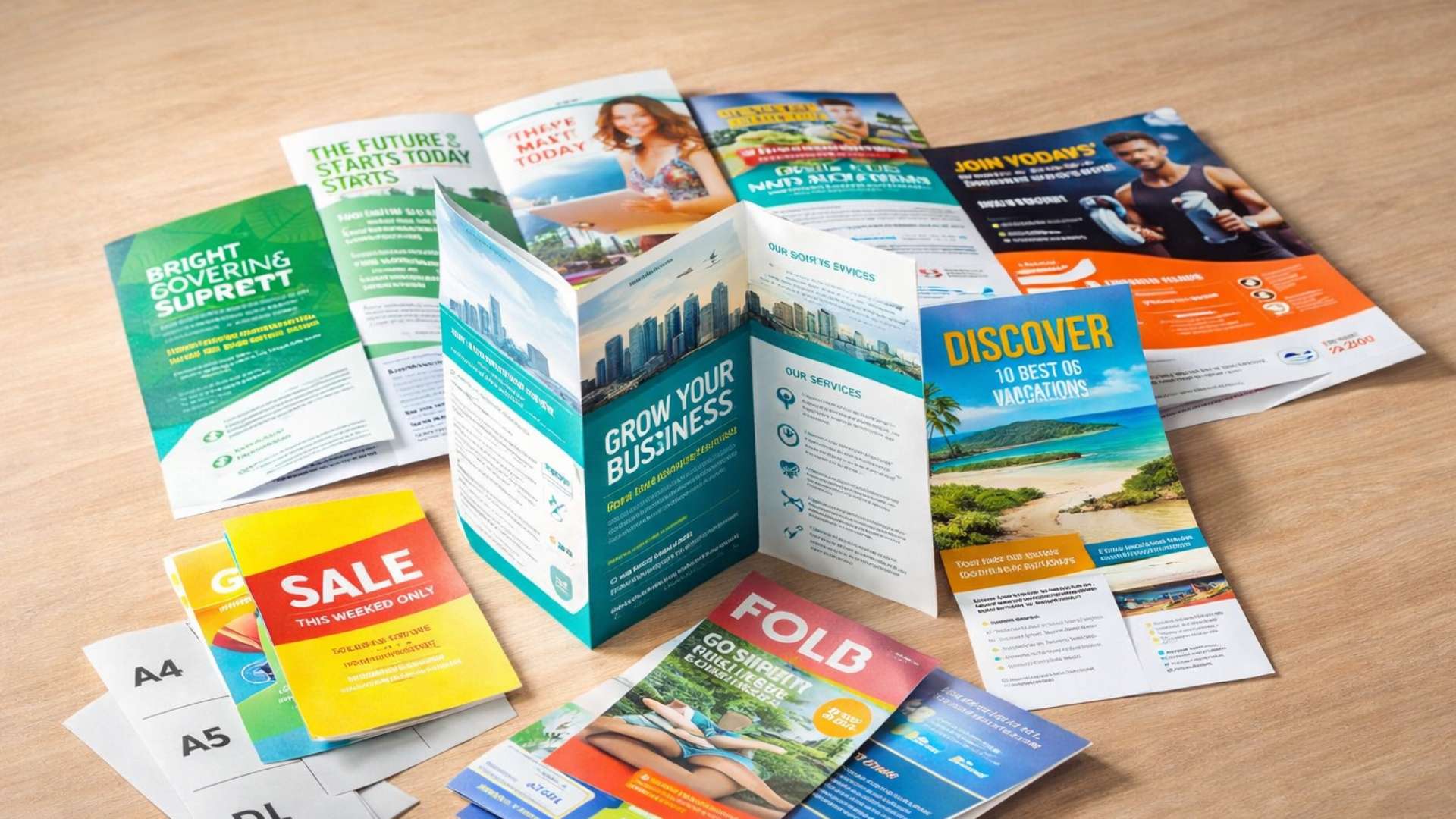
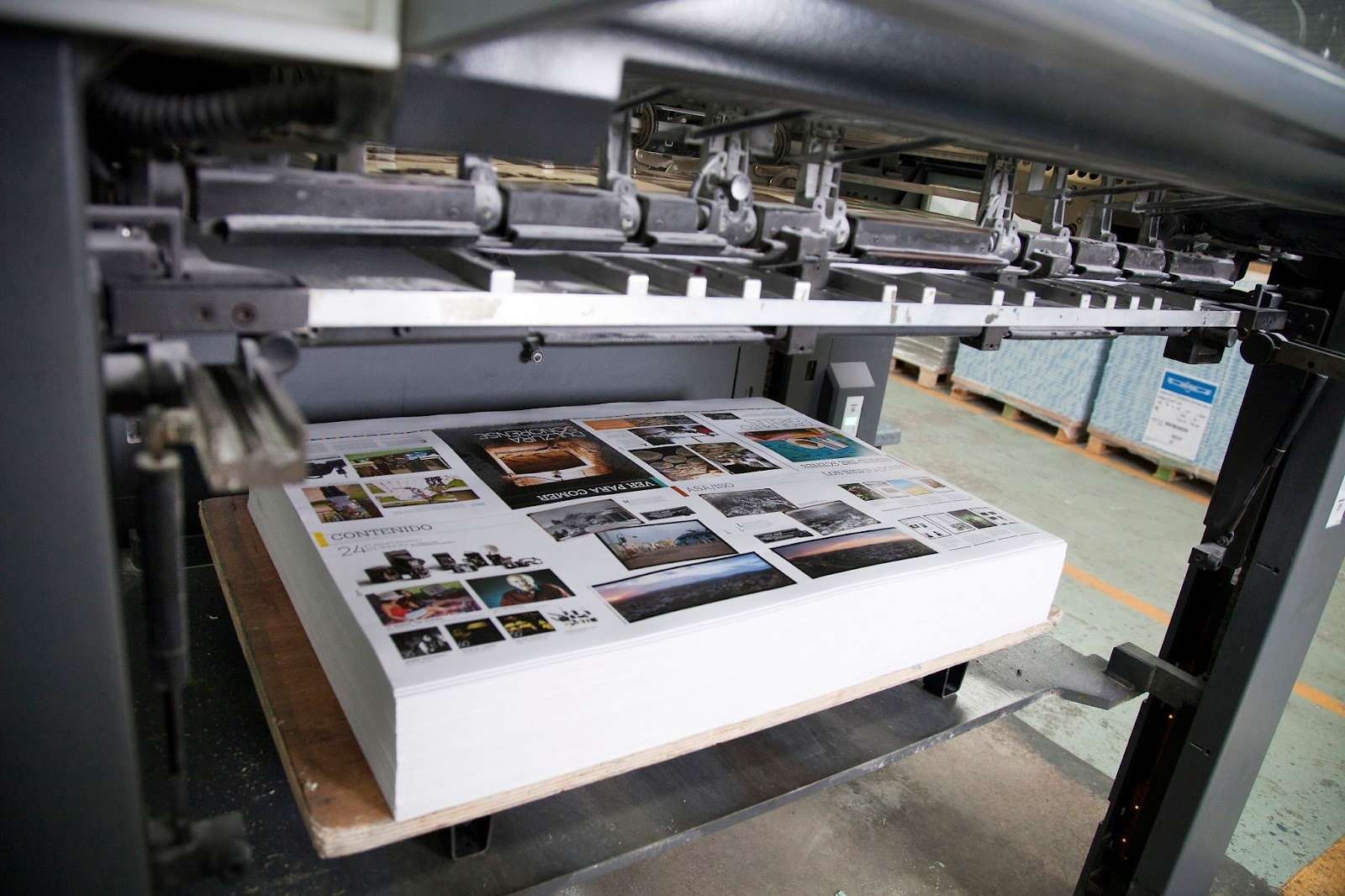
Booklets occupy a useful middle ground in business marketing, more substantial than a flyer, more targeted than a full magazine, and more tangible than anything digital. Done well, a printed booklet gives your audience something to hold, keep, and return to. Done poorly, it ends up in the nearest bin before it’s been read. This guide covers the decisions that determine which outcome you get: format, paper, binding, design, and how to prepare your files correctly before going to print.
What Type of Booklet Do You Actually Need?
The format you choose should follow the purpose of the booklet, not the other way around. Before thinking about design or print specs, be clear on what job this booklet needs to do and who it’s for.
Product catalogues work best when they’re organised around how customers browse and make decisions, by category, by price range, or by use case. High-quality images matter here more than in almost any other booklet type, so paper choice and print quality are especially important. A catalogue that makes your products look flat or dull will work against you.
Company profiles and capability statements are often handed to potential clients or investors in meetings or sent as part of a tender package. They need to feel premium in the hand, a heavier cover stock, clean layout, and quality binding signal that you take your business seriously. This is not the place to cut costs on paper weight.
Event programmes have a short functional life but are often kept as a memento, particularly for significant events. They benefit from a clear, well-organised layout and can include sponsor recognition, advertising, or QR codes linking to digital content.
Training manuals and staff handbooks prioritise usability over aesthetics. They need to be easy to navigate, with clear headings, numbered sections, and enough white space that people can actually read them without losing their place. Spiral or wire-o binding is often the right call here, since it allows the booklet to lie flat on a desk.
Brochures and marketing booklets used for trade shows, direct mail, or waiting room distribution need to work fast, they’re often picked up and skimmed in seconds. Strong headlines, a clear hierarchy of information, and a single focused message per spread will serve you better than trying to say everything at once.
Paper, Binding, and Finish: What the Options Actually Mean
These decisions have more impact on the final result than most clients expect. Here’s what’s worth understanding before you brief your printer.
Paper weight is measured in grams per square metre (gsm). For interior pages, 100–130gsm coated stock is standard for most business booklets, it’s substantial enough to feel quality without adding unnecessary bulk or cost. Cover stock is typically 250–350gsm to give the booklet structure and protect the interior pages. If your booklet is image-heavy, a coated (gloss or silk) stock will reproduce photography and colour significantly better than uncoated paper. For text-heavy content, training manuals, reports, handbooks, uncoated stock is easier on the eyes for sustained reading.
Binding determines how your booklet opens and how long it holds together. Saddle stitching (stapling through the folded spine) is cost-effective and works well for booklets up to around 60 pages. Perfect binding, where pages are glued to a flat spine, suits thicker booklets and gives a more polished, book-like appearance. Spiral and wire-o binding allow the booklet to open completely flat, which is practical for manuals, workbooks, or anything people need to write in or refer to while their hands are occupied.
Cover finishes are where you can add tactile quality that makes a booklet feel more considered. Matte laminate gives a soft, premium feel and photographs cleanly. Gloss laminate is more vibrant and works well when the cover is image-led. Spot UV applies a glossy coating to specific elements, a logo, a headline, a product image, creating a contrast between matte and gloss that draws the eye without overwhelming the design. Foil stamping adds metallic detail and works particularly well on dark covers or for events and special editions where you want the booklet to feel like an object worth keeping.
How to Prepare Your Files for Print
File preparation is where many booklet projects run into avoidable problems. Getting this right before you submit saves time, money, and the frustration of a reprint.
Resolution should be 300 DPI for all images at the size they’ll appear in print. Images sourced from websites are almost always 72 DPI, they look fine on screen but will print soft and blurry. If you’re working with a designer, make sure they’re sourcing or exporting images at the correct resolution, not scaling low-resolution files up in InDesign or Photoshop.
Colour mode matters because screens use RGB and printers use CMYK. If your files aren’t converted to CMYK before printing, colours can shift, particularly reds, oranges, and purples, which often look noticeably different between screen and print. Ask your printer for their recommended CMYK colour profile and convert your files before submission.
Bleed is the area of your design that extends 3mm beyond the trim edge of the page. Without bleed, any background colour or image that runs to the edge of a page risks leaving a thin white strip after trimming. All critical content, text, logos, key imagery, should sit at least 5mm inside the trim edge to avoid being cut off.
File format should be a print-ready PDF with fonts embedded. Export using PDF/X-1a or PDF/X-4 where possible. If you’re unsure of the correct settings, ask your printer for a PDF export preset before you start. It’s much easier to set the file up correctly from the beginning than to troubleshoot a problem after the design is finished.
Page count for saddle-stitched booklets must be a multiple of 4, since pages are printed on folded sheets. If your content runs to 22 pages, you’ll need to add 2 blank or filler pages to reach 24. Factor this into your design process rather than discovering it at submission.
Getting the Most Out of Your Booklet Print Run

A few practical points that are easy to overlook, especially if this is your first booklet print project.
Always request a proof before approving full production. A digital proof lets you check layout, colour, and content. A physical proof, printed on the actual stock with the actual finish, lets you assess how the booklet feels in the hand, how colours reproduce on your chosen paper, and whether the binding works as expected. The cost of a proof is insignificant compared to the cost of reprinting a full run because something wasn’t caught in time.
Build in more time than you think you need. Most print delays on the client side come from content that isn’t finalised, approvals that take longer than expected, or last-minute design changes. If you have a hard deadline, an event, a trade show, a launch date, work backwards from that date and build in at least a week of buffer between your proof approval and your deadline.
Think about distribution before you finalise the quantity. It’s tempting to print more copies than you need to bring the unit cost down, but a warehouse of booklets that never reach your audience is a poor investment. Be realistic about how many you’ll actually distribute, through which channels, and over what time period. Digital printing has made short runs much more economical than they once were, so you’re not forced into large quantities to make the economics work.
If sustainability is relevant to your brand, ask your printer about FSC-certified paper stocks and eco-inks. These options are increasingly standard, often at little or no additional cost, and worth mentioning in your materials if environmental responsibility is part of your positioning.
Print It ZA offers booklet printing in Johannesburg across a full range of formats, stocks, bindings, and finishes. If you’d like to talk through your project, request a quote here — the team typically responds within 24 hours on working days.
Contact Print It ZA today, for a Free Quote and Speedy Service.
Print It ZA, we deliver Printing Best!