Print books without costly delays and reprints by avoiding the most common mistakes printers and clients make during preparation, proofing and production. This guide gives publishers, schools and small businesses in South Africa practical, actionable steps for litho and digital printing, school textbook printing, booklet and catalogue work, and fast-turnaround projects.
Why do projects to print books end up delayed or reprinted?
Delays and reprints usually come from avoidable errors in prepress, file setup, approvals, material selection and unrealistic scheduling. When organisations order bulk educational printing for schools, or small businesses commission brochure and catalogue printing, misunderstandings about specs, colour, and paper can force a job back to prepress or to a costly second run.
Common root causes include incorrect file formats, missing fonts and low-resolution images, incomplete bleeds, inconsistent page counts, late content changes, and failing to approve accurate proofs. Even logistic issues — incorrect delivery addresses across South Africa or tight school-term windows — can look like printing errors when they are scheduling problems.
According to the International Color Consortium and industry surveys, roughly 30–40% of printing issues stem from incorrect digital files provided by clients. According to Statista, the global print market’s push toward digital workflows has reduced some errors but raised the stakes for correct file submission. According to UNESCO, educational materials demand higher accuracy because reprints delay curriculum schedules.
How should you prepare files when you print books?
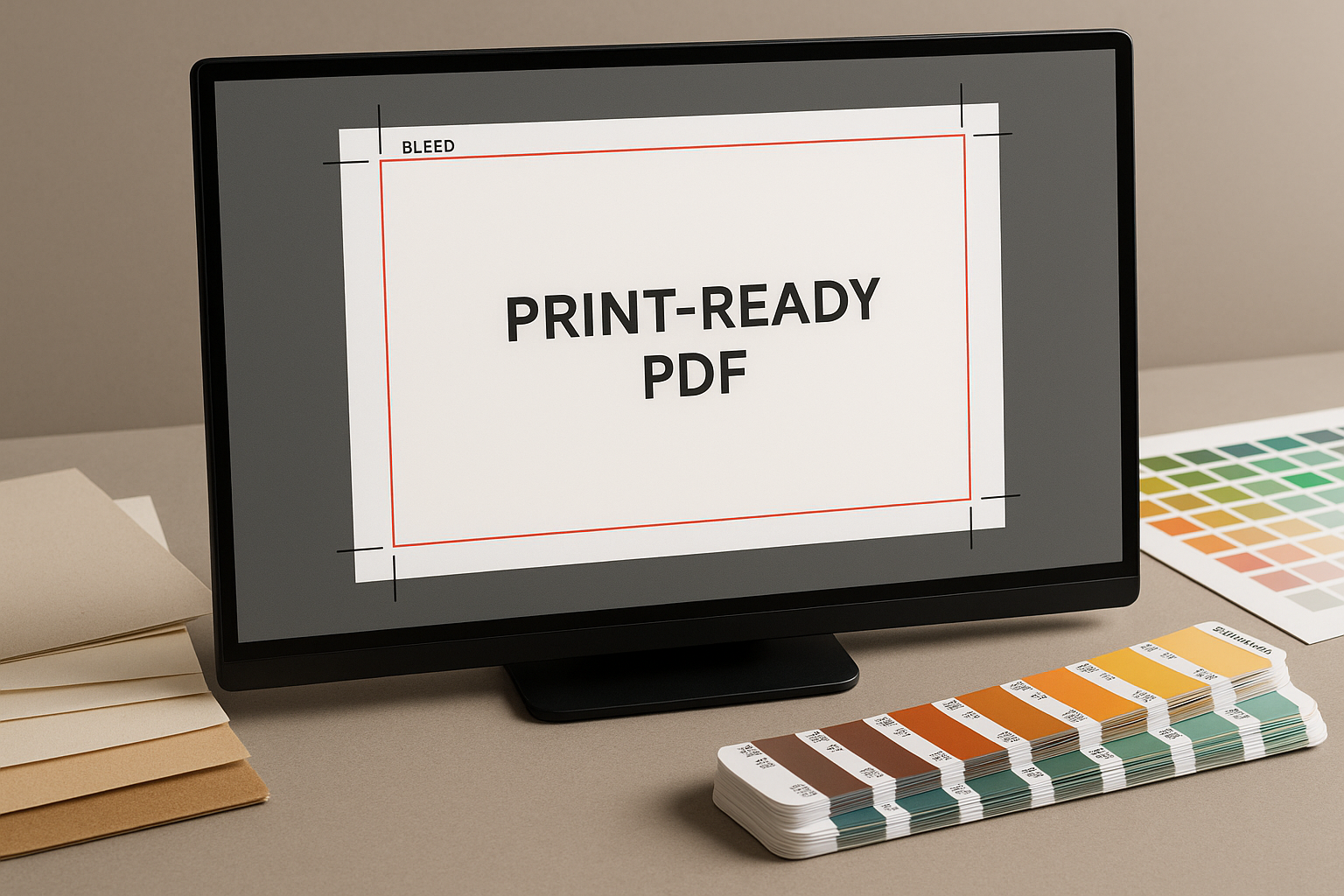
Proper file preparation is the single most important step when you print books. Submit print-ready PDFs using a recommended standard (PDF/X-1a or PDF/X-4) with embedded fonts, correct bleeds and trim marks. Set images at 300 dpi for photos and 600 dpi for line art where possible. Include crop marks and allow at least 3–5 mm bleed beyond trim. Deliver a single multi-page PDF where possible.
Below is a quick file-prep checklist you can follow before upload or sending to your printer:
- Use PDF/X standard (PDF/X-1a or PDF/X-4)
- Embed or convert fonts to outlines
- Images at 300 dpi or higher; CMYK colour profile
- 3–5 mm bleed and proper crop marks
- Include a front/back cover as separate files if required
- Check pagination and spreads (reader vs printer spreads)
If you’re producing textbooks or training manuals for a school term, verify that all page counts match the binding method. Saddle stitch has page-count multiples; perfect binding does not, and signatures matter for litho production.
When to proof and what types of proofs matter most?
Proofing is where many projects either succeed or fail. Always request a hard-copy proof (a press proof or certified contract proof) for colour-critical work like full-colour textbooks, catalogues and brochures. Electronic PDF proofs are fine for text-only or black-and-white runs, but never skip a physical press proof when using special finishes or custom colour matches.
Types of proofs to consider:
- PDF proof — good for layout and text checks.
- Digital colour proof (soft proof) — quick and cost-effective for colour checks on digital printers.
- Contract/press proof — accurate colour verification for litho and high-volume work.
- Bound mock-up — physical check of pagination, spine, and usability for textbooks and training manuals.
For bulk educational printing and fast turnaround printing ahead of a school term, coordinate proof approvals in your timeline early — allow 48–72 hours for client review and changes to avoid compressing production time printing ahead of a school term, coordinate proof approvals in your timeline early — allow 48–72 hours for client review and changes to avoid compressing production time later.
How do you choose paper, finishes and eco-friendly options in South Africa?
Paper choice affects cost, durability and perceived value. For textbooks and training manuals intended for schools, choose coated or uncoated stocks that withstand handling and offer good opacity (to reduce show-through). For brochure and catalogue printing, silk or gloss coated stocks deliver crisp photo reproduction; matte stocks suit subdued brand aesthetics.
Eco-friendly printing is increasingly important in South Africa and across the globe. Look for FSC or PEFC certified papers, and consider recycled stocks for internal pages with a stronger recycled cover where appropriate. Many printers offer vegetable-based inks and water-based coatings that reduce environmental impact without raising reprint risk.
Recommended pairings:
| Product | Paper/Finish | Notes |
|---|---|---|
| School textbooks | Uncoated 80–120 gsm internal; coated 250-300 gsm cover | Durability, good for notes and annotations |
| Catalogues & brochures | Coated 115–170 gsm internal; 250–300 gsm cover | High-quality photo reproduction |
| Newsletters & booklets | Uncoated or light coated 80–128 gsm | Cost-effective bulk runs |
What common layout and typography mistakes cause reprints?
Typography and layout errors are frequent causes. Problems include missing or substituted fonts, inconsistent paragraph styles, kerning issues, orphaned headings, and incorrect page numbering. These issues are often invisible until a physical proof is inspected.
Practical steps to avoid typographic reprints:
- Use paragraph and character styles rather than manual formatting.
- Embed fonts or convert to outlines for decorative display type.
- Check widows and orphans and adjust hyphenation settings.
- Run an automated preflight check in your layout software.
For schools and educational printing, keep accessibility in mind: readable type sizes, consistent contrast for learners with visual challenges, and accessible PDF tagging where digital distribution accompanies printed delivery.
How do you balance litho and digital printing, including print-on-demand?
Choosing between litho and digital depends on quantity, turnaround and budget. Litho (offset) is cost-effective for large runs and offers consistent colour and a wide substrate range. Digital printing suits short runs, fast turnaround and print-on-demand models that reduce inventory risk — ideal for self-publishers and small businesses needing frequent updates.
Decision guide:
- Small runs (under 250–500 copies): digital or print-on-demand.
- Medium to large runs: litho for economies of scale and colour consistency.
- Variable-data printing: digital is best for personalised materials.
Many South African printers combine both technologies to offer hybrid solutions — fast digital proofs and small batches with litho for main runs. For custom publishing, consider a blended approach: a small digital proof run or short first run, followed by an optimized litho reprint if demand is high.
Learn more about textbook-specific workflows at our textbooks page: Textbook Printing.
What are the logistics pitfalls when delivering across South Africa?
Delivery mistakes are often perceived as printing failures. Incorrect addresses, late courier bookings, customs for cross-border work, and large-volume consolidation issues can create missed school-term deadlines or delayed promotional campaigns. Plan delivery windows well in advance and confirm courier capacities during peak seasons.
Tips to reduce delivery risk:
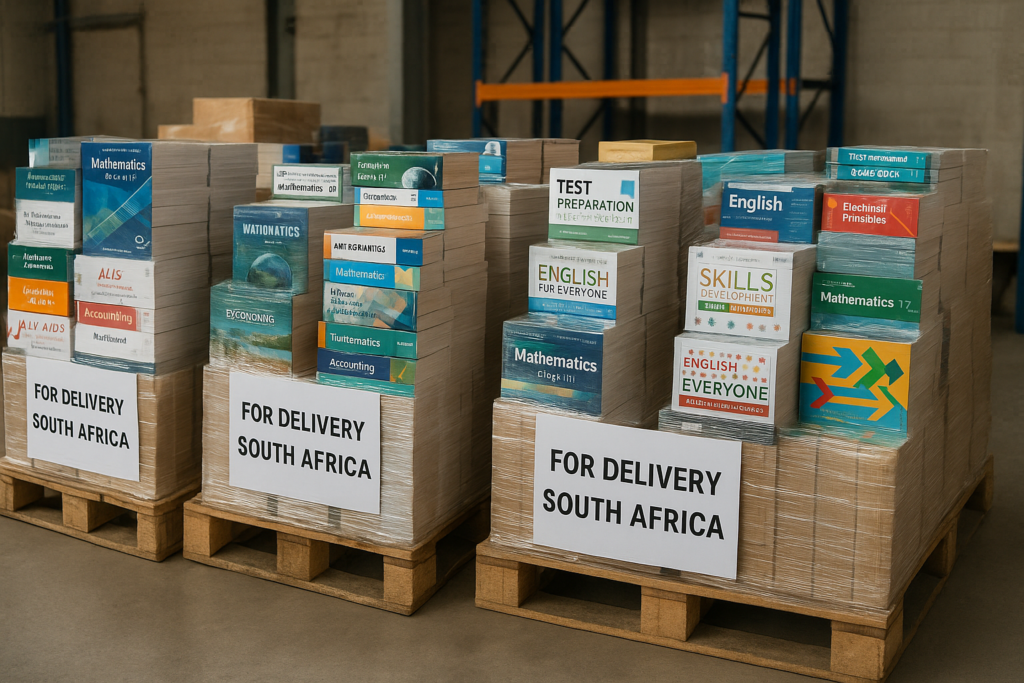
- Bundle and label boxes by school, region or event site.
- Use trackable courier accounts and staggered dispatch for large orders.
- Confirm access constraints for remote areas and arrange local distribution hubs.
For large educational printing jobs and nationwide textbook supply, coordinate with printers experienced in print delivery across South Africa and request consolidated packing lists and pallet labels to speed customs or school-receipt processing.
How much does quality control reduce reprints and delays?
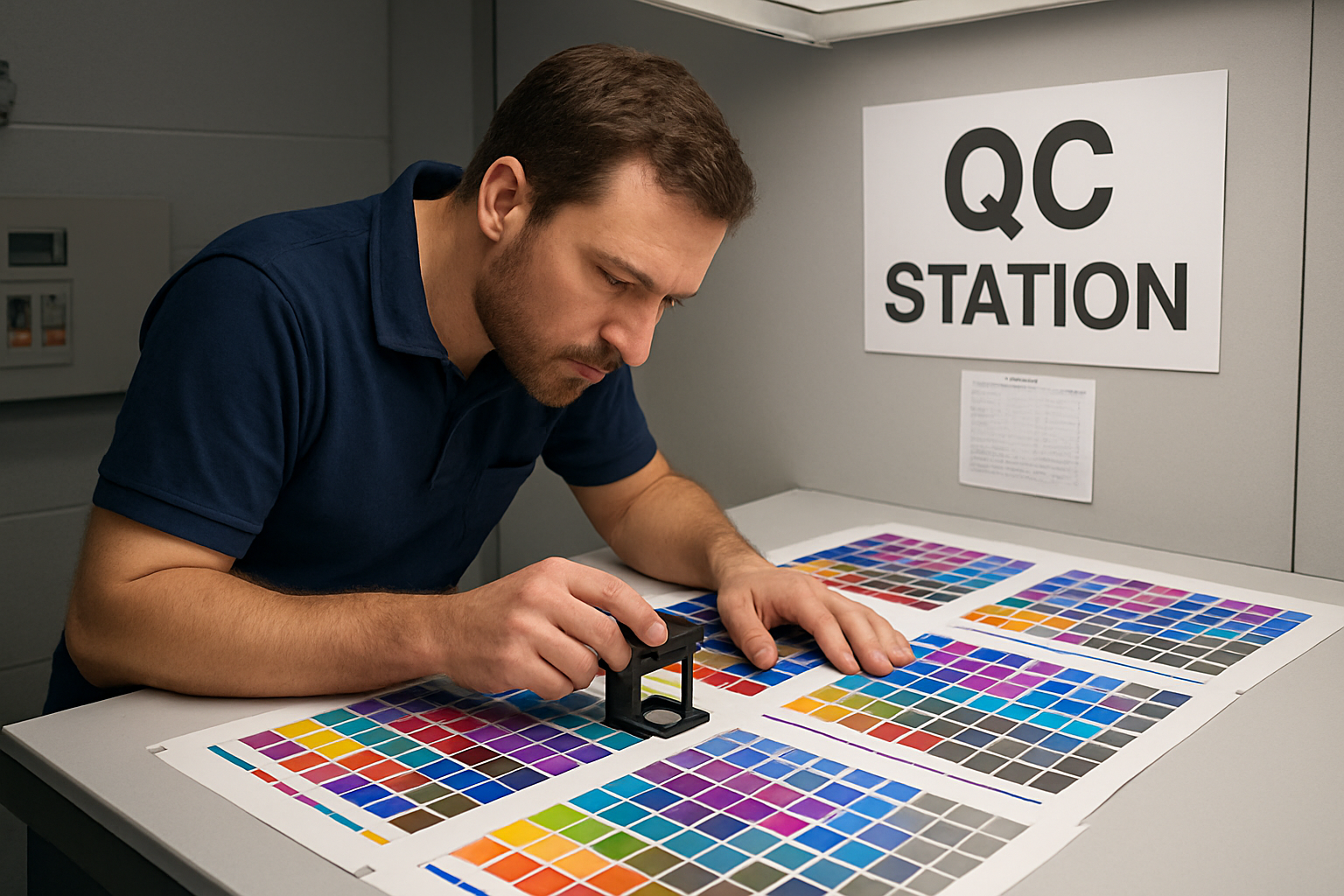
Quality control (QC) at multiple stages — prepress, press, finishing and packing — dramatically reduces the need to reprint. QC should include digital preflight, first-article press checks, inline colour checks, and a final sampling inspection before dispatch. A documented QC plan with acceptance criteria prevents subjective disputes on colour or trimming tolerances.
According to printing industry reports, structured QC programs can cut reprint rates by over 50% compared to ad hoc inspection. Implement a simple sampling plan: check 3–5 copies per run for visual issues, and escalate to laboratory tests for colour-critical materials.
How do you manage approvals, version control and last-minute edits?
Last-minute content changes are the single biggest cause of reprints. Implement a strict approvals process: final copy freeze, named approver(s), timestamped approval emails or a secure digital proofing system. Use version control and clearly label files with version numbers and dates to avoid confusion between draft and final files.
Practical workflow:
- Draft → internal review → marked PDF proof
- Client review → consolidated change file
- Finalise and freeze content → create print-ready PDF
- Approve hard-copy or contract proof for print
For school term preparation and event deadlines, schedule the content freeze at least 7–10 business days before production start to allow for proofing, press setup and finishing. If you need training materials or manuals, see our training manual printing services for recommended timelines and proofing approaches.
What cost-saving strategies prevent reprints without sacrificing quality?
Cost savings come from planning, bulk buying, efficient page imposition and smart binding choices. Consolidate orders for similar stocks and finishes, use standard trim sizes to reduce custom cutting waste, and pick economically robust binding methods for expected handling. For recurring school prints, negotiate a standing schedule to spread costs across multiple terms.
Specific ideas:
- Order a slightly larger litho run to lower unit cost if storage and shelf-life allow.
- Use digital short runs for variations instead of multiple litho reprints.
- Choose durable but cost-effective stocks for textbooks to reduce reprints due to wear.
For small business marketing materials, compare brochure and catalogue options: our brochure printing services and catalogue printing pages outline practical optimisations for size, finishes and run lengths.
Final checklist before you submit a job to print books
Use this compact final checklist before sending files or signing off a proof. It prevents nearly every common cause of delay and reprint:
- Files saved as PDF/X, embedded fonts, correct bleeds and crop marks.
- All images at required resolution and in CMYK colour space.
- Page count and binding method confirmed.
- Proof type agreed (soft proof vs contract press proof) and approved by designated person.
- Paper grade, coatings and eco-certifications chosen.
- Delivery addresses, pallet labels and courier arrangements confirmed.
- Backup plan for last-minute edits (cut-off times communicated).
For book and booklet projects, review our books printing and booklet printing resources to match your binding and finishing to your educational or marketing goals.
Where can you learn more and who should you partner with in South Africa?
Partner with a printer experienced in commercial printing, educational printing and school textbook printing with proven logistics across South Africa. A good partner offers transparent prepress checks, sample proofs, eco-friendly options and clear lead times — critical when preparing for a school term or an event. If you’re exploring the history and types of printing technology as context for your choices, review the printing press page on Wikipedia: Printing press.
Before you sign off on any large educational run or promotional material, ask for client references, sample work, and documented QC processes. A robust printer will also advise on packaging printing, custom finishes and print-on-demand options that reduce the need for reprints and unnecessary inventory.
When you follow these checks and workflows, you dramatically reduce the common mistakes that cause delays and reprints when you print books — saving money, time and headaches for publishers, schools and small businesses across South Africa.
Contact Print It ZA today, for a Free Quote and Speedy Service.
Print It ZA, we deliver Printing Best!