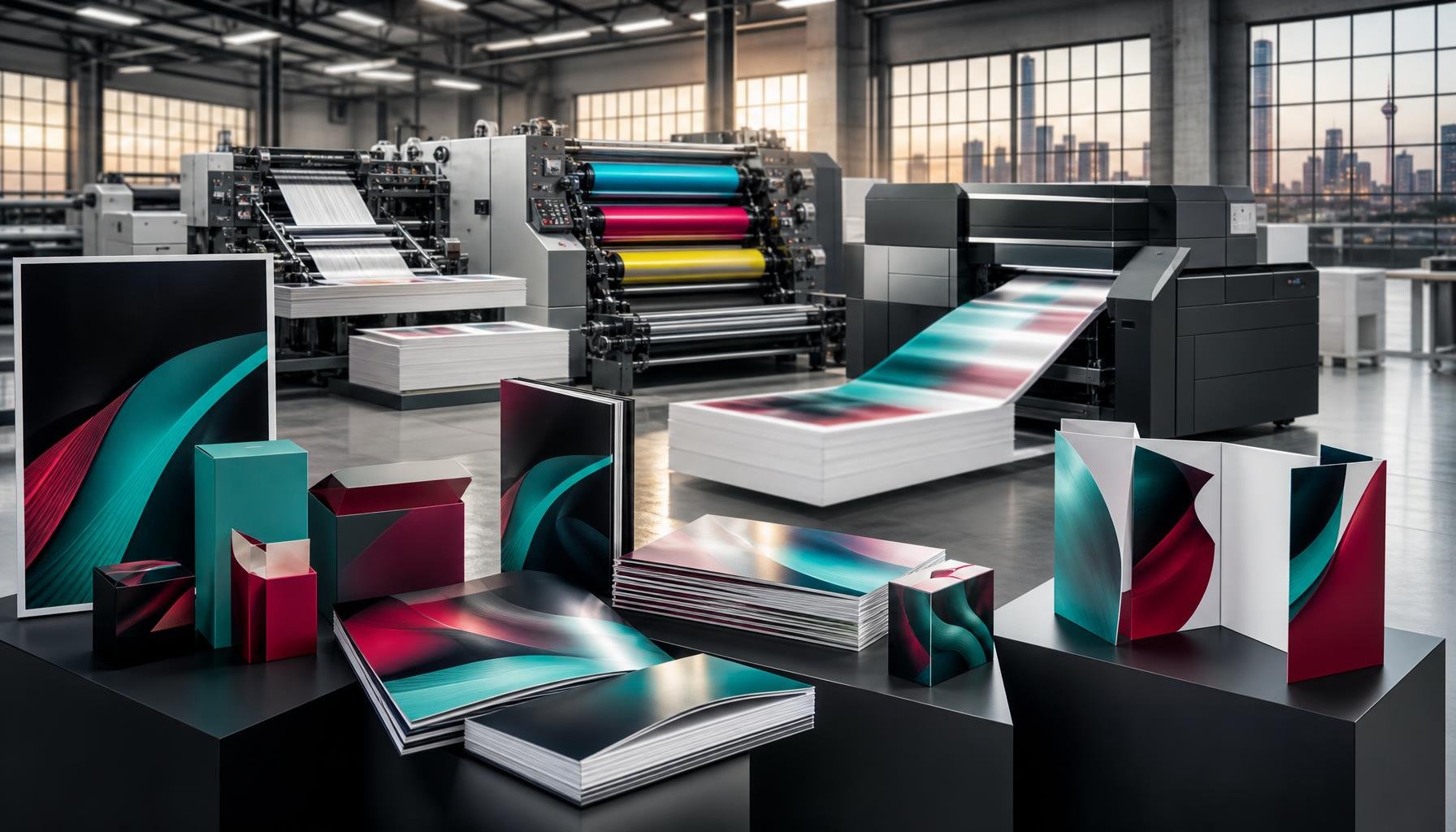
A larger print run is not always the best place to start. Digital printing suits shorter runs and jobs with changing content, while litho printing is often a better fit for thousands or tens of thousands of copies of the same design. Choosing between litho and digital printing with Print It ZA printers starts with what you need to print and how many copies you need.
The two methods differ in more than the equipment. Your choice also affects setup, turnaround and how easily you can update or personalise a design. Digital printing does not need plates, while litho uses plates to transfer ink to paper or cardboard.
This guide explains how each process works and compares them by run size, turnaround, content changes and common uses. It also gives you a practical way to choose a method for a short-run brochure or book, or a large batch of packaging. Understanding the trade-offs helps you plan around your priorities, whether that is flexibility or consistent output at scale.
Key Takeaways
- Match the printing method to your run size, design stability and need for personalised or frequently updated content.
- Understand how litho plates affect setup and why the method can suit large runs with consistent artwork.
- Use digital printing to explore flexible options for smaller jobs, prototypes and changing content.
- Compare the practical trade-offs, including turnaround, substrate and output requirements, before choosing a process.
- Explore Print It ZA’s books, catalogues, brochures and retail packaging when planning a print project.
Choosing a printing method for packaging
Packaging print choices depend on run size, artwork, material and delivery plans. Compare these requirements before choosing litho or digital production.
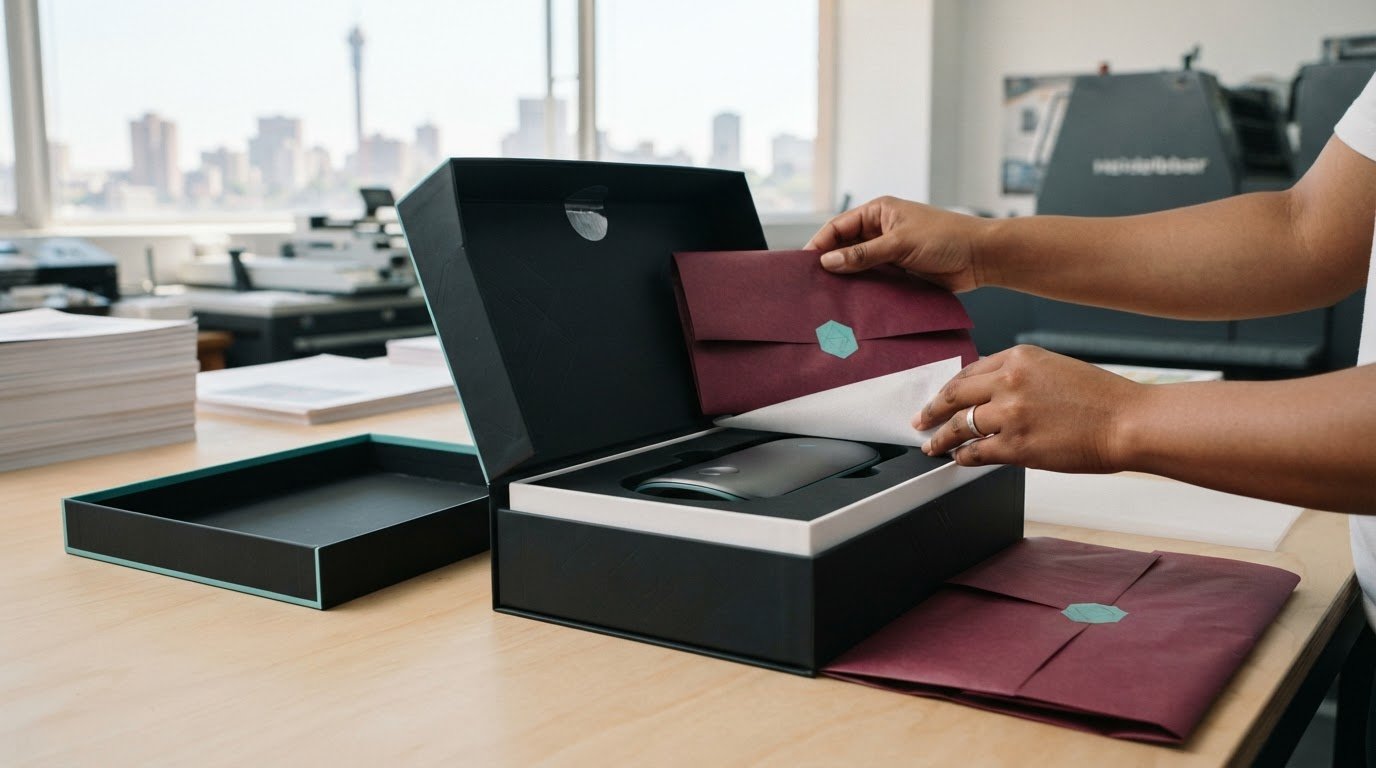
For packaging, start with the finished item: a retail carton, sleeve or point-of-sale display has its own surface and quantity requirements. Litho is commonly used for packaging printed on paper and cardboard. Digital suits shorter runs, prototypes and artwork that may change between versions.
Colour Variance Between Methods
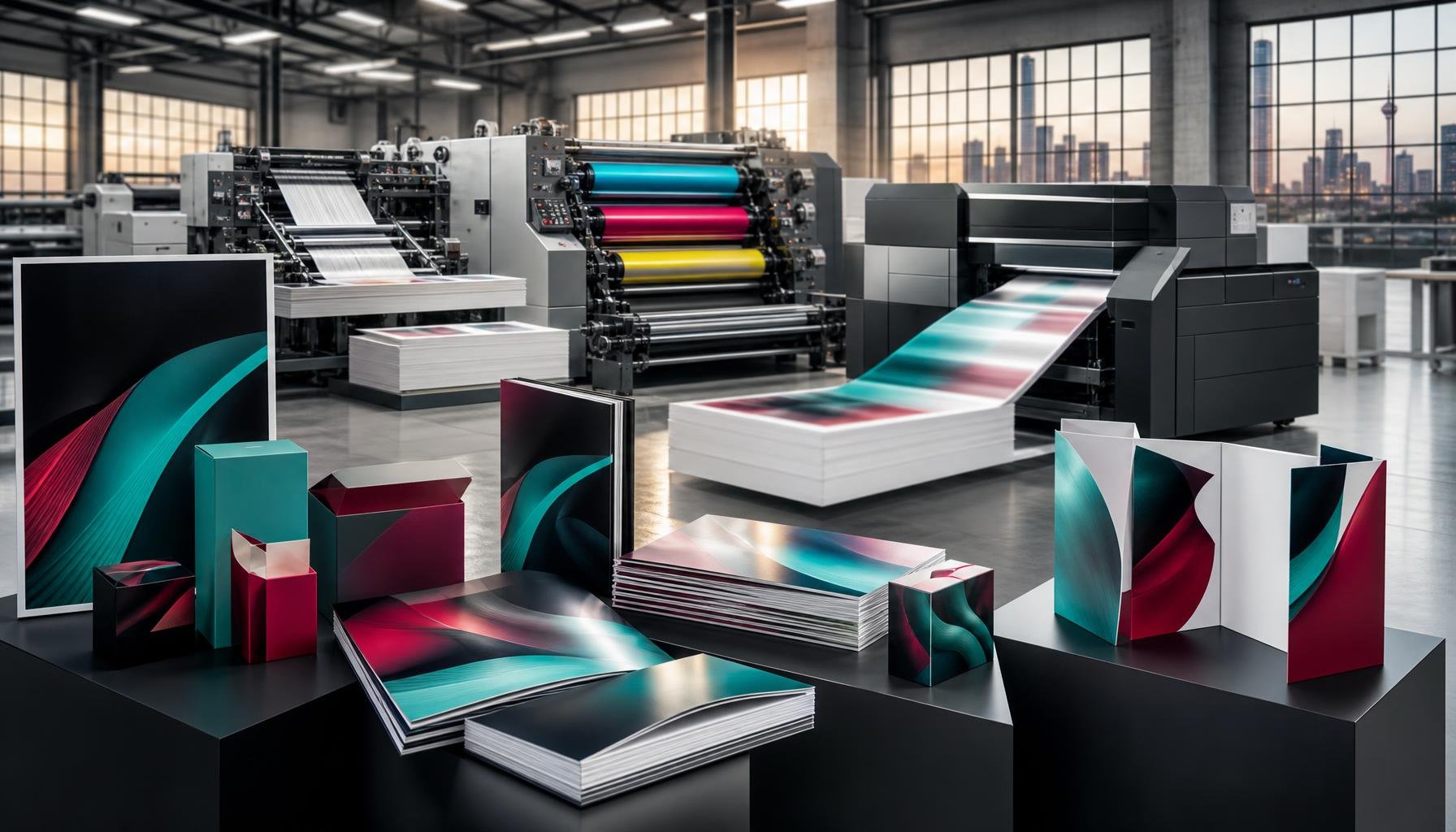
Both digital and litho presses use CMYK inks, but the process and print surface can affect how colours appear. Litho transfers ink through a plate and rubber blanket, while digital printing places the image directly onto the material. For a carton design with large image areas and fine text, litho can produce detailed, consistent output across a large run. The substrate matters too: the same artwork may look different on different materials.
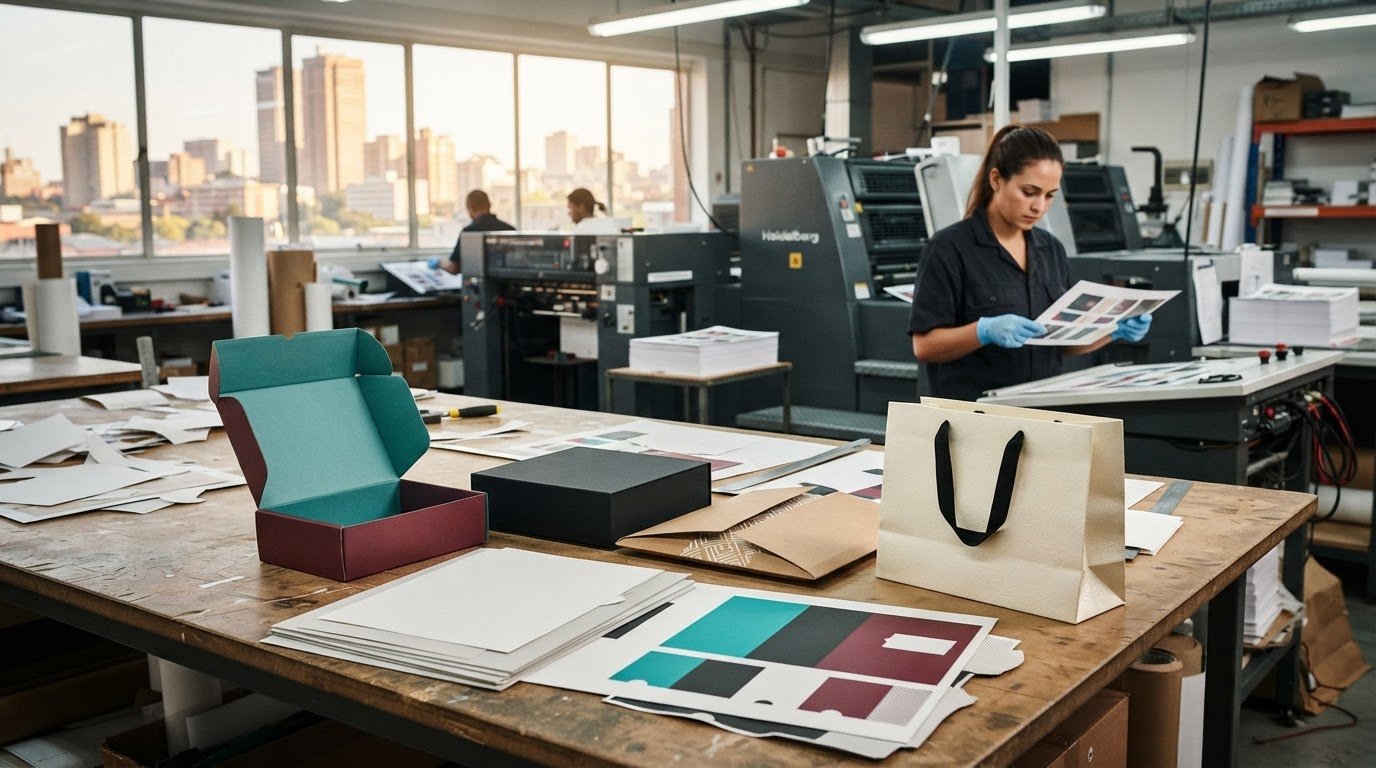
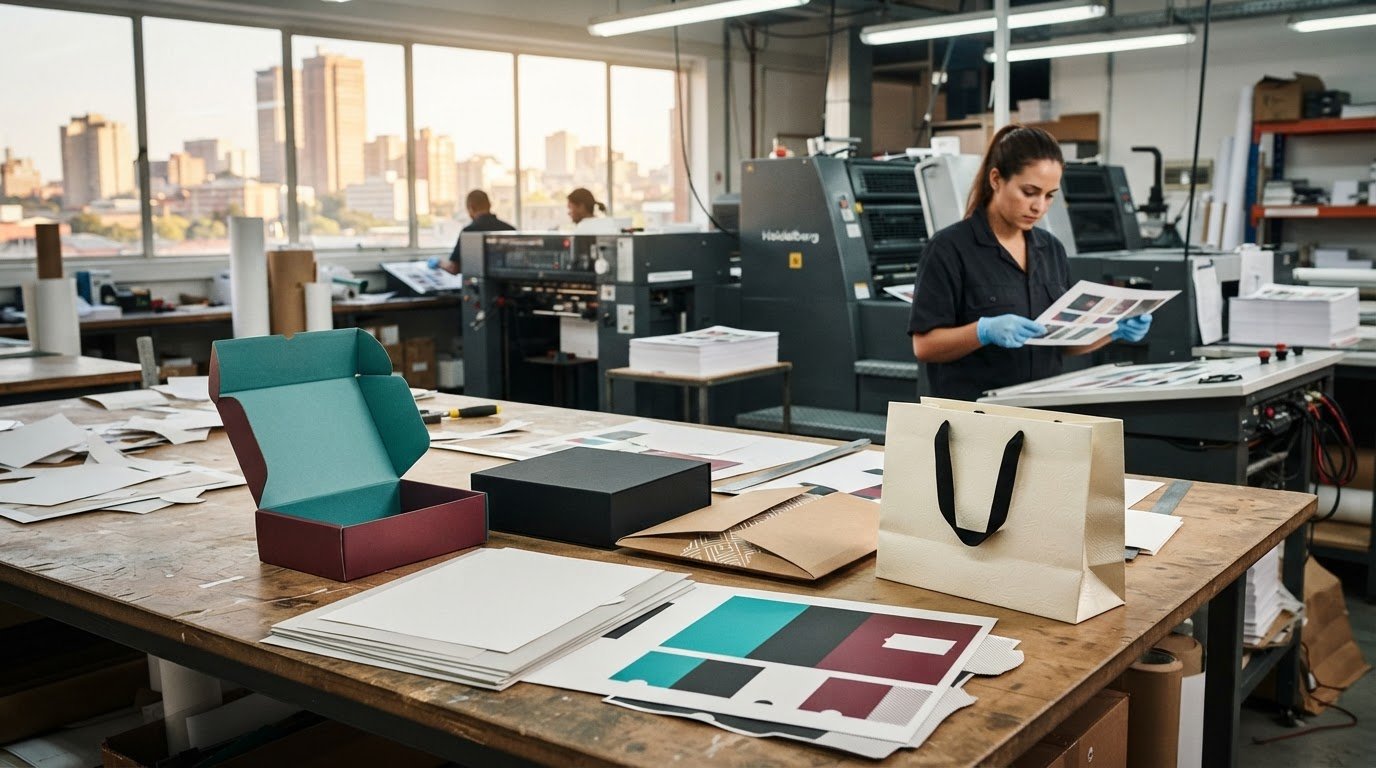
For a meaningful comparison, assess a printed sample on the intended packaging material before approving production. Keep the artwork, substrate and colour references consistent when reviewing options. A screen preview cannot show the finished surface.
Print-Run Quantity and Method Selection
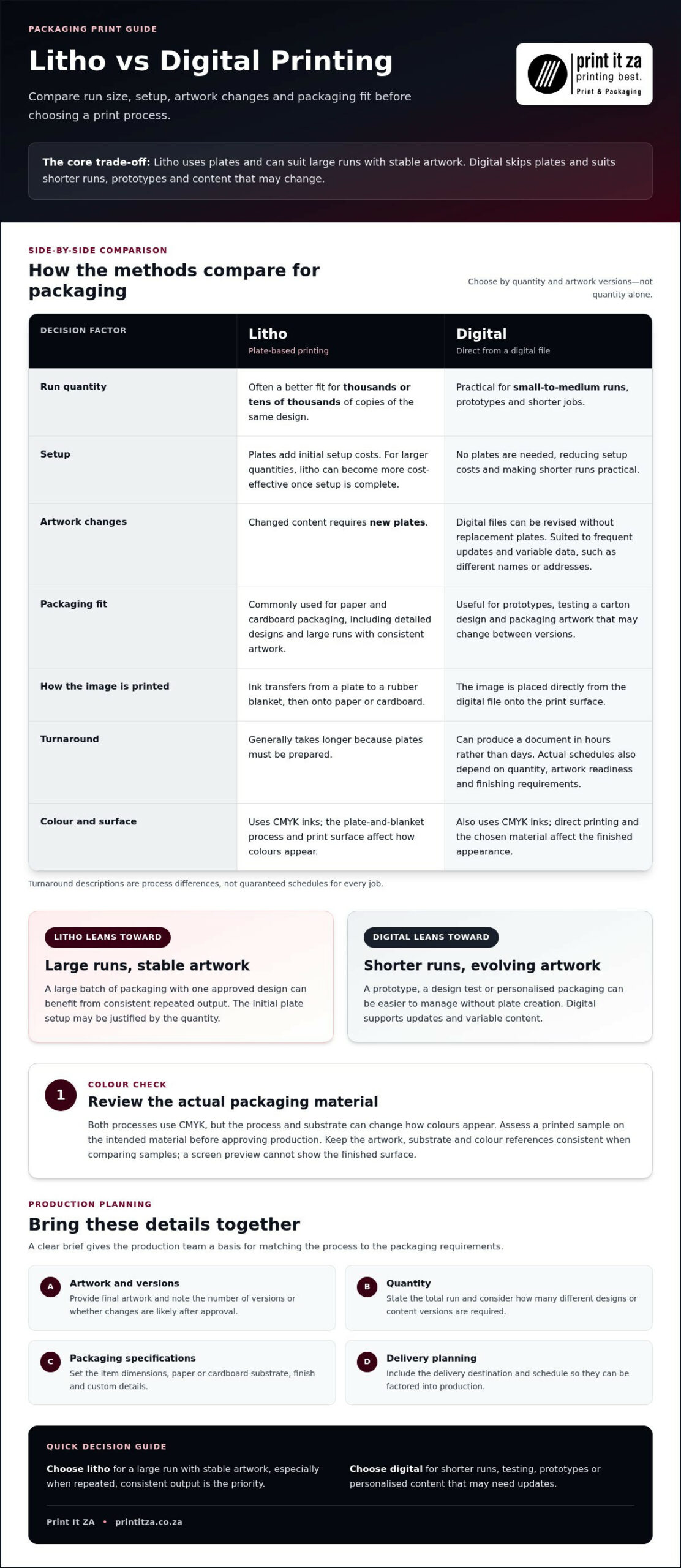
Quantity affects the balance between setup and production. Litho requires plates, which add initial setup costs, but it is generally more cost-effective for large runs once setup is complete. It suits thousands or tens of thousands of copies of the same design. Digital avoids plates, making it practical for small-to-medium runs, prototypes or versions with updated artwork.
For example, a retailer testing a new carton design can use a digital prototype before committing to a larger litho run. If each package needs a different name or address, digital printing can handle variable data efficiently. Choose a method based on the total quantity and number of artwork versions, not quantity alone.
| Printing option | Run quantity | Artwork changes | Packaging fit |
|---|---|---|---|
| Litho | Thousands or tens of thousands | New plates are needed for content changes | Paper and cardboard; detailed, consistent output |
| Digital | Small-to-medium runs | Suited to frequent updates and variable data | Prototypes and changing packaging designs |
Choose litho for a large run with stable artwork, and digital for shorter runs, testing or personalised content.
Delivery and fees: Print It ZA supports delivery and distribution, with project fees provided after a quote request. Include the destination and delivery schedule in your packaging plan so they can be factored into production.
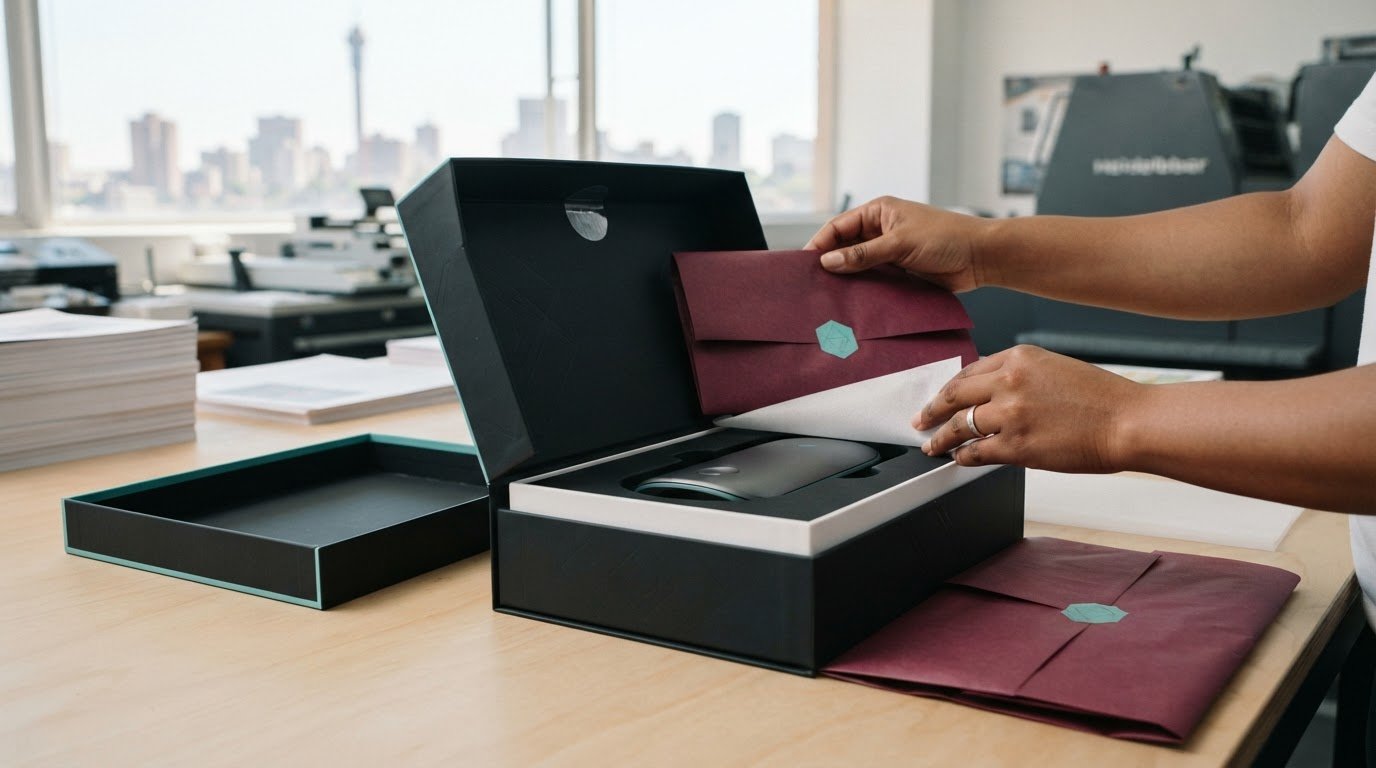
Stocks, sizes, finishes and customisation: Packaging specifications depend on the item and artwork. Set the dimensions, paper or cardboard substrate, finish and custom details before production. These choices shape the print-ready design and method selection.
Before approving a packaging job, bring the final artwork, quantity, material and delivery destination together in one production brief. This gives the production team a clear basis for preparing the job and matching the process to the packaging requirements.
What Is the Difference Between Litho and Digital Printing?
Litho and digital printing create images through different production processes. Litho uses plates and a rubber blanket to transfer ink, while digital printing sends the image directly from a digital file to the print surface. That difference affects setup, content changes and production planning.
In lithographic printing, each plate carries an image for a particular colour. The plate is treated so image areas attract ink and non-image areas repel it. Ink transfers from the plate to a rubber blanket, then from the blanket onto paper or cardboard. This indirect transfer helps produce detailed, consistent output across a run.
Digital printing skips plates. It reproduces a digital image directly onto the chosen surface, resulting in lower setup costs. Both methods use CMYK inks, but apply them differently. Litho is commonly used for magazines, brochures, posters, stationery and packaging. Digital printing is useful for on-demand books, labels and packaging prototypes.
Setup Costs and Printing Plates
Litho setup involves preparing plates before the main production run. This adds an initial setup cost, but the method can become more cost-effective for larger quantities once setup is complete. Digital printing avoids plate creation, reducing setup costs and making shorter runs practical. The choice depends on whether the quantity and design justify litho’s setup.
Changes matter too. Updating text or artwork in a litho job requires new plates for the changed content. Digital files can be revised without making replacement plates, which suits jobs with frequent updates or different versions. For example, a set of booklets with changing dates may be simpler to manage digitally. A large batch with stable artwork can benefit from litho’s consistent repeated output.
Digital printing can produce a document in hours rather than days, while litho generally takes longer because plates must be prepared. The schedule also depends on quantity, artwork readiness and finishing requirements. These are differences between the processes, not guaranteed turnaround times for every job.
To compare options, prepare the final artwork and note the quantity, number of versions and required format. Consider whether changes are likely after approval. A small on-demand book run or packaging prototype points towards digital. A brochure run of thousands or tens of thousands of copies, with one approved design, may suit litho. These examples are guides, not fixed rules.
In short, litho plates add a setup stage and make content changes more involved. Digital avoids that stage and offers greater flexibility for shorter or variable jobs. Choose by weighing setup against quantity, and consistent production against the need to update content.
Cost-effectiveness by print-run size
Print-run size affects how setup effort is spread across finished copies. Litho printing has an initial plate-making stage, so setup costs form part of the overall job. Once setup is complete, litho is generally more cost-effective for large runs. Digital printing avoids plates, making it a practical choice for smaller quantities.
Consider the total quantity, not just the cost of one copy. A litho job printing thousands or tens of thousands of identical brochures spreads setup across a larger run. A short digital run avoids plate preparation that may not be worthwhile for fewer copies. The better value depends on the full job, including artwork versions and finishing.
How to compare a print run
Use the same job details to compare methods. Record the quantity, number of designs, finished format, substrate and finishing requirements. A single brochure design printed in a large quantity has different setup needs from several short batches with changing dates. Keeping those details consistent makes the comparison useful.
- Quantity: Estimate the number of copies needed for the current campaign, not an unplanned future demand.
- Artwork versions: Count each variation, such as a different address, date or product range.
- Production setup: Include litho plate preparation when comparing the job’s total cost.
- Repeat orders: Consider whether later batches will reuse the same approved artwork.
Repeat orders can change the calculation. If a business reprints an approved catalogue without changing the content, the same design can carry forward. If each batch needs revised prices or product details, litho requires new plates for those changes. Digital printing can accommodate changing content more readily, so weigh update frequency alongside quantity.
For example, a company preparing a short test batch of packaging can use digital printing to assess the design before committing to a larger run. If the artwork stays fixed and demand supports thousands of copies, litho may become more economical after setup. A test run can also reveal which design details to adjust before producing more.
Project pricing depends on quantity, artwork versions, substrate and finishing, and is provided after a quote request. Compare the same specifications across options, then weigh total production cost against the number of usable copies. An oversized run can leave stock unused, while an undersized run may require another production job. Match the order to realistic demand and the design’s expected lifespan.
Digital printing for smaller runs
Digital printing suits small-to-medium runs, frequent content updates and projects that need a prototype. It reproduces a digital file directly onto the print surface without making plates. Digital printing can be used for books, magazines, brochures and retail packaging, with the method chosen to suit the job’s format and content.
This direct workflow is useful when quantities are still being tested or a design may change. A business launching a product, for example, can print packaging prototypes before choosing the final artwork. An author preparing an on-demand book can produce copies without committing to a large run. Digital printing can also accommodate personalised names or addresses efficiently.
When a shorter run makes sense
Shorter runs help match production to an immediate need. A training team updating an instruction booklet can print revised copies without ordering a large batch that may become outdated. A retailer can test a brochure or poster before a wider campaign. Digital printing is also commonly used for flyers, business cards and direct mail pieces.
Before production, define the project in a simple sequence:
- Set the quantity based on the current campaign, event or distribution plan.
- Identify whether each copy uses the same artwork or needs a different version.
- Prepare final text and images, including names, addresses or other variable data.
- Choose the material and finished format for the intended use.
This brief helps distinguish a fixed short run from a job with many personalised versions. A direct mail campaign with different recipient addresses, for example, benefits from variable data. A batch of identical flyers does not need personalisation, so quantity and delivery timing become more central.
Materials, prototypes and updates
Digital printing can be used on paper, cardstock, fabrics and certain plastics. The material should suit the finished item, whether it is a paper brochure, cardstock sample or packaging prototype. Labels and packaging prototypes are also common digital applications. Choosing the intended substrate early lets you review the design in a relevant context.
Digital printing can produce a document in hours rather than days, which can help with a short deadline. Planning still needs to account for artwork preparation, finishing and quantity. If content changes after the first batch, update the file before the next run. This flexibility is useful for seasonal promotions, revised product details and event materials. Choose digital when controlled quantities, quick updates or personalised content matter more than a large batch of identical copies.
By contrast, litho printing suits runs of thousands or tens of thousands of copies of one design, making it an option for larger quantities.
What litho printing services does Print It ZA offer?
Litho printing suits products that need consistent, detailed output across a substantial run. Print It ZA prints books, catalogues, brochures and retail packaging. These formats support publishing, product information and branded presentation, with the method matched to the project’s quantity and artwork.
A catalogue can bring product descriptions and images together in a format customers can browse. A brochure can explain a service or campaign, while a book presents longer-form content. Retail packaging puts product information and design on the pack itself. Start each project by defining its purpose, intended readers or customers, and final artwork.
Printed formats for business and publishing
Available formats also include booklets, instruction booklets, training manuals, school books and hard cover books. A training team might need manuals for a course, while a publisher may be preparing a book for a specific readership. Retail teams can consider packaging or point-of-sale displays. These examples connect the printed format to how people will use it.
- Books and booklets: Suitable for longer content, stories, learning materials or compact information.
- Catalogues and brochures: Useful for presenting products, services or campaign details.
- Retail packaging: Combines product presentation with printed information on paper or cardboard.
- Point-of-sale displays: Provides printed material for product presentation in retail settings.
To plan a litho project, first settle the format and content. Then prepare the final text, images and artwork, and define the quantity and intended distribution. For a catalogue, organise product details and page content before production. For packaging, supply the design for the specific pack. Clear specifications help align the printed result with its purpose.
Paper and cardboard are common substrates for lithographic printing. Litho’s plate-based process can deliver detailed, consistent output, making it suitable for repeated copies of a stable design. A brochure with approved artwork or a catalogue with fixed product information may suit this approach. Changes between versions affect production planning.
For a Johannesburg business preparing books, catalogues, brochures or retail packaging, start by identifying the format, quantity and artwork status. Then match those details to the project’s use, such as retail presentation, customer information or publication. This gives the production team a clear foundation for planning the litho job and finished format.
Print It ZA print and packaging: Books
Print It ZA’s printing and packaging services can help turn a book project into a clear print brief. Bring your manuscript or approved artwork, intended format and estimated quantity into the planning conversation. These details help determine whether litho or digital printing suits the run.
Print It ZA also prints catalogues, brochures and retail packaging. A business preparing a product catalogue, for example, can align its format and content with how customers will use it. Authors can focus their brief on the book’s content, format and intended readers.
When you’re ready to discuss a book or related print project, contact Print It ZA print and packaging.
Shape your next print project
Your next step is to turn the print decision into a clear project brief. Note who will use the finished piece, where it will be distributed and which details must stay consistent across copies. Include your artwork status and intended quantity, too. These details give the production conversation a practical starting point.
For litho and digital printing with Print It ZA printers, frame your project around its purpose and finished format. Print It ZA prints books, catalogues and brochures, helping authors and businesses plan printed materials for different audiences and uses.
A considered brief can make it easier to move from an early idea to a production-ready project. Contact Print It ZA print and packaging to discuss your upcoming print work and take the next step with confidence.
Frequently Asked Questions
What products can Print It ZA print using litho and digital printing?
Print It ZA prints books, catalogues, brochures and retail packaging using litho and digital printing solutions. For a project involving litho and digital with Print It ZA printers, start by identifying what the finished item needs to do. A catalogue can organise product details, a brochure can explain an offer, and packaging can present a retail product. Include the intended use and final format in your project brief.
How do Print It ZA’s litho and digital printing prices compare by quantity?
The quote depends on the job’s quantity and production requirements, rather than a universal per-copy rate. Digital avoids plate setup and can suit shorter jobs; litho setup is spread across larger runs. Paper stock and finishing, such as binding or lamination, also affect the estimate. For a useful comparison, provide the same format, quantity, paper choice and finishing requirements for each option.
What are the minimum order quantities for litho and digital printing at Print It ZA?
Minimum quantities depend on the product and printing method. Digital printing suits small-to-medium runs, while litho is commonly used for thousands or tens of thousands of copies of one design. For a book, brochure or packaging project, include the format and required quantity in your brief. This gives production planning a clear basis instead of relying on a generic minimum.
How do litho and digital printing differ in quality, cost, and suitability?
Both methods use CMYK, but their production processes suit different job requirements. When choosing litho or digital with Print It ZA printers, consider quantity, artwork stability and material together. Litho can produce detailed, consistent output, including large image areas and fine text. Digital makes updates and personalised data more straightforward. A fixed catalogue design for a large run may suit litho; a short booklet with changing editions may suit digital.
How do I prepare and submit print-ready artwork to Print It ZA?
Prepare the final artwork and note the quantity, number of versions, format and material. Include these details and the delivery destination in one production brief before approval.