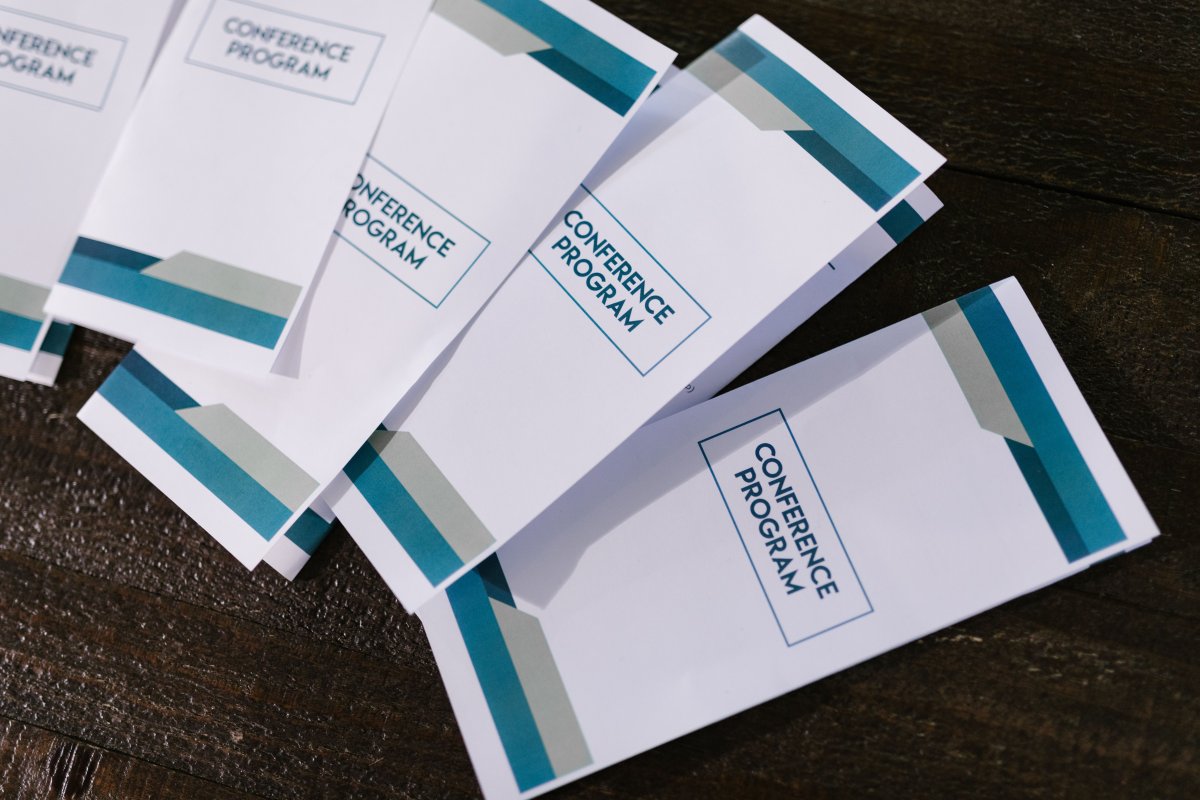
A strong brochure starts with a layout designed around its fold, not just its artwork. When you print brochures in bulk, choose the format early: a half-fold creates four panels, while a tri-fold or Z-fold creates six, each with a different reading flow. Keep the main message clear and give every panel a purpose.
It’s easy to focus on colour and imagery first, but the flat size, fold, paper and layout all affect how a brochure feels in hand and how well it communicates. A design that works as a compact handout may need a different structure when it opens into a larger page.
This Johannesburg buyer guide explains how to choose between common folds and flat or folded sizes, make practical design decisions, understand what affects bulk pricing, and plan delivery. You’ll have a clearer brief and a more confident path from concept to finished brochures.
Key Takeaways
- Check whether the listed dimensions describe the flat sheet or the finished folded brochure before setting up your artwork.
- Choose a fold that suits your content: a half-fold creates four panels, while a tri-fold or Z-fold creates six.
- Match paper finish and design to how readers will handle the brochure and the impression you want it to make.
- Understand how quantity, specifications and delivery requirements shape a bulk order before finalising your brief.
- Plan artwork and delivery together to keep production and distribution aligned with your campaign.
Are the Brochure sizes listed flat or folded?
In South Africa, you can order brochures in bulk from a commercial printer serving your area. For a Johannesburg order, include the finished format, flat dimensions, quantity, artwork and delivery destination in your brief.
Before approving a large run, review a printed sample or proof where available. Check text sharpness, colour, image detail, trimming and how accurately the fold aligns with the artwork.
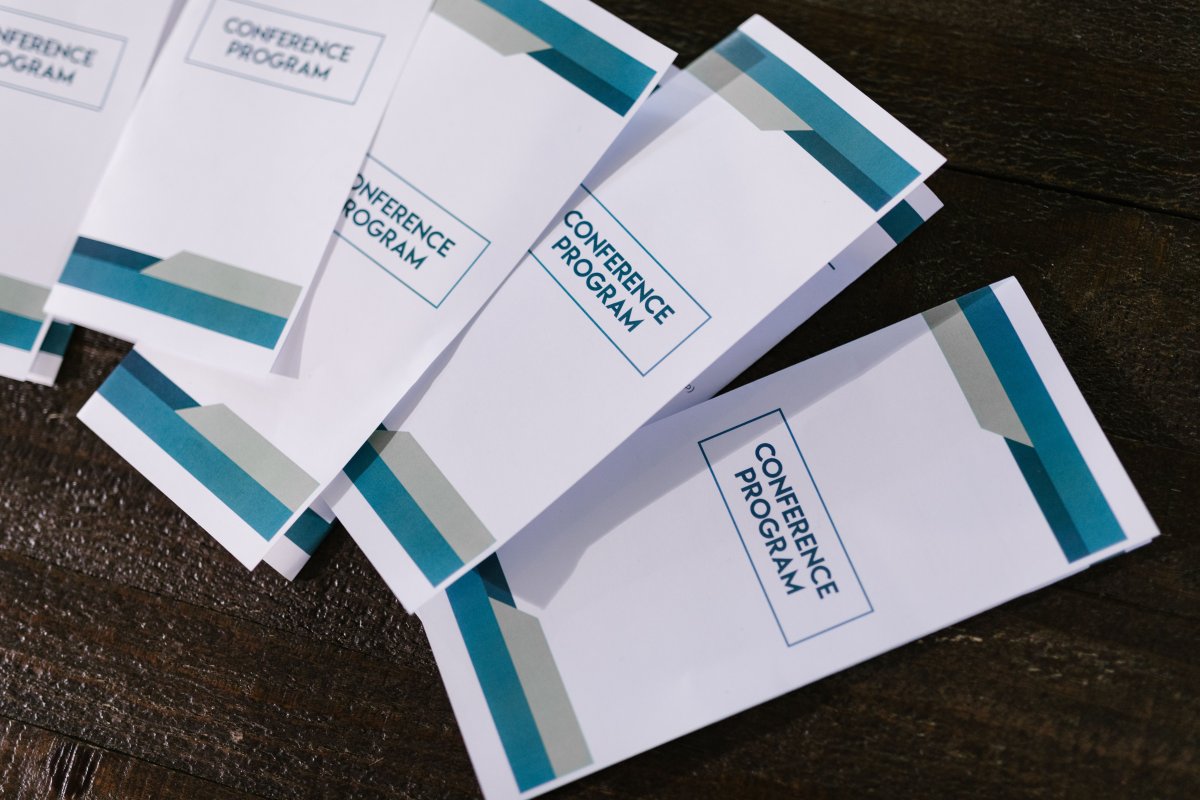
Most size listings describe the sheet before folding, also called the flat or open size. The folded size is the compact finished format readers hold. For example, a 210mm × 297 mm flat brochure can be folded as a half-fold, tri-fold or four-panel accordion fold. Each choice changes the finished dimensions and the space available on each panel.
Before preparing artwork, confirm whether the requested dimensions refer to the flat sheet or the folded piece. Then map the printable sections in reading order. A double-sided tri-fold has six panels in total, with content on both sides. Keep essential details clear on the cover, and place supporting information where readers will see it after opening the brochure.
- Flat size: the full sheet before folding, such as 210mm × 297 mm.
- Folded size: the finished dimensions after the chosen fold.
- Panels: the individual printable sections created by folds.
Use a simple paper mock-up to test the sequence. Mark each panel, fold the sheet, then check the cover, inside spread and back panel. This catches common layout problems, such as a headline landing on the wrong panel or a phone number sitting across a crease. For a 210mm × 297 mm sheet, sketch the folds before arranging text or images in your design file.
Available sizes depend on the equipment and format, so brief the finished piece you need rather than assuming every flat size will fold neatly. For a compact handout, start with the intended folded dimensions; for a wide interior spread, plan the open sheet first. Include panel count, fold direction, and both flat and finished measurements in your artwork notes.
Do you have any design tips for custom brochure printing?
South African printers offer brochure sizes shaped by the sheet format and chosen fold; a 210mm × 297 mm flat sheet is one example. Stock options include 128gsm and 148gsm coated stocks, while uncoated and recycled papers are other categories to consider for your design.
Start with the reader’s experience. Glossy paper brings out colour and contrast, helping photographs and product images stand out. Matte stock has a softer surface and reduces shine, which can help readers focus on text. Uncoated paper feels more natural and is easier to write on, making it useful for forms, notes or fill-in spaces. Recycled stock can suit a brand that wants its material choice to reflect an environmental message.
Match the surface to the brochure’s purpose. A property brochure centred on photography may benefit from gloss, while a detailed service guide may be easier to read on matte stock. If readers need to write on a panel, choose an uncoated area and keep it clear of heavy ink coverage. Test a pen on a printed sample, since coatings and ink coverage can affect how smoothly it writes.
Stock weight changes how a brochure feels, folds and holds its shape. Don’t assume the larger number is automatically best. A heavier weighted sheet can feel more substantial, while a lighter sheet may suit a handout that needs to fold compactly. Ask the designer to consider the finished format, fold and distribution method together.
- Matte: a restrained finish for text-led layouts and reduced glare.
- Gloss: a reflective surface that gives photographs and colour more impact.
- Uncoated: a writable feel for notes, forms or marked-up information.
- Recycled: a paper category that can support a considered brand message.
Keep important copy away from fold lines, trim edges and spaces intended for handwriting. Use strong contrast between text and background, and avoid placing small text over busy photographs. In a multi-panel design, make each panel easy to scan on its own. Review the artwork at actual size before approving production, paying close attention to body text, captions and contact details.
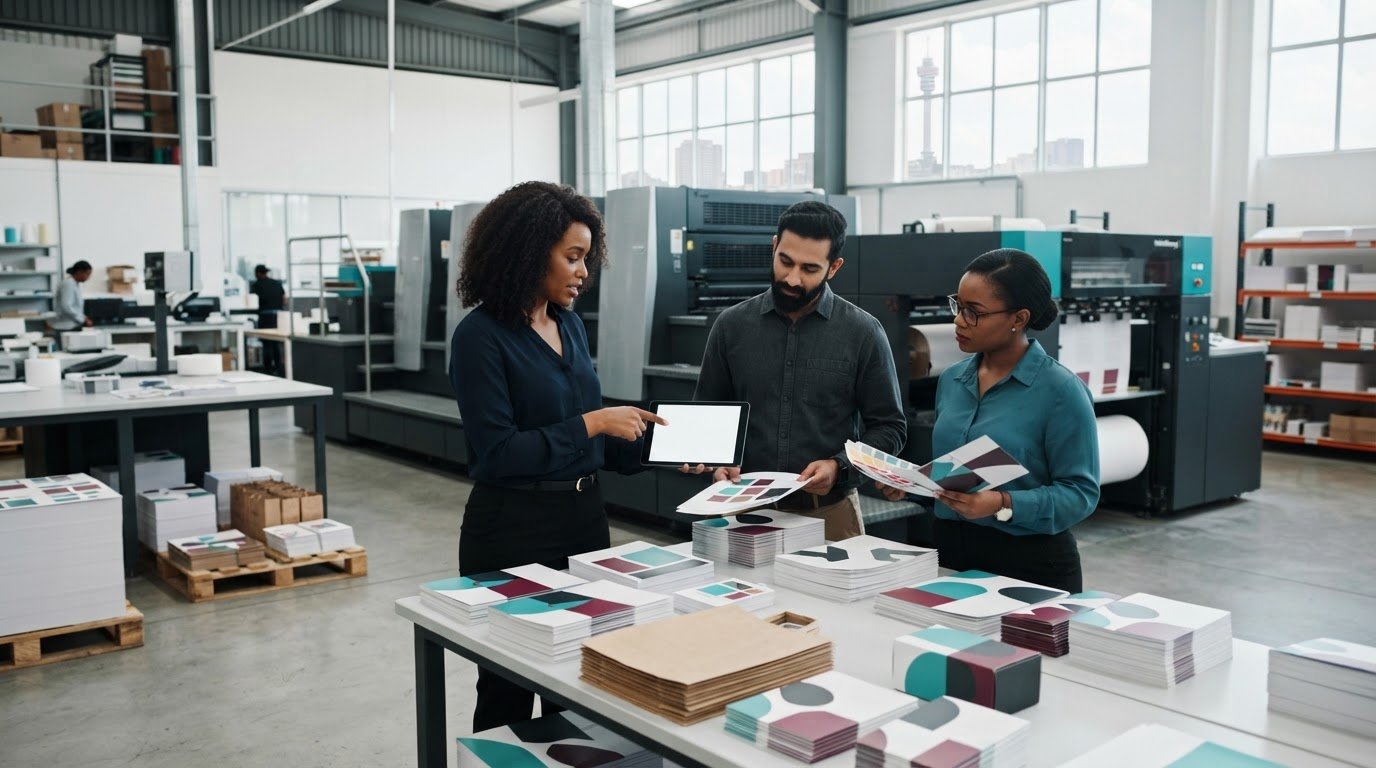
For a smoother handoff, bring the dimensions, fold, stock preference and artwork requirements together in one production brief. You can use brochure print planning as a starting point for aligning those choices.
Bulk order increments and pricing
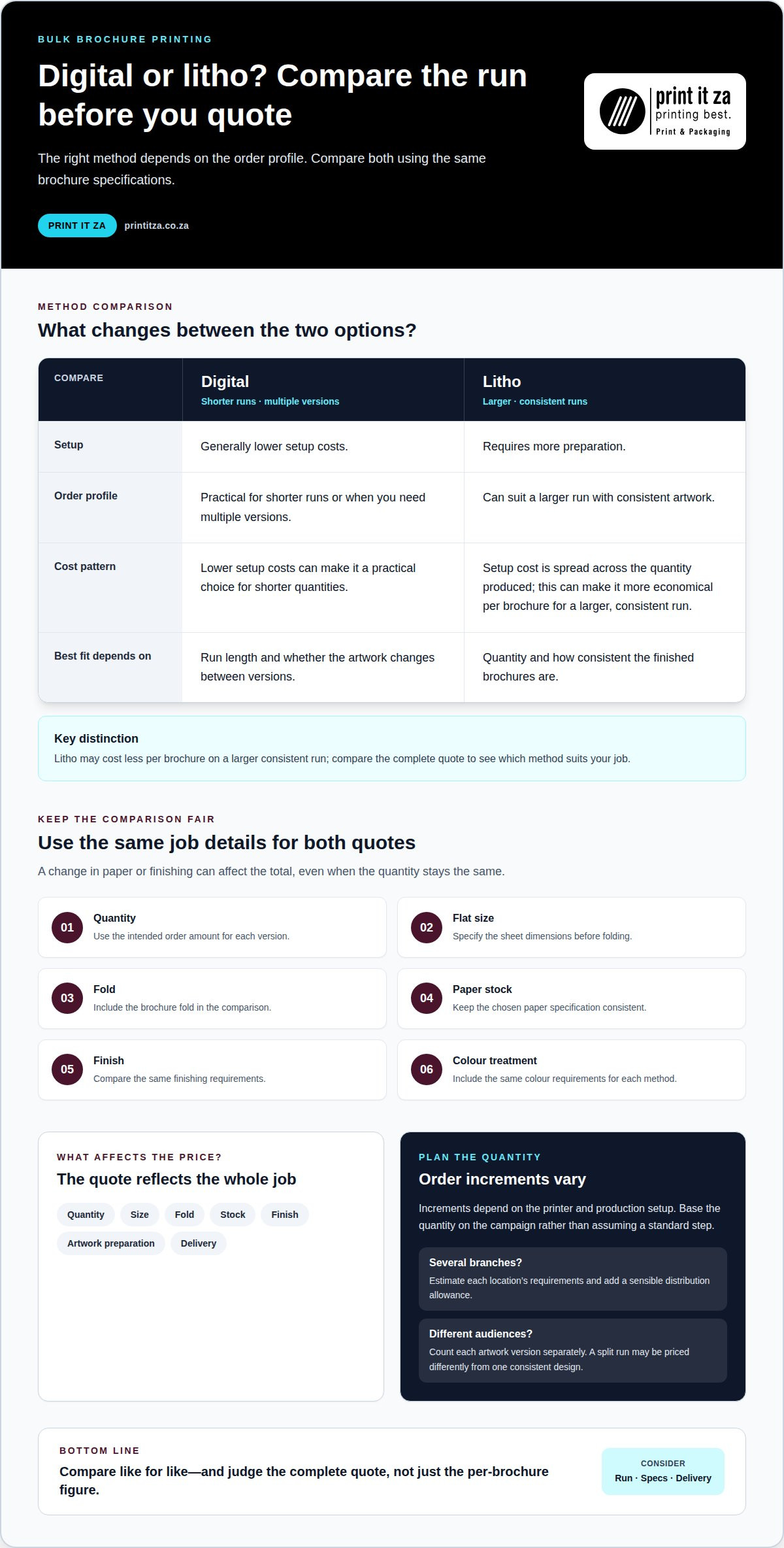
Digital and litho printing suit different order profiles. Digital printing generally has lower setup costs, making it practical for shorter runs or multiple versions. Litho printing requires more preparation, but its setup cost is spread across the quantity produced. This can make litho more economical per brochure for a larger, consistent run.
Compare both methods using the same specifications: quantity, flat size, fold, paper stock, finish and colour treatment. Then compare the complete quote, not just the per-unit figure. A change in paper or finishing can affect the total, even when the quantity stays the same.
The price depends on the job and is provided after a quote request; quantity, size, fold, stock, finish, artwork preparation and delivery all affect the calculation.
Order increments vary by printer and production setup, so base your quantity on the campaign rather than assuming a standard step. If you need brochures for several branches, estimate each location’s requirements and add a sensible distribution allowance. If the artwork differs between audiences, count each version separately. A run split across multiple designs may be priced differently from a run with identical artwork.
Use this sequence to prepare a clear comparison:
- Define the quantity: state the number of copies needed for each design version.
- Lock the specification: record flat dimensions, fold, paper and finish.
- Separate delivery needs: list each Johannesburg destination and its allocation.
- Compare production methods: assess total cost, unit cost and suitability for your schedule.
For example, a small launch with two language versions may suit digital production because each version can be printed in a smaller quantity. A single, high-volume campaign with unchanged artwork may suit litho once setup costs are spread across the run. These are production considerations, not fixed pricing rules. The right comparison depends on the complete job specification.
Bulk printing can lower the unit cost as quantity increases, but extra copies only help if they’ll be used. Estimate distribution, storage space and the campaign period before choosing a run size. Brochures with dates, prices or event details can become outdated, so excess stock may lose value. Evergreen product information is easier to keep for later use.
For an accurate quote, send one production brief with quantities by version, final dimensions, fold, paper preference, finishing and delivery destinations. Name artwork versions clearly and flag any content changes. This helps compare digital and litho options against the same requirements, giving you a useful basis for choosing the run.
Shipping and delivery options
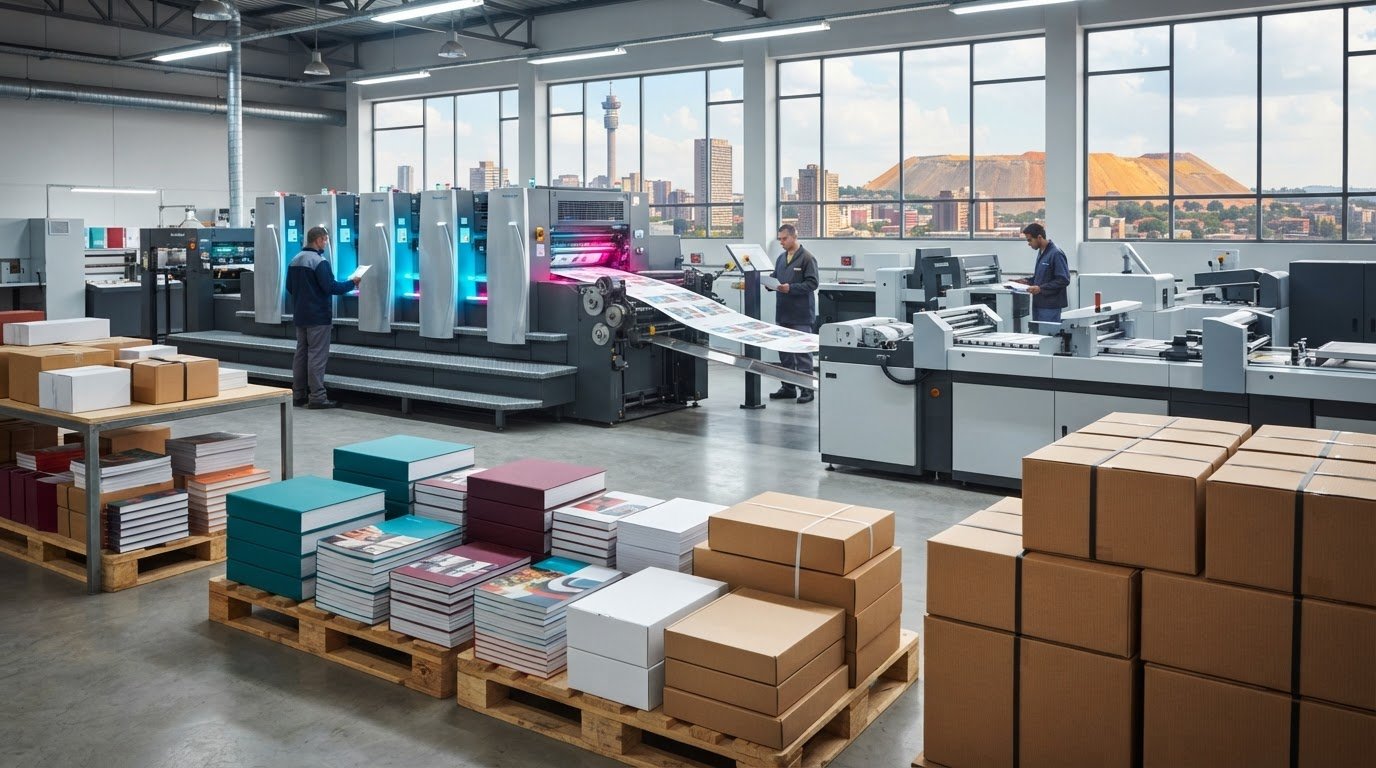
Plan delivery alongside production, not after the brochures are printed. For a Johannesburg campaign, include the delivery address, receiving contact and preferred handover method in your order brief. Complete destination details help align packing and dispatch with where the brochures will be used.
Common arrangements include courier delivery to one address, collection where offered, or distribution across several destinations. Each suits a different workflow. A single Johannesburg office may need one consolidated drop, while a campaign spanning branches may need separate bundles for each location. List every destination and its allocated quantity clearly.
Delivery timing depends on the production schedule, dispatch arrangements, destination and receiving hours. Set the required arrival date around the event or campaign, then work backwards to allow time for artwork approval, printing, packing and transport. Don’t treat the dispatch date as the arrival date. Keep production and delivery dates distinct in your schedule.
Use a delivery brief with practical details:
- Destination: provide the full street address, suburb, city and postal code.
- Contact: name the person who can receive and direct the consignment.
- Allocation: state how many copies belong at each location.
- Access: note reception procedures, loading access or delivery-hour limits.
- Packaging: describe how bundles should be separated or labelled.
For a product launch across Johannesburg branches, label each bundle by branch and campaign version. This reduces sorting at the receiving point and helps teams distribute the correct brochure. Keep the allocation schedule consistent with the artwork names, especially when locations receive different language or product versions.
Consider handling as well as distance. Brochures packed in manageable bundles are easier to count, store and hand out than one large mixed carton. If several departments share a delivery, separate their allocations in the brief. For an event venue, include the recipient’s name and the location for the handover.
Before dispatch, reconcile the quantity for each destination against the approved order. Share address changes promptly, as a revised destination can affect routing and delivery coordination. Keep a copy of the final distribution list for the team receiving the brochures.
For South African delivery beyond Johannesburg, include the destination province and town in the same schedule. Clear details help plan a consolidated shipment or separate drops. Include the campaign date, receiving contact and distribution instructions together so production and delivery teams work from one current version.
Bi-fold, tri-fold and Z-fold brochure formats
Choose a fold based on how readers should move through the information. A bi-fold, also called a half-fold, creates four panels. A tri-fold and a Z-fold each create six panels, providing more space for separate content sections. The right format depends on your message sequence, imagery and how the brochure will be handed out.
A bi-fold suits a clear opener and a simple inside spread. Use the front panel for the main message, the two inside panels for key details, and the back for supporting information. For example, a Johannesburg venue guide could put its overview on the cover and directions across the inside spread. This format offers larger, uninterrupted areas than a multi-panel fold.
A tri-fold folds the sheet inward, creating six panels across its two sides. Plan the cover and opening sequence carefully: readers first see the front panel, then open the brochure to reveal the inner panels. This format can organise a product overview into distinct stages, such as introduction, features and next steps. Keep each panel focused and use headings that help readers scan.
A Z-fold uses alternating folds, so its panels open like an accordion. It also has six panels, but its continuous zigzag layout can suit a timeline, route or step-by-step explanation. For example, a visitor map can guide readers from one location to the next across the open sheet. This format lets readers reveal information progressively or view the full sequence at once.
- Bi-fold: four panels, with a broad inside spread for fewer, larger content blocks.
- Tri-fold: six panels, suitable for a cover-led sequence of related topics.
- Z-fold: six panels, useful for connected information that reads across a sequence.
Before designing, draw the flat sheet and label every panel in reading order. Mark the front cover, inside panels and back, then fold a paper mock-up to check their positions. This simple step helps prevent a headline or contact detail from landing on an unexpected panel. Confirm the fold direction and panel order in the artwork brief.
Keep text and important images clear of fold lines. A map or diagram can cross panels if its meaning remains clear after folding, but small labels should stay within one panel. For a six-panel design, test both the closed brochure and the fully opened sheet. This reveals whether the first view makes sense and whether the complete layout reads naturally.
Match the format to your message before preparing artwork for a large run. Plan your brochure fold and layout around the reader’s journey, then organise the panel sequence before production.
Print It ZA print and packaging: Books
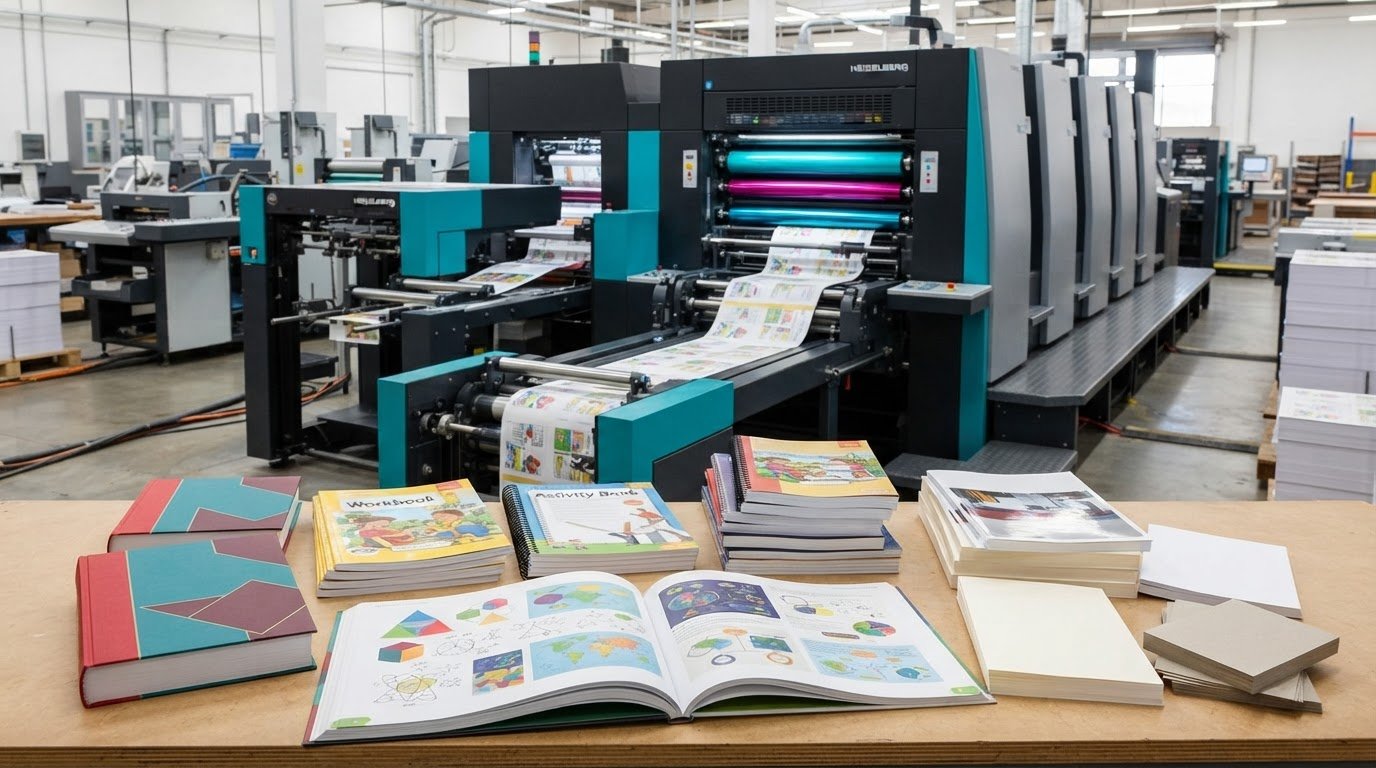
Print It ZA provides printing and packaging, including brochures, books, catalogues and retail packaging for business and consumer needs. Turn to its printing services when you’re ready to move from choosing a brochure format to preparing a complete print brief. Its in-house team supports creative development, while production and delivery support help carry the project through to finished materials.
For a brochure order, bring together your chosen fold, flat dimensions, paper preference, artwork and quantity. If the project also needs a catalogue or book, align the specifications and campaign timing across those items. A clear brief gives the production team a practical starting point for your requirements.
Contact Print It ZA print and packaging to discuss your brochure project and next steps.
Turn your brochure brief into a finished project
A brochure order is easier to manage when the brief starts with its purpose. Decide what readers should understand or do after seeing it, then align the content and artwork with that outcome. For a Johannesburg campaign, consider where people will encounter the brochure and how your team will use it.
If you’re preparing to print brochures in bulk, a clear project brief is a practical first step. Print It ZA print and packaging also offers books and catalogues, which can support a wider set of printed materials alongside your brochure.
Share your project requirements with Print It ZA print and packaging and take the next step towards a brochure that fits your campaign. Your idea is ready to move forward.
Frequently Asked Questions
Are there any special margins required for brochures?
Keep essential text and logos inside the safe area, away from trim edges and fold lines. Set the suitable margin once the finished format and production template are final. For example, don’t place a phone number directly on a crease. Give backgrounds and images intended to reach the edge enough artwork beyond the trim line.
If I upload my own design, what file types do you accept?
Prepare a print-ready PDF as your final artwork and retain the editable source file for revisions. Before exporting, check that fonts display correctly, images are included and pages appear in the intended order. Review a brochure with several panels as a folded mock-up, not only as a sequence on screen. Name artwork versions clearly to avoid sending an outdated file.
What’s the difference between standard and premium brochure paper?
“Standard” and “premium” describe a printer’s paper options, not universal grades with identical properties. Compare the actual stock characteristics, such as surface, weight and suitability for writing, rather than relying on the label alone. A photo-led product piece may need a different feel from a brochure with handwritten fields. Choose based on how readers will handle the finished piece and the impression you want it to make.
What is the cost to print brochures in bulk in South Africa?
The cost depends on the job and is provided after a quote request. The main factors include quantity, flat dimensions, fold, paper stock, finish, artwork preparation and delivery destination. For a useful quote, provide the same complete specifications for each version. For example, state the quantity for each language or campaign design rather than combining different artwork into one unexplained total.
How do bulk brochure printing prices vary by quantity, size, paper and finish?
Each specification affects production requirements. Larger dimensions use more paper, while heavier or specialised stock changes the material choice. A finish adds a production step, and multiple artwork versions need separate setup. Quantity affects how production costs are distributed across copies. To compare options, change one variable at a time, such as paper stock, while keeping the artwork, fold and quantity consistent.
What are the minimum and maximum quantities for bulk brochure printing?
Choose a quantity that fits your distribution plan and production method. Digital printing can suit shorter runs, while litho printing can suit larger runs where setup is spread across more copies. Count separate artwork versions individually, then estimate how many copies each location or team can use. This helps avoid ordering a single total that obscures different designs or allocation needs.
How long does bulk brochure printing and delivery take in South Africa?
The schedule depends on the production method, order quantity, finishing, artwork approval and delivery destination. Build a clear timeline that separates artwork preparation, approval, production, packing and transport. For an event in Johannesburg, start with the required arrival date and allow time for each stage. Sending final artwork and complete delivery details together helps keep the job moving through its planned sequence.
How do I prepare artwork and print-ready files for brochures?
Start with the final flat dimensions and fold, then build the layout to match the panel sequence. Keep essential copy clear of trim edges and creases, and check that images and fonts render correctly in the exported file. Review the artwork at actual size and fold a paper mock-up to test the reading order. Name the final file clearly, especially when preparing multiple versions.
Contact Print It ZA today, for a Free Quote and Speedy Service.
Print It ZA print and packaging, South Africa / ZA