
What if the right catalogue printer isn’t simply the one with the lowest headline quote, but the one that understands what your catalogue needs to do? Choosing a format, paper, binding and finish can feel complicated, especially if you’re unsure whether your artwork is ready or how to compare proposals fairly. Those decisions affect how the catalogue looks, feels and works for its readers.
This guide covers the key specifications to consider, how to prepare artwork and project details, and how to compare print options beyond price alone. You’ll also see how digital and litho printing can suit projects with different scales and requirements. Based in Gauteng, Print It ZA brings together litho and digital printing, in-house design support, production and delivery for catalogue projects. Use the steps below to plan the publication from the first format choice through to the finished print.
Key Takeaways
- Match catalogue format, paper and binding to its purpose and the way readers will use it.
- Consider page count, image quality and readability when shaping your design brief.
- Choose a catalogue printer by weighing project scale and complexity against the print method, not just the headline price.
- Organise your audience details, final text, product information and image assets to help prepare artwork for production.
- Coordinating design and print with one production partner can help keep your Johannesburg catalogue project moving smoothly.
What Does a Catalogue Printer Do for Your Business?
A catalogue is an organised printed publication that presents products, services or information so readers can browse, compare and make informed choices. For a business, it can bring a product range together in one practical reference for customers and sales teams. Instead of relying on scattered product sheets, readers can explore related items, review descriptions and understand how the range fits together.
A catalogue and a brochure have different jobs. A brochure usually focuses on a business, campaign or selected offer, while a catalogue typically covers a broader range in a structured order. Sections, product categories and consistent information help readers find what they need. This makes catalogues useful for product selection, sales support and in-person presentations, where a representative can guide a customer through the options.
Print has a long history and continues to serve different communication needs. Wikipedia’s overview of the history and methods of printing offers useful background on how the medium has developed. For your catalogue project, the practical question is how the publication will help your audience understand and use the information.
When does a printed catalogue make sense?
A printed catalogue can be useful when customers need time to browse, compare products or share information with colleagues. Sales teams may use it in meetings, retailers can place it where shoppers explore a range, and businesses can distribute it at events or send it to customers. Its physical format gives readers a reference they can return to without opening a device.
Print and digital materials can also work together. A printed catalogue can provide an organised overview, while digital content carries updates or additional details. Plan both around the same audience and product information to create a more consistent experience. For example, keep product names and descriptions aligned so a reader can move from a printed page to an online listing without encountering conflicting details.
What should you expect from a catalogue printer?
A catalogue printer helps turn the project brief into a finished publication. This can include design support to organise content and establish page layouts, print production to reproduce the approved artwork, and finishing to prepare the pages as a complete catalogue. The right decisions depend on the publication’s purpose and content, not a fixed template.
Print It ZA combines an in-house design team with litho and digital printing, production and delivery support. This connects the creative and production stages, helping you shape a brief into a publication for its intended readers. If you’re planning other business print projects too, the professional printing services guide provides broader context for print requirements and production planning.
Which Catalogue Specifications Shape the Final Result?
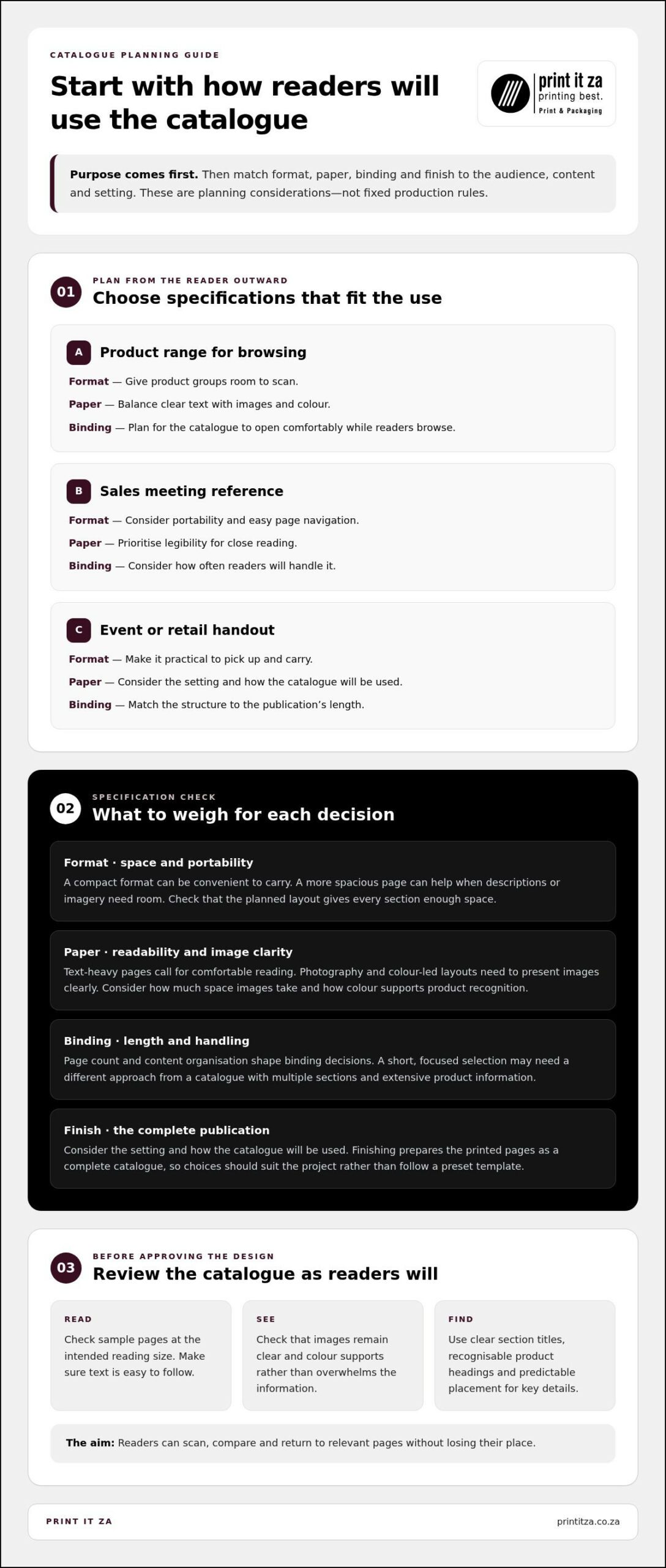
Specifications work best when they start with the reader, not a preset template. Choose catalogue specifications to suit your audience, content and the way the publication will be used. A catalogue carried into sales meetings has different handling needs from one browsed on a retail counter or shared at an event. Define its purpose first, then use that brief to guide format, paper, binding and finish.
The table offers a starting point for planning. These are considerations, not fixed production rules. The choices need to work together and suit the project.
| Catalogue purpose | Format consideration | Paper consideration | Binding consideration |
|---|---|---|---|
| Product range for browsing | Choose a size that gives product groups room to scan | Balance clear text with images and colour | Plan for the catalogue to open comfortably during browsing |
| Sales meeting reference | Consider portability and easy page navigation | Prioritise legibility for close reading | Consider how often readers will handle it |
| Event or retail handout | Make it practical to pick up and carry | Consider the setting and how the catalogue will be used | Match the structure to the publication’s length |
How should you choose a catalogue format and binding?
Think about how readers will hold and browse the catalogue. A compact format can be convenient to carry, while a more spacious page may help when product descriptions or imagery need room. Page count and content organisation also shape binding decisions. A short, focused selection may need a different approach from a publication with multiple sections and extensive product information.
Make it easy for readers to find their way around. Use a consistent visual hierarchy, with clear section titles, recognisable product headings and predictable placement for descriptions and other key details. Readers can then scan, compare and return to relevant pages without losing their place. Before settling the format, check that the planned layout gives every section enough room and that the page sequence supports the way people will browse.
Which paper and finish considerations matter most?
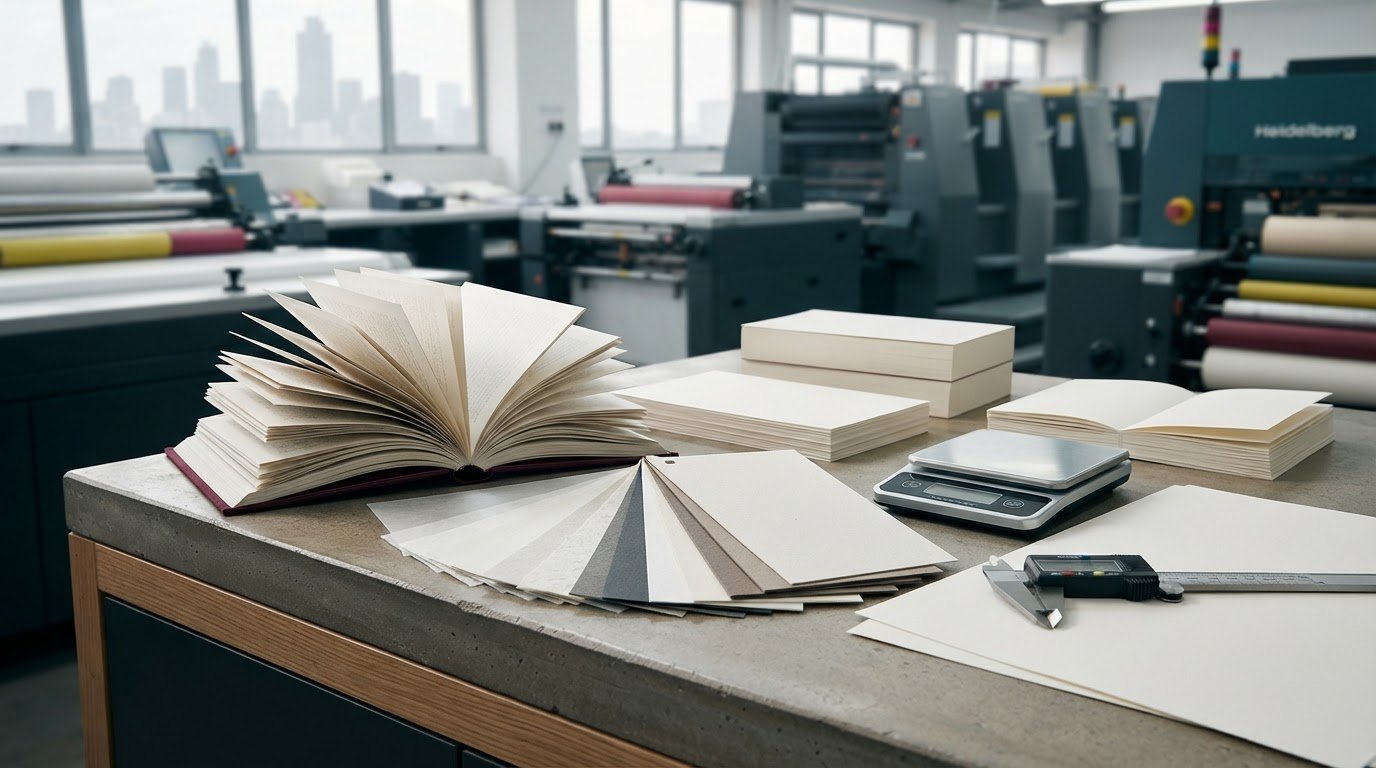
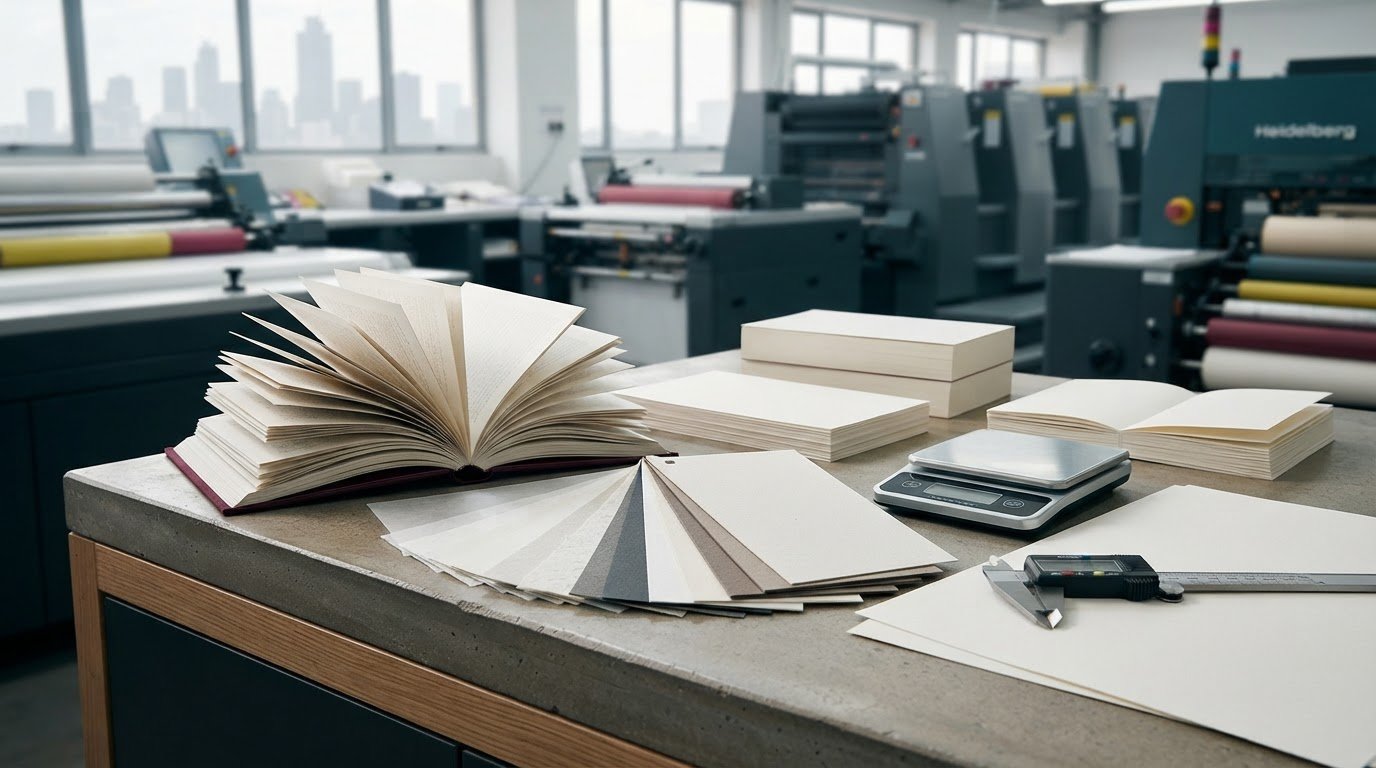
Paper choices should reflect what the pages need to communicate. Text-heavy sections call for comfortable reading, while photography and colour-led layouts need to present images clearly. Consider how much space images take, how colour supports product recognition and whether the catalogue will mainly be read at a desk or handled in a retail or event setting. These details help guide paper and finish choices without assuming one option fits every project.
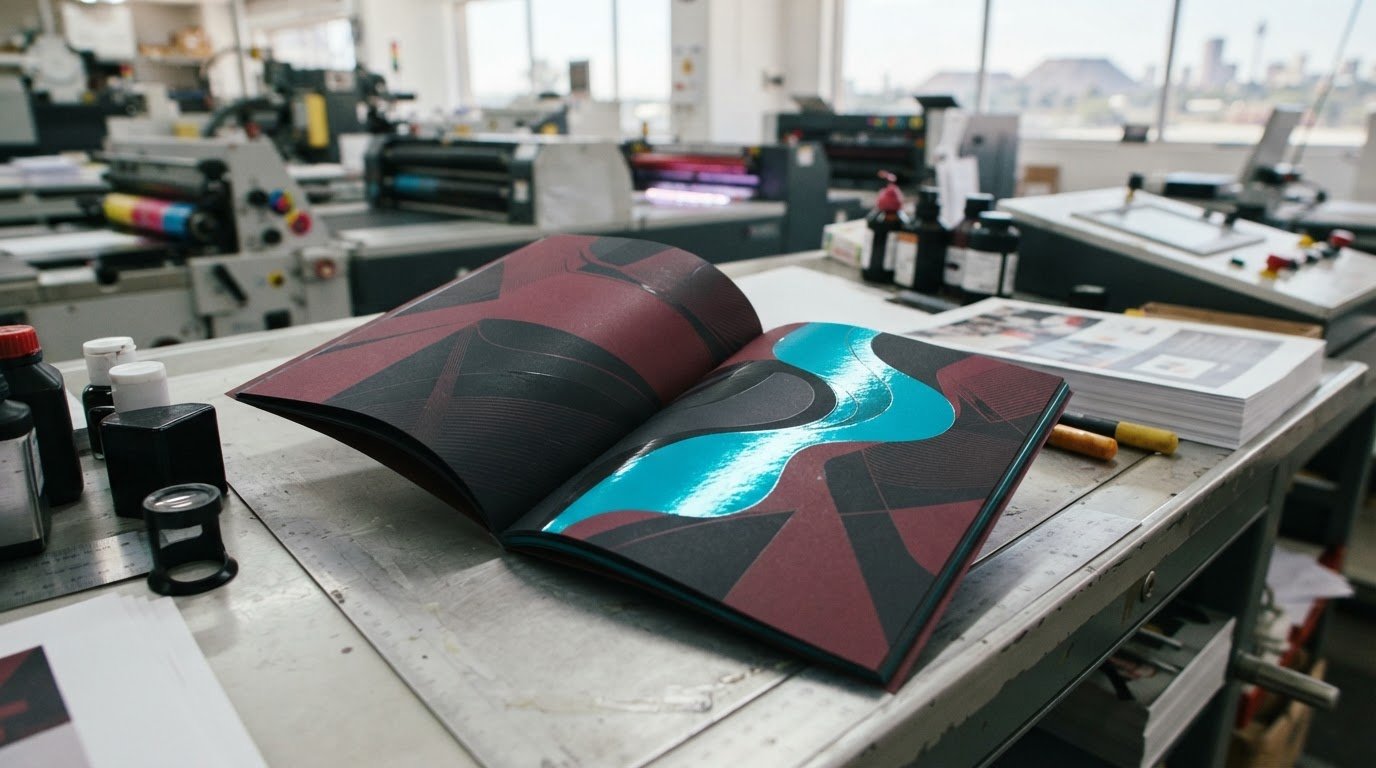
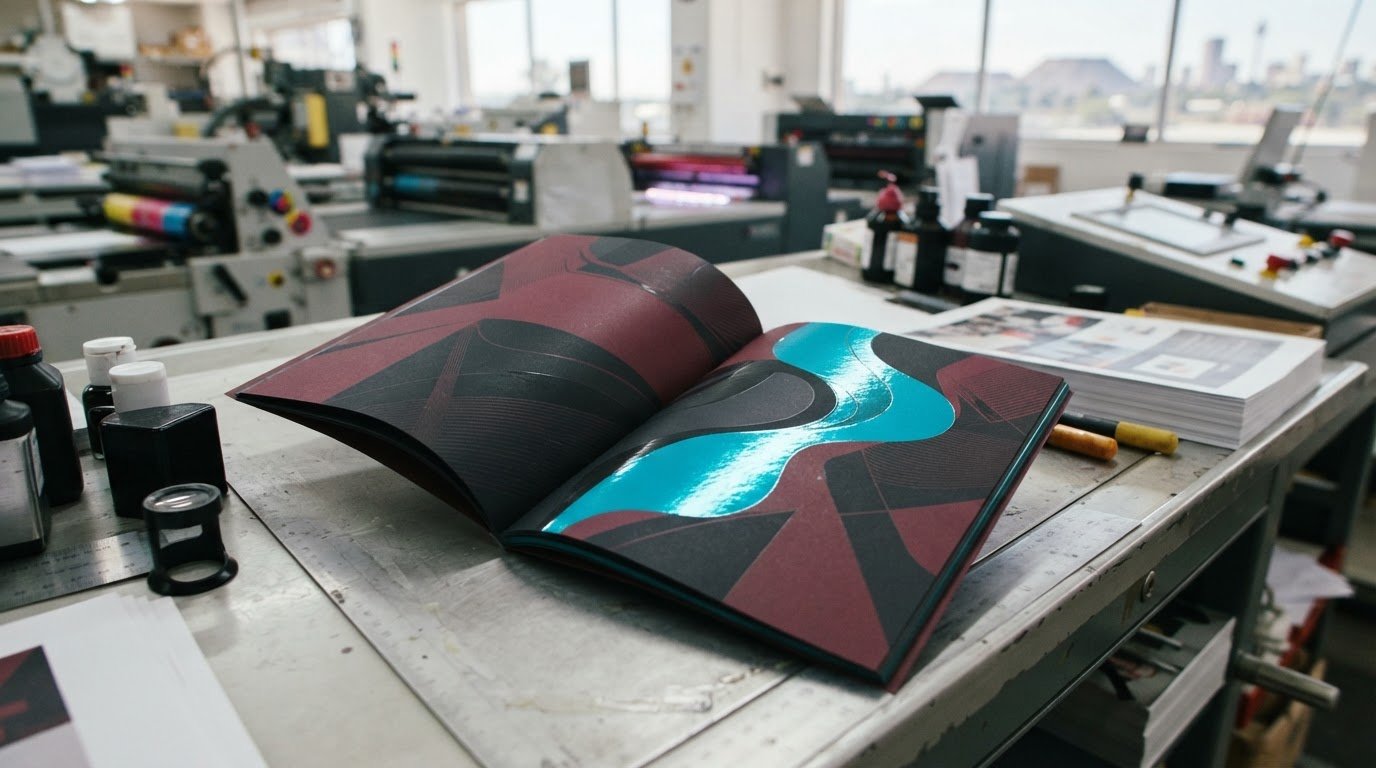
Before approving the design, review sample pages at the intended reading size. Check that text is easy to follow, images remain clear and colour supports rather than overwhelms the information. Also look at whether product details stand out consistently from page to page. The same attention to hierarchy and visual clarity appears in these brochure design tips, which can also inform catalogue layouts.
Print It ZA’s in-house design team can help shape catalogue artwork around your content and intended use. Explore catalogue design and print support as you develop specifications that work together, from page layout to finished publication.
How Can You Compare Catalogue Printers and Print Methods?
A useful comparison starts with the same brief for every proposal. Describe the catalogue’s purpose, audience, content, planned format and finishing needs, then consider how each production approach responds. This makes it easier to weigh the complete project instead of judging a quote by its headline price or focusing on print method alone.
When might litho or digital printing suit a catalogue project?
Digital and litho printing each have a place in catalogue production. The suitable method depends on the project’s scale, complexity and production requirements, including its content and the consistency needed across the finished copies. A focused catalogue with a specific distribution plan may raise different production questions from a broad publication with more complex requirements.
Include the intended quantity, artwork status and any particular requirements in your brief. These details help the production team consider the project as a whole and explain the relevant options. Avoid assuming that one method is always faster, less expensive or better. Print It ZA offers both litho and digital printing, with the method considered in relation to the brief.
For a closer look at how the two methods work, explore this litho and digital printing guide.
What should a fair printer comparison include?
Compare proposals against matching requirements. If one includes design support and finishing while another covers print production only, the headline totals don’t represent the same scope. Note what’s included, what information is assumed and which project details still need to be settled. This gives you a clearer basis for comparing overall value and the production plan.
- Brief and specifications: Check that the proposal reflects the same content, format and intended use.
- Design input: See how the team will support layout, artwork preparation or design development.
- Production and finishing: Compare the stated print method and finishing requirements against your brief.
- Delivery arrangements: Include the destination and delivery plan in the project discussion.
These details matter because a catalogue moves through connected stages. Design decisions affect the artwork, production turns approved files into printed pages, and finishing prepares the publication for use. Coordinating the stages can make responsibilities clearer and help keep the brief consistent throughout the job.
Print It ZA brings an in-house design team together with production and delivery support, so catalogue projects can be managed as a connected process. For a fair assessment, focus on how well the proposed approach fits your actual requirements, not on a universal ranking of print methods or providers. If you’re planning a catalogue, explore Print It ZA’s catalogue printing support as part of your project planning.
How Do You Prepare Artwork and Brief a Catalogue Printer?
A clear brief gives the design and production team a shared reference before layout begins. It can also surface missing content early, when changes are easier to manage. Gather the key project details first, then organise the text and assets that will appear in the catalogue.
What information belongs in a catalogue print brief?
Give your catalogue printer a practical overview of the project. Include who the readers are, what the catalogue should help them do, what content it needs to cover and where it will be used. Add your preferred format and any known paper or binding preferences. If you have delivery destinations or project milestones in mind, include those too.
- Define the audience and purpose: Describe who will use the catalogue and what information they need from it.
- Set the content scope: Identify product categories, descriptions, supporting information and any required opening or closing pages.
- Explain intended distribution: Note whether it’s for sales meetings, retail, events or direct customer communication, and include delivery destinations.
- Share preferences and milestones: Record format, paper or binding preferences, plus important review or approval dates.
How can you reduce artwork and content errors?
Organise final copy, product details and image assets before layout starts. Use one consistent structure for product information, such as the same order for names, descriptions and other details on each page. This makes the content easier to place and compare, and helps prevent omissions or mismatched information during design.
Keep assets clearly labelled so the design team can match each image to the right product. If details change, update the source material and share the current version to reduce the risk of outdated copy entering the layout. Print It ZA’s in-house design team can help bring your content and page design together as the project develops.
Before production proceeds, review the proof carefully. Check product names and descriptions against your approved information, confirm that images match the intended products, and follow the page sequence from beginning to end. Look at headings, captions and page references too. A proof review is your opportunity to catch content issues and assess how the catalogue reads and presents as a whole. Gather feedback in one set of clear, specific notes so corrections can be handled coherently.
With the brief, copy and assets organised, the next steps are easier to coordinate. Discuss your catalogue project with Print It ZA to bring the requirements and design support together.
Why Work with a Catalogue Printer in Johannesburg?
A catalogue project in Johannesburg benefits from a production partner who can keep design, printing and delivery connected. When one team coordinates the stages, decisions made during layout can carry through into production, and project details have a clear point of reference. This can make communication more straightforward, especially when content or requirements need attention as the project progresses.
Print It ZA is based in Gauteng and supports catalogue projects for Johannesburg businesses. Its in-house design team, print production and delivery support bring creative and practical considerations into the same workflow. You can plan the catalogue’s purpose and distribution needs together, rather than treating design, print and delivery as unrelated tasks.
How does end-to-end support help a catalogue project?
Each stage affects the next. Design organises the content and prepares the layout, production turns approved artwork into the printed publication, and delivery planning connects the finished catalogues with their intended destinations. A partner involved across these stages can help maintain continuity, so project information and decisions are carried forward clearly.
Your input remains important throughout the process. Clear communication about approvals, changes and delivery requirements helps keep everyone working from the same brief. When design and print production are coordinated as part of one project, it’s easier to discuss how a content or presentation change may affect the work still to come.
What happens after the catalogue is printed?
Plan distribution while shaping the project, not as an afterthought. Think about who needs the catalogue, where copies need to go and how those destinations relate to your sales, retail or event activity. Sharing this information early helps connect production planning with the publication’s intended use.
Print It ZA supports nationwide delivery and international export. Include your destinations and distribution requirements in the brief, and keep them clear as the work moves through production. For more catalogue-specific planning context, see this guide to professional catalogue printing in Johannesburg.
A local Gauteng base paired with wider delivery capabilities gives Johannesburg businesses a practical way to coordinate catalogue production while planning distribution beyond the city. Print It ZA brings design, print production and delivery support together, with each project shaped around its requirements.
Ready to put your plans into motion? Talk through your catalogue project with Print It ZA and share your audience, content and distribution needs.
Plan for Your Catalogue’s Next Edition
A catalogue can keep working beyond its first print run. As customers and sales teams use it, note which sections they return to, what questions come up and which product details they need more often. These observations can guide future content updates and help the next edition stay useful to its readers.
Start with a simple record of feedback from the people who handle or browse the catalogue. You might capture requests for clearer comparisons, missing information or changes to the product range. That practical input gives your next brief a stronger foundation and helps your catalogue evolve alongside your business.
Choosing a catalogue printer is one step in building a publication that represents your brand and supports real conversations with customers. You now have a clearer way to shape the project around its purpose and readers. Discuss your catalogue project with Print It ZA and take the next step with confidence.
Frequently Asked Questions
Can a catalogue printer help with design as well as printing?
Yes. Print It ZA supports catalogue design as well as printing, helping you shape the content into a clear, consistent publication. For example, a design team can establish a page template for product names, descriptions and images, so readers can compare entries easily. This is especially useful when your team has the information ready but needs help organising it into a polished layout that’s practical to update for future editions.
Is digital or litho printing better for a business catalogue?
Neither method is automatically best for every business catalogue. Digital printing may suit projects where flexibility or changing content is a consideration, while litho can be discussed for projects with different scale or consistency requirements. The right choice depends on your planned quantity, artwork, content complexity and production needs. Include these details in the brief so the recommendation reflects the complete project, rather than a general rule about either method.
Can I print catalogues for customers outside Johannesburg?
Yes. Print It ZA provides nationwide delivery, and international export is available for catalogues intended for customers beyond South Africa. As you plan the project, organise the delivery destinations and how copies should be allocated across them. A clear distribution plan connects the print order with the audience it needs to reach, whether catalogues are going to customers elsewhere in the country or overseas.
How much does catalogue printing cost in South Africa?
Catalogue printing costs vary by project, so there isn’t one standard price for every order. Specifications, quantity, paper, binding, finishing, design requirements and delivery arrangements all shape the quote. To compare proposals fairly, provide the same brief for each and review what’s included. Ask for the quote in South African rand (R), with the key project requirements clearly reflected, rather than relying on a broad estimate.
What makes a printed catalogue useful alongside an online store?
A printed catalogue gives customers a browsable selection they can handle, discuss or share away from a screen, while your online store can present the broader range and current information. For instance, a retailer might use print to highlight a seasonal edit, then direct customers to its online shop for further choices. Keep product names and descriptions aligned across both formats so customers can move between them without confusion.
Can one catalogue serve both sales meetings and retail environments?
Yes, one catalogue can serve both settings if its format and content work for each audience. In a sales meeting, staff may need pages that make it easy to compare options and explain details. In retail, customers should be able to browse independently and find sections quickly. Prioritise shared needs, such as clear navigation and consistent product information, then consider whether either setting calls for a separate version.